1
8510702.book Page 77 Thursday, July 7, 2005 11:21 AM
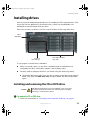
Installing drives
12
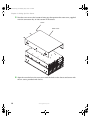
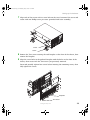
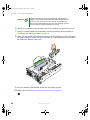
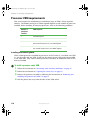
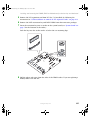
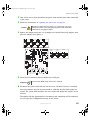
Reconnect the front panel cable to the SCSI hot-swap backplane by following the
instructions in “Replacing the SCSI hot-swap backplane” on page 139.
13
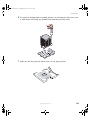
Replace the processor air baffle by following the instructions in “Removing and
installing the processor air baffle” on page 67.
14
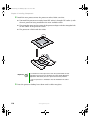
Follow the instructions in “Closing the server case” on page 72.
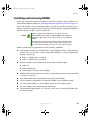
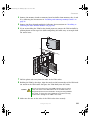
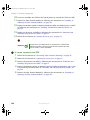
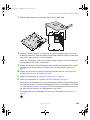
Installing a fixed, removable-media drive in a 5.25-inch
drive bay
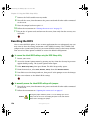
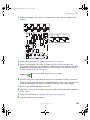
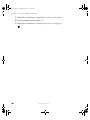
Use these instructions to install or replace a CD, DVD, or tape drive.
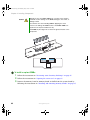
Caution
Cooling and EMI constraints do not permit the installation of an IDE
hard drive in either of the 5.25-inch drive bays.
Caution
CD, DVD, and tape drives are not hot-swappable, so the server must
be turned off and the AC power cords removed prior to installing,
removing, or servicing these devices.
Important
Two half-height or one full-height SCSI tape drive can be installed in
the available 5.25-inch drive bays.
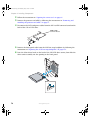
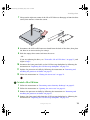
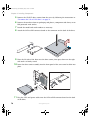
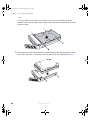
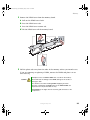
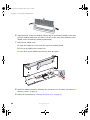
To install a 5.25-inch drive:
1
2
3
Follow the instructions in “Preventing static electricity discharge” on page 65.
Follow the instructions in “Opening the server case” on page 66.
If you are replacing a drive, go to Step 5.
- OR -
www.gateway.com
77