1
Functions and dialogs
Trawl
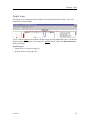
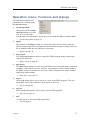
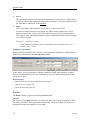
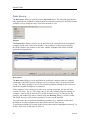
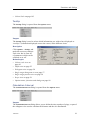
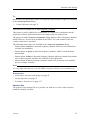
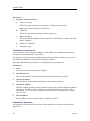
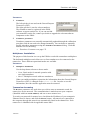
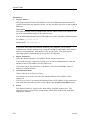
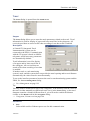
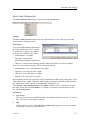
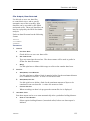
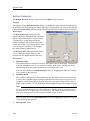
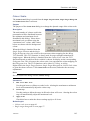
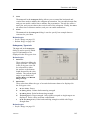
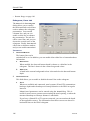
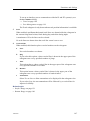
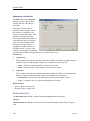
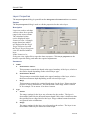
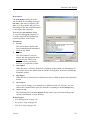
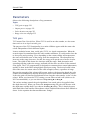
The Trawl dialog is opened from the Install menu.
Purpose
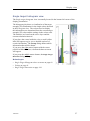
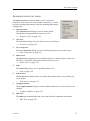
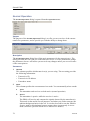
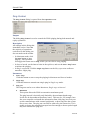
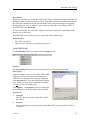
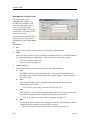
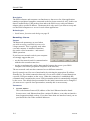
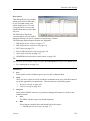
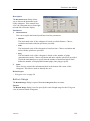
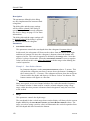
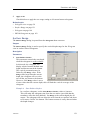
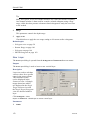
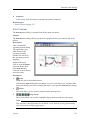
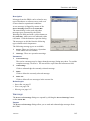
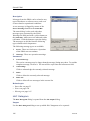
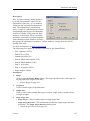
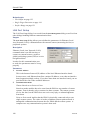
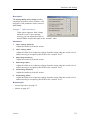
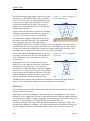
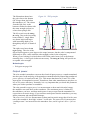
The Trawl dialog allows you to enter the main parameters related to the trawl. Trawl
information is used for display of upper and lower trawl line in the echogram. All
received speed data are stored to file when recording of raw data to file is enabled.
Description
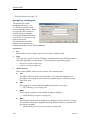
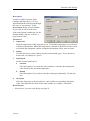
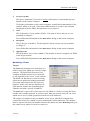
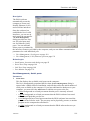
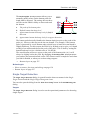
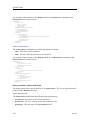
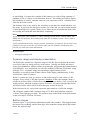
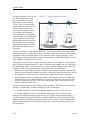
A Simrad ITI (Integrated Trawl
Instrumentation) system can be
connected to the EK60. Communication
with the ITI system is based on NMEA
telegrams, and all necessary parameters
are automatically defined.
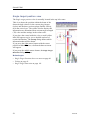
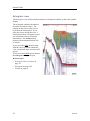
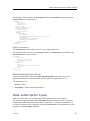
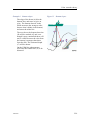
Trawl information is used for display
of an upper and/or lower trawl line in
the echogram. All received data are
stored to file when recording of raw data
is enabled.
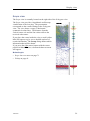
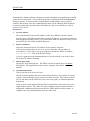
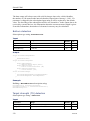
If another trawl or catch monitoring
system is used, and this system does not provide the trawl opening and/or trawl distance
automatically, the values must be entered manually.
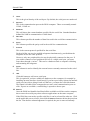
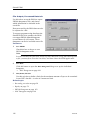
To set up the interface parameters between the trawl or catch monitoring system and the
EK60, use the Port Management dialog.
→ Port Management on page 118
Tip
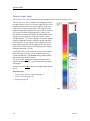
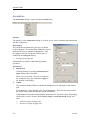
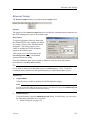
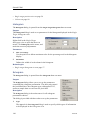
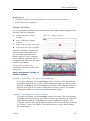
You may wish to include trawl lines in the echograms. If the distance from the vessel to
the trawl is either manually set different from 0 (zero) in the Trawl dialog, or the trawl
datagram contains a distance different from 0, you will need to enable the distance
counter on the Distance tab in the Navigation dialog.
→ Navigation; Distance tab on page 104
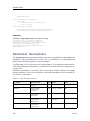
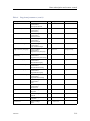
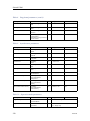
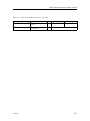
Parameters
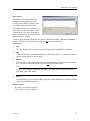
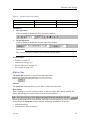
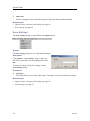
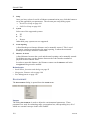
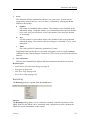
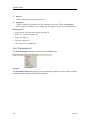
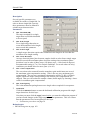
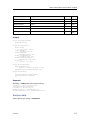
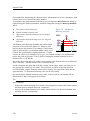
1 Port
Select which serial or Ethernet port to use for this communication.
164692/D
109