1
The menu system
6
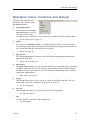
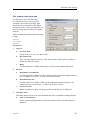
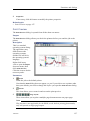
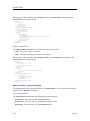
Save Settings
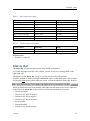
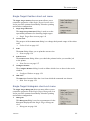
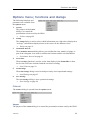
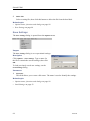
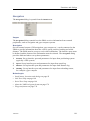
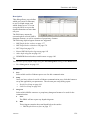
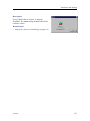
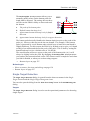
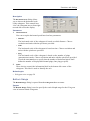
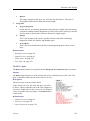
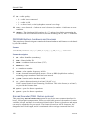
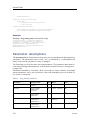
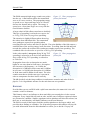
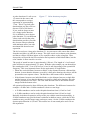
The Save Settings dialog is save operational settings.
→ Save Settings on page 94
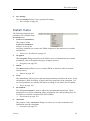
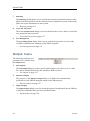
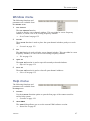
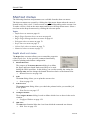
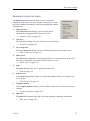
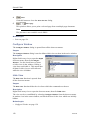
Install menu
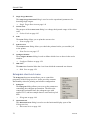
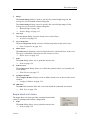
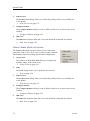
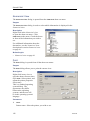
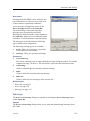
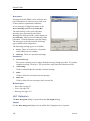
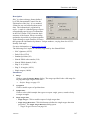
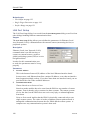
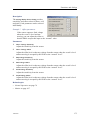
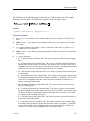
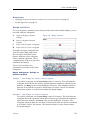
The following functions and
parameters are available from
the Install menu.
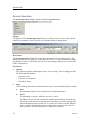
1
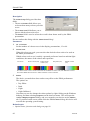
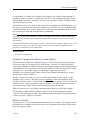
Transceiver (Installation)
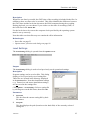
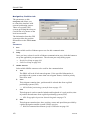
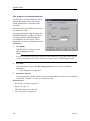
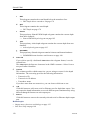
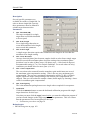
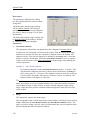
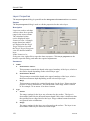
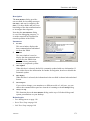
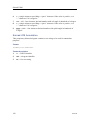
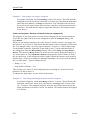
The purpose of the
Transceiver Installation
dialog is to set up the
necessary parameters to connect the EK60 computer to the transceiver(s) and the
transducer(s).
→ Transceiver Installation on page 96
2
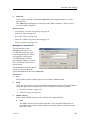
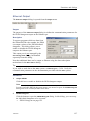
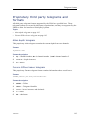
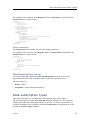
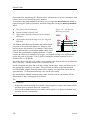
Navigation
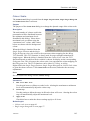
The Navigation dialog controls how the EK60 receives information from external
peripherals, such as navigation and gyro compass systems.
→ Navigation on page 101
3
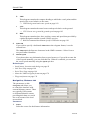
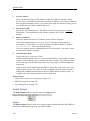
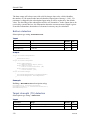
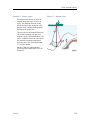
Motion
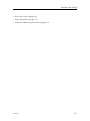
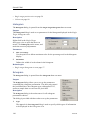
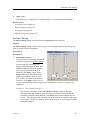
The Motion dialog allows you to set up the EK60 to interface with an external
motion sensor.
→ Motion on page 107
4
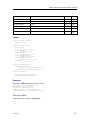
Trawl
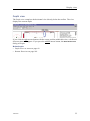
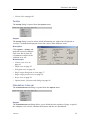
The Trawl dialog allows you to enter the main parameters related to the trawl. Trawl
information is used for display of upper and lower trawl line in the echogram. All
received speed data are stored to file when recording of raw data to file is enabled.
→ Trawl on page 109
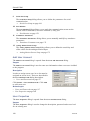
5
Environment
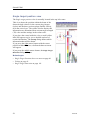
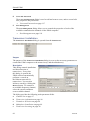
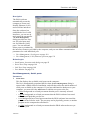
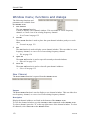
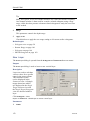
The dialog Environment is used to adjust the environmental parameters. These
parameters are used for estimating range, propagation loss, and spreading loss, all
of which are essential concepts in the echo sounder.
→ Environment on page 110
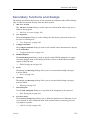
6
Annotation
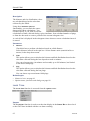
The purpose of the Annotations dialog is to allow you to enter comments and
annotations into the echograms.
→ Annotation on page 112
164692/D
65