1
SDA-5500/SDA-5510 Sweep Configuration: Configuring Reverse Sweep
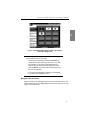
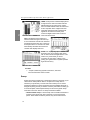
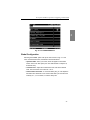
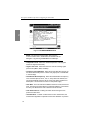
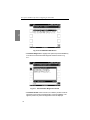
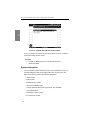
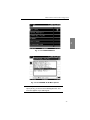
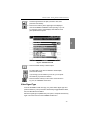
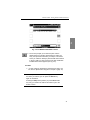
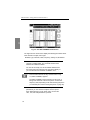
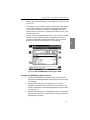
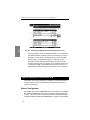
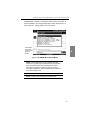
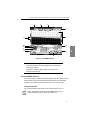
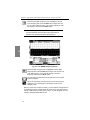
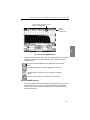
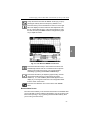
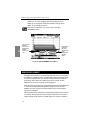
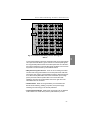
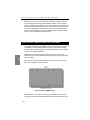
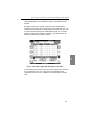
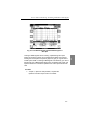
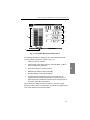
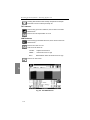
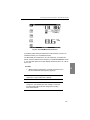
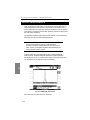
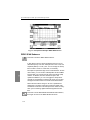
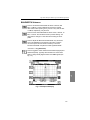
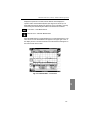
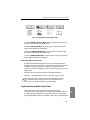
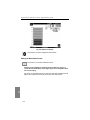
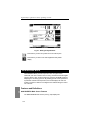
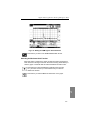
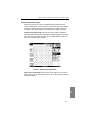
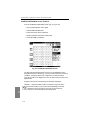
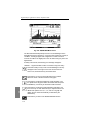
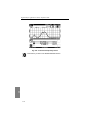
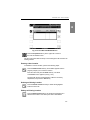
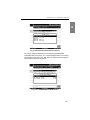
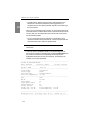
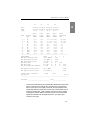
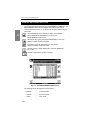
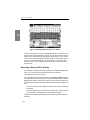
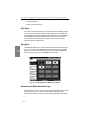
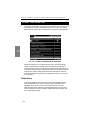
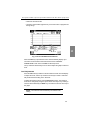
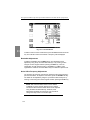
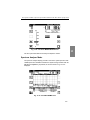
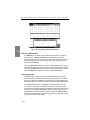
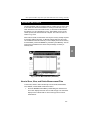
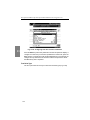
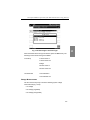
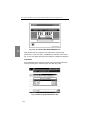
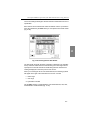
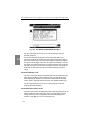
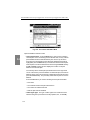
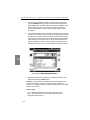
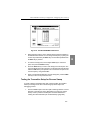
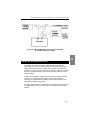
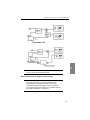
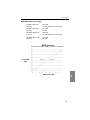
Fig. 14-18 The EDIT REVERSE PLAN Screen
3.
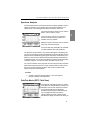
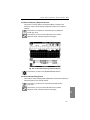
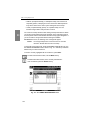
Notice that the frequency of the selected sweep point also appears in
the Edit Box below the list. You can change the frequency by using the
numeric keys followed by the Enter key. The list will be updated when
the Enter key is pressed.
4.
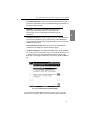
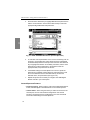
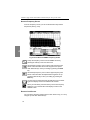
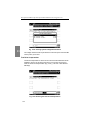
To remove a sweep point, use the up or down keys to select the
point, then press the Delete soft key.
5.
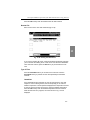
Press the Add soft key to insert a new sweep point into the plan. The
new point will be at the same frequency as the point that was selected
when the Add soft key was pressed. You must set the new point to the
correct frequency using the Edit Box.
6.
When you are finished editing the reverse sweep plan, press the EXIT
soft key to return to the previous screen.
Testing the Transmitter Setup for Reverse Sweep
It is best to test the transmitter setup and connection within the headend
before proceeding into the field. The following tips should help in the
debugging process:
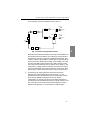
1.
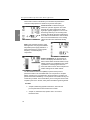
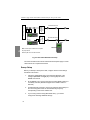
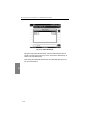
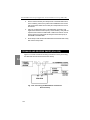
Find an available input on the return path combining network. Connect
this point to the OPT port of the SDA-5000 you’re using for reverse
sweep. Leave in place the forward path connection described in
"Testing the Transmitter Setup for Forward Sweep" (page 283).
295
14