1
Measuring System Performance: Measuring Signal Levels
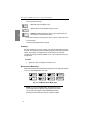
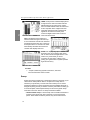
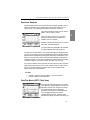
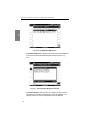
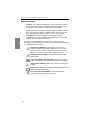
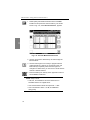
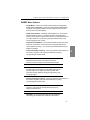
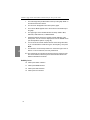
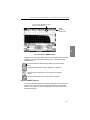
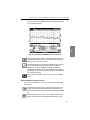
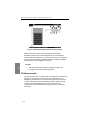
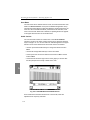
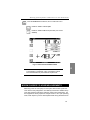
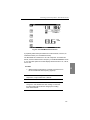
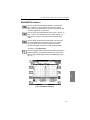
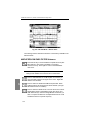
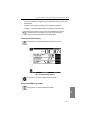
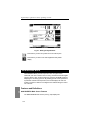
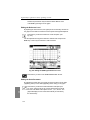
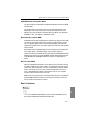
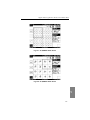
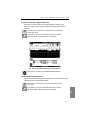
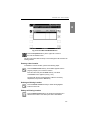
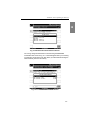
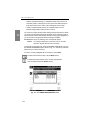
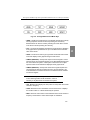
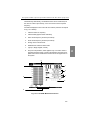
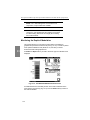
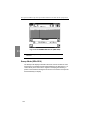
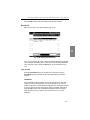
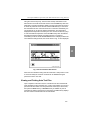
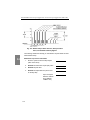
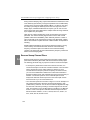
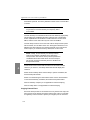
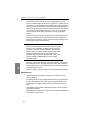
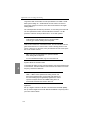
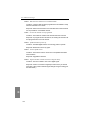
Pressing this resets the start and stop frequencies to full span.
Press this to zoom to values previously set.
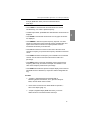
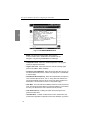
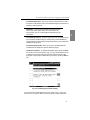
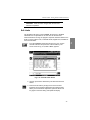
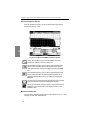
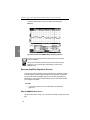
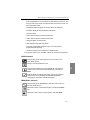
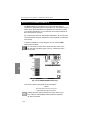
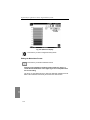
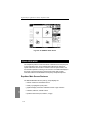
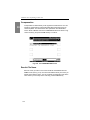
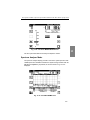
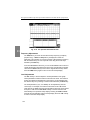
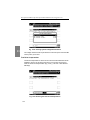
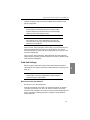
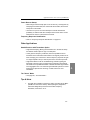
TILT Submenu
Press to bring up the TILT submenu, then to return to the main
SCAN screen
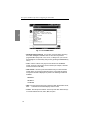
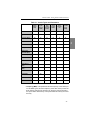
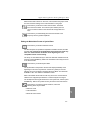
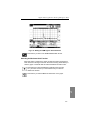
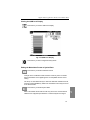
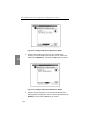
Press to turn Tilt compensation on or off.
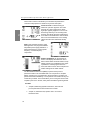
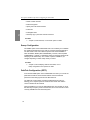
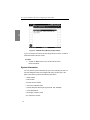
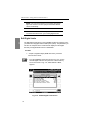
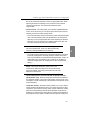
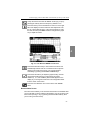
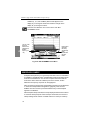
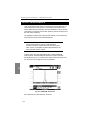
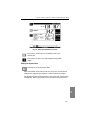
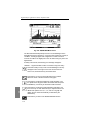
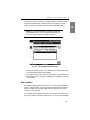
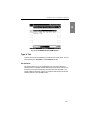
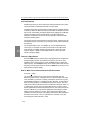
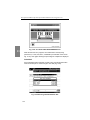
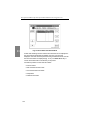
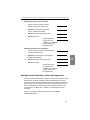
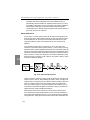
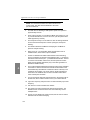
LIMIT Submenu
Press to bring up the LIMIT submenu, then to return to the main
SCAN screen.
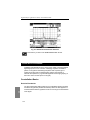
Press to turn Limit on or off.
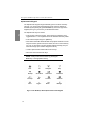
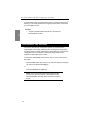
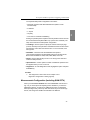
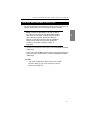
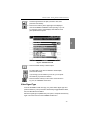
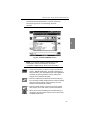
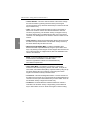
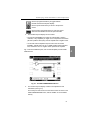
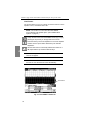
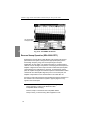
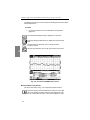
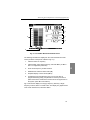
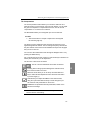
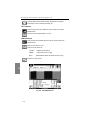
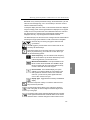
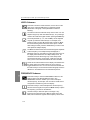
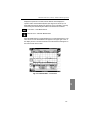
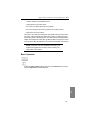
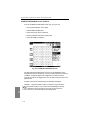
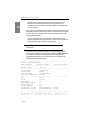
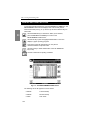
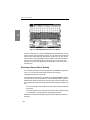
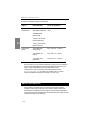
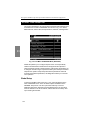
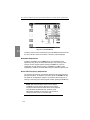
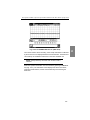
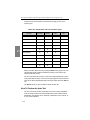
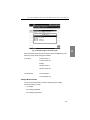
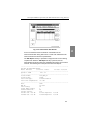
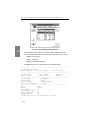
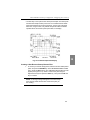
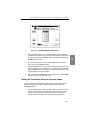
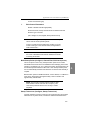
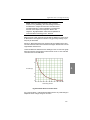
Limit errors are shown as:
<CHAN>
Adjacent channel error
VIDEO ∨
Video level too low or high
DVA ∧
Delta between video and audio too low or high
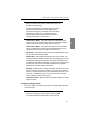
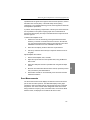
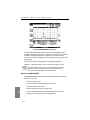
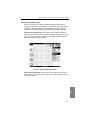
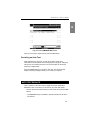
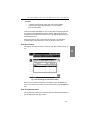
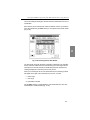
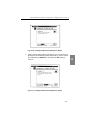
Press to run auto check.
6
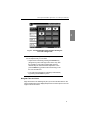
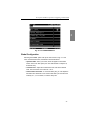
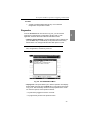
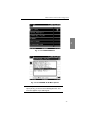
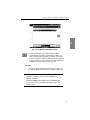
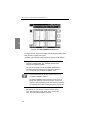
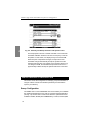
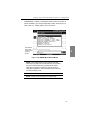
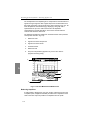
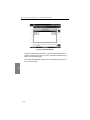
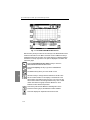
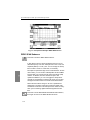
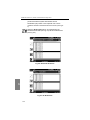
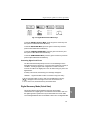
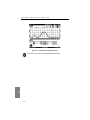
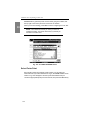
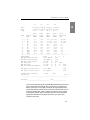
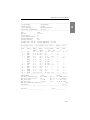
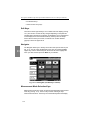
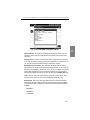
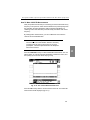
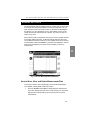
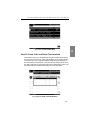
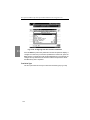
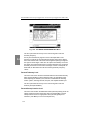
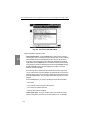
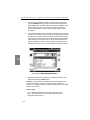
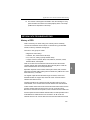
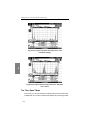
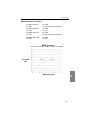
Fig. 6-5 The LIMITS Screen
118