1
Appendix
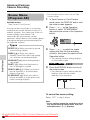
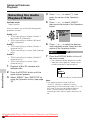
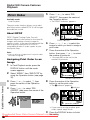
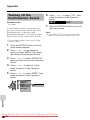
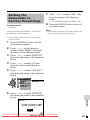
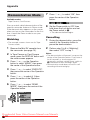
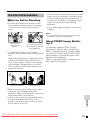
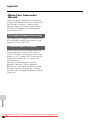
Demonstration Mode
7
Available modes:
Tape Camera, Card Camera
You can watch a brief demonstration of the
special camcorder features in Demo mode.
If the demonstration appears on the screen
when you turn on the camcorder for the first
time, cancel the Demo mode to use your
camcorder.
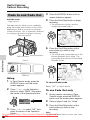
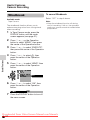
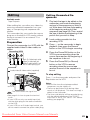
Watching
DEMO MODE
8
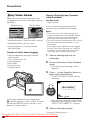
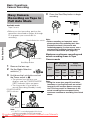
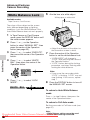
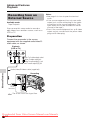
Remove the Mini DV cassette from
the camcorder (see page 10).
2
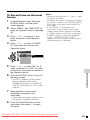
In Tape Camera or Card Camera
mode, press the DISPLAY button until
the mode screen appears.
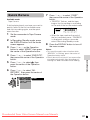
3
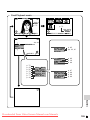
Press l or m on the Operation
button to select “MENU”, then press
the centre of the Operation button.
4
Press l or m to select “EXECUTE”,
then press the centre of the Operation
button.
5
Press l or m to select Z, then
press the centre of the Operation
button.
6
Press l or m to select “DEMO
MODE”, then press the centre of the
Operation button.
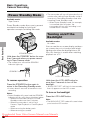
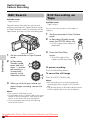
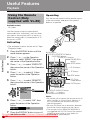
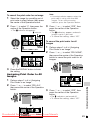
Set the Power switch to OFF, then
hold down the Lock button and set
the Power switch to v.
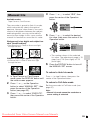
Cancelling
1
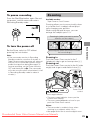
During the demonstration, press the
centre of the Operation button to
pause the demonstration.
2
Perform step 3 to 6 in “Watching”,
then select “OFF” in step 7.
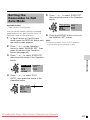
Notes:
• The demonstration will pause if you press the
centre of the Operation button. If you leave it
for 60 seconds, or turn the power off
temporarily and then set the Power switch to
v, the demonstration will begin again.
• Demonstration mode does not work in self
recording with reversed grip.
Appendix
O T H E RS 1
DE F AUL T
R EMO T E
BEEP
PH O N E S V O L
D EMO MO D E
OF F
ON
R E T URN
Downloaded From VideoCamera-Manual.com Manuals
90
ON
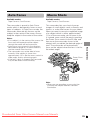
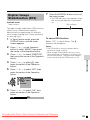
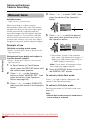
• The demonstration begins.
• The example screens shown are for Tape
Camera mode.
1
Press l or m to select “ON”, then
press the centre of the Operation
button.