1
Useful Features
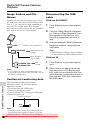
Camera Recording
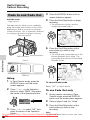
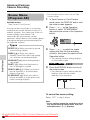
Edit Search
Available mode:
Tape Camera
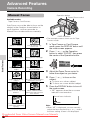
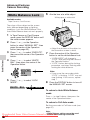
The edit search function lets you search,
without switching from Tape Camera mode
to Tape Playback mode, for the point on the
tape where you wish to start recording next.
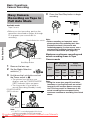
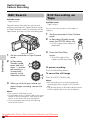
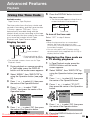
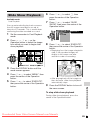
Still Recording on
Tape
Available mode:
Tape Camera
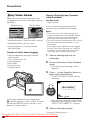
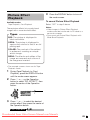
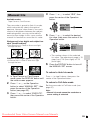
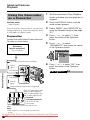
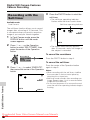
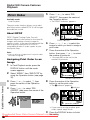
You can record continuous still images of
subjects.
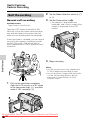
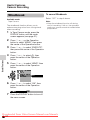
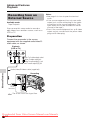
1
Set the camcorder to Tape Camera
mode.
2
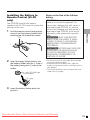
In Recording Standby mode,
press the PHOTO button fully.
• A still image of the subject is
displayed.
Useful Features
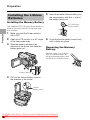
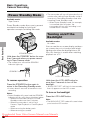
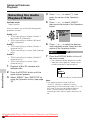
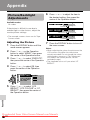
Operation button
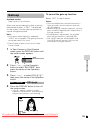
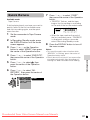
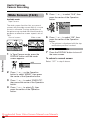
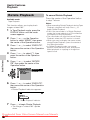
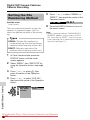
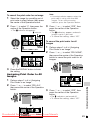
1
Set the camcorder to Tape Camera
mode.
2
In Recording
Standby mode,
press and hold
down j (reverse
edit search) or k
(forward edit
search) on the
Operation button.
3
When you find the point where you
want to begin recording, release the
button.
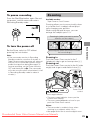
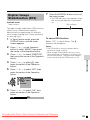
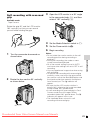
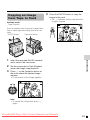
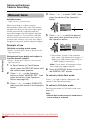
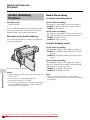
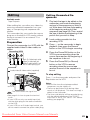
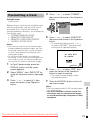
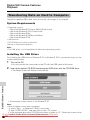
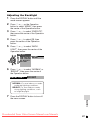
3
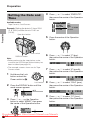
Press the Start/Stop
button.
• The still image of the
subject will be recorded.
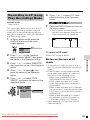
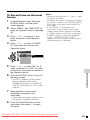
To pause recording
Press the Start/Stop button.
To cancel the still image
Press the PHOTO button fully.
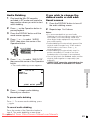
Notes:
• Still Recording can also be used during
recording by pressing the PHOTO button
fully.
• The picture quality in Still Recording function
will be slightly lower than normal pictures.
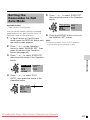
Notes:
• The sound is off during search.
• Forward edit search is performed at the same
speed as normal playback, and reverse edit
search at 6.5 times the normal playback.
• You may experience picture noise during
reverse edit search.
Downloaded From VideoCamera-Manual.com Manuals
38