1
Avid DS 6+
SETUP
Avid DS 6+ (Note:
there are many ways to setup this type of compostie in Avid DS. This is just one example.)
1
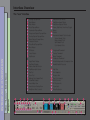
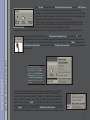
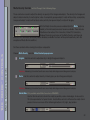
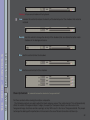
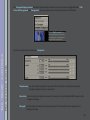
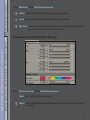
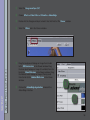
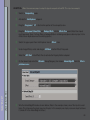
Switch to Compositing mode.
2
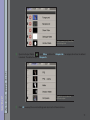
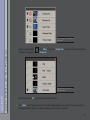
Activate the Avid Explorer subpanel.
3
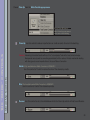
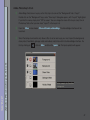
Drag the Foreground to C1 in the timeline portion of the composite view.
4
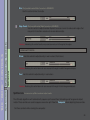
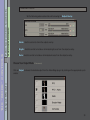
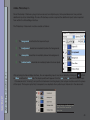
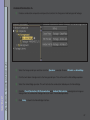
Drag the Background, Clean Plate and Garbage Matte into the Effects Tree panel. (Note: Four inputs
must be present. Even if a Clean Plate or Garbage Matte is not being used, place a dummy input in the
effects tree or duplicate one of the existing inputs.)
5
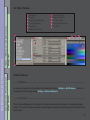
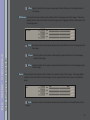
Switch the upper panel from Avid Explorer view to Effects view.
6
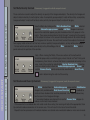
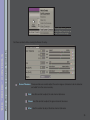
Under Image Effects, select and drag an AVX Host into the Effects Tree panel.
7
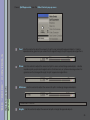
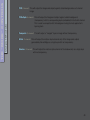
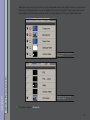
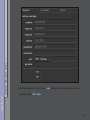
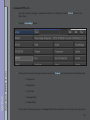
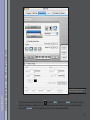
Select the AVX Host in the Effects Tree to activate the Property Editor subpanel.
8
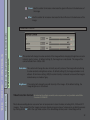
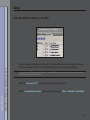
On the Generic tab, select the Ultimatte Group/Category, then choose AdvantEdgeDS from the Effects
pulldown menu.
9
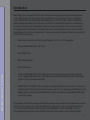
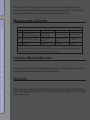
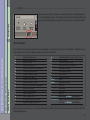
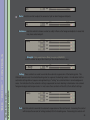
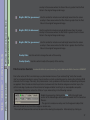
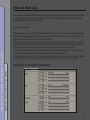
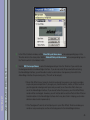
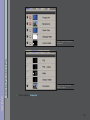
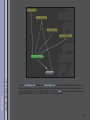
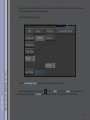
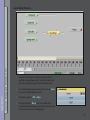
Wire the AdvantEdgeDS node as shown below. (Note in the example shown, one of the inputs is used
twice. This is because the plugin requires 4 inputs. In this example, we simply reuse one input but leave
it turned off in the AdvantEdge interface.)
64