1
Image
Image
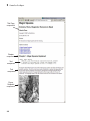
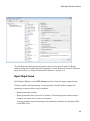
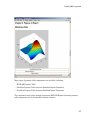
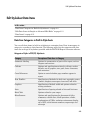
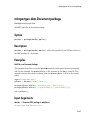
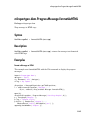
Insert image from external file into report
Description
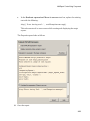
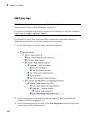
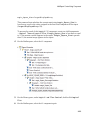
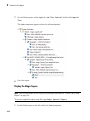
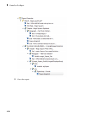
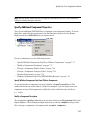
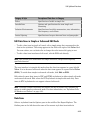
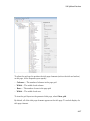
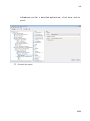
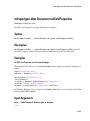
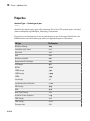
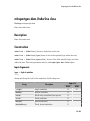
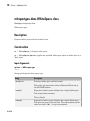
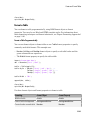
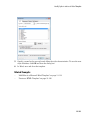
This component inserts an image from an external file into the report. It can have the
Chapter/Subsection or Paragraph component as its parent. If the Paragraph
component is its parent, you must select the Insert as inline image check box.
Class
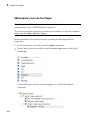
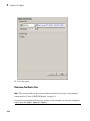
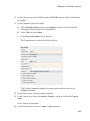
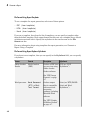
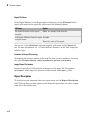
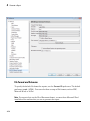
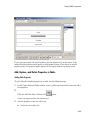
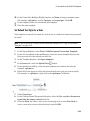
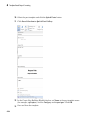
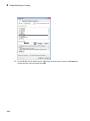
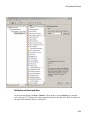
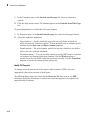
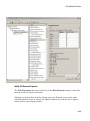
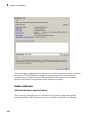
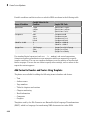
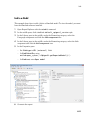
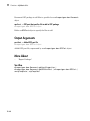
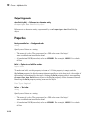
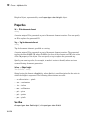
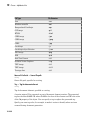
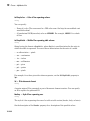
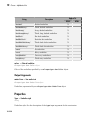
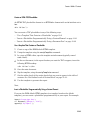
• File name: Specifies the image file name. You can enter this name manually, or use
the Browse button (...) to find the image file.
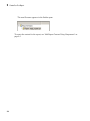
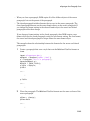
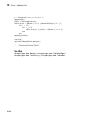
The image must be in a format that your viewer can read. An error like the following
appears if you specify the name of an image file that does not exist:
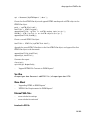
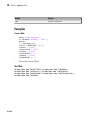
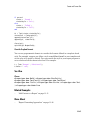
No file name.
Could not create graphic.
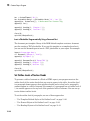
This field supports %<VariableName> notation. For more information about this
notation, see “%<VariableName> Notation” on page 10-98 on the Text component
reference page.
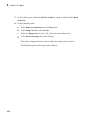
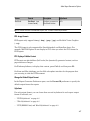
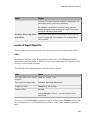
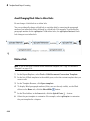
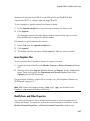
• Copy to local report files directory: Saves a copy of the image to a local report
files folder.
Display Options
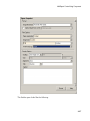
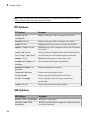
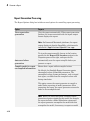
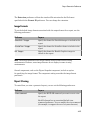
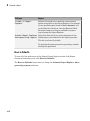
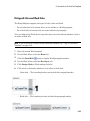
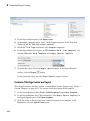
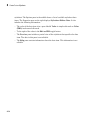
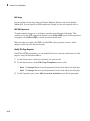
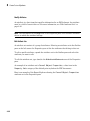
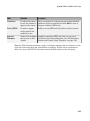
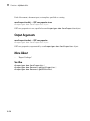
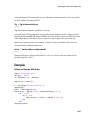
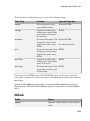
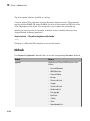
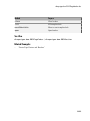
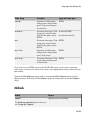
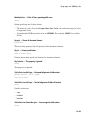
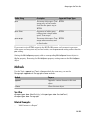
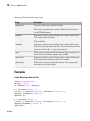
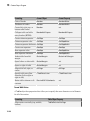
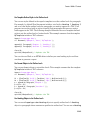
• Scaling: Controls size of the image, as displayed in a browser. Making an image
larger using this option does not affect the storage size of the image, but the quality
of the displayed image may decrease as you increase or decrease the size of the
displayed image.
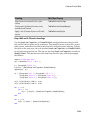
Generally, to achieve the best and most predictable display results, use the default
setting of Use image size.
10-41