1
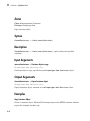
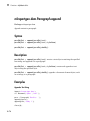
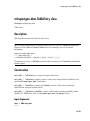
mlreportgen.dom.Document.append
mlreportgen.dom.Document.append
Package: mlreportgen.dom
Append DOM or MATLAB object to document
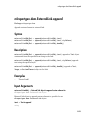
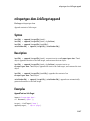
Syntax
domObjOut
domObjOut
domObjOut
domObjOut
=
=
=
=
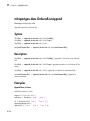
append(docObj,textContent)
append(docObj,listContent)
append(docObj,tableContent)
append( ___ ,styleName)
domObjOut = append(docObj,domObj)
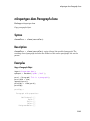
Description
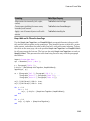
domObjOut = append(docObj,textContent) appends text or numbers to a
document and returns a text element object.
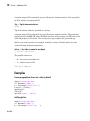
domObjOut = append(docObj,listContent) appends a one-dimensional cell array
as an unordered list and returns an unordered list object.
domObjOut = append(docObj,tableContent) appends a two-dimensional cell array
as a table and returns a table object.
domObjOut = append( ___ ,styleName) appends the specified content, using the
specified style.
domObjOut = append(docObj,domObj) appends a DOM object to the document and
returns a document element object.
Examples
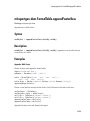
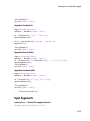
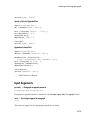
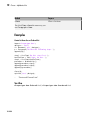
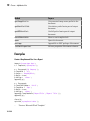
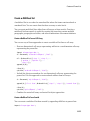
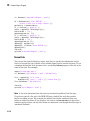
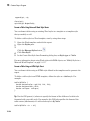
Append an Ordered List Object
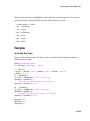
Create an OrderedList object and append it to a report.
11-15