1
Add Report Content Using Components
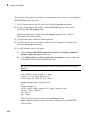
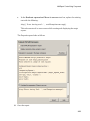
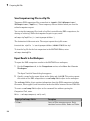
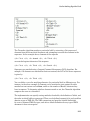
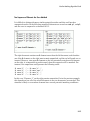
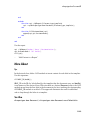
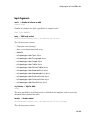
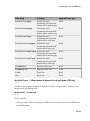
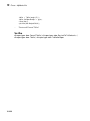
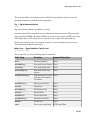
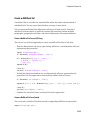
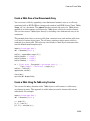
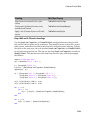
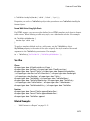
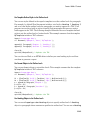
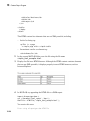
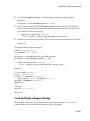
magic_Square_Size<=largestDisplayedArray
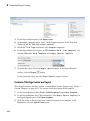
This command tests whether the current matrix size (magic_Square_Size) is
less than or equal to the value assigned in the first Eval component of the report
(largestDisplayedArray=15).
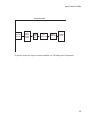
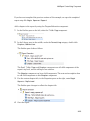
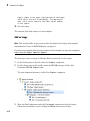
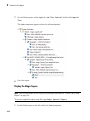
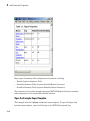
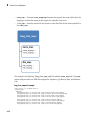
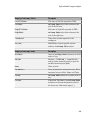
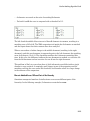
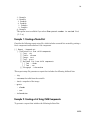
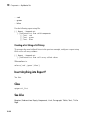
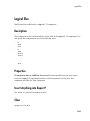
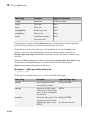
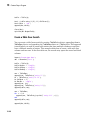
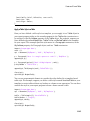
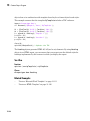
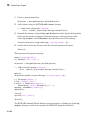
To process the result of this Logical If component, create two child components
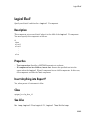
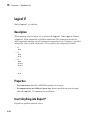
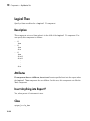
—Logical Then and Logical Else. If magic_Square_Size is less than or equal
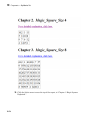
to 15, the matrix variable appears in the report. If magic_Square_Size is greater
than 15, the matrix image appears in the report.
4
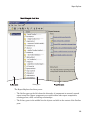
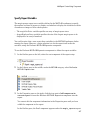
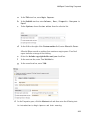
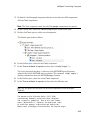
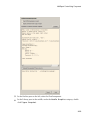
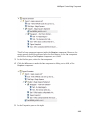
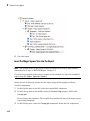
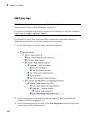
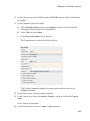
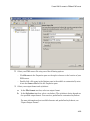
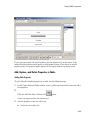
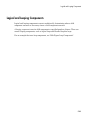
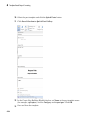
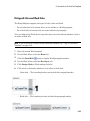
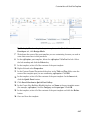
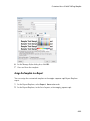
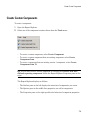
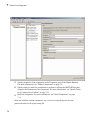
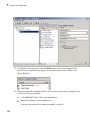
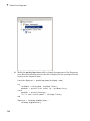
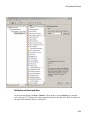
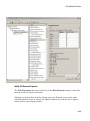
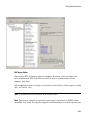
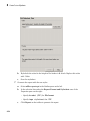
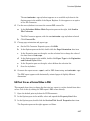
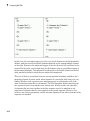
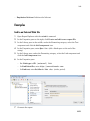
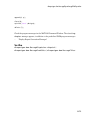
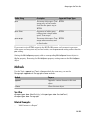
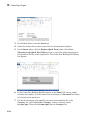
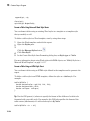
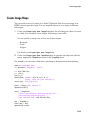
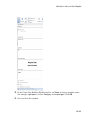
On the Outline pane, select the if component.
5
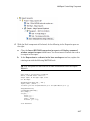
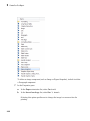
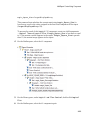
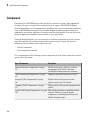
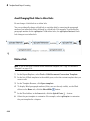
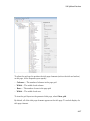
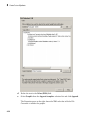
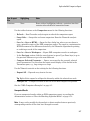
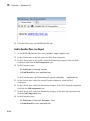
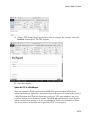
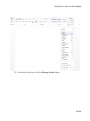
On the Library pane, under Logical and Flow Control, double-click Logical
Else.
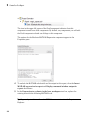
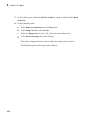
6
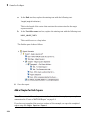
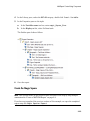
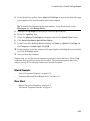
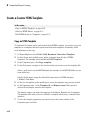
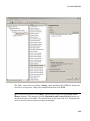
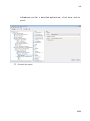
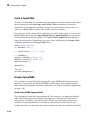
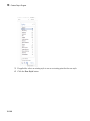
On the Outline pane, select the if component again.
2-33