1
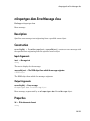
Add Report Content Using Components
4
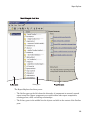
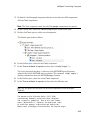
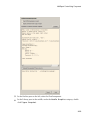
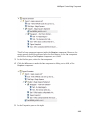
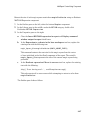
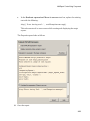
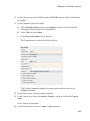
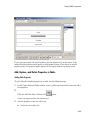
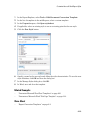
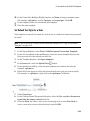
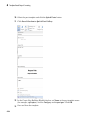
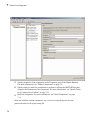
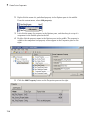
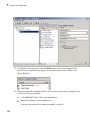
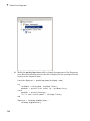
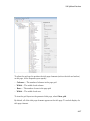
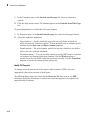
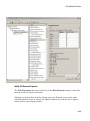
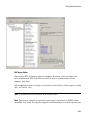
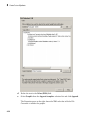
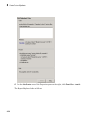
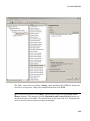
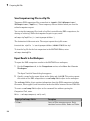
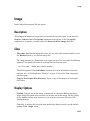
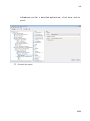
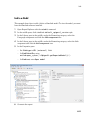
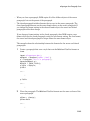
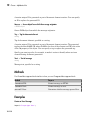
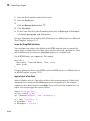
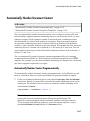
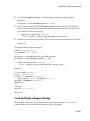
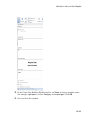
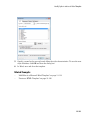
With the Eval component still selected, do the following in the Properties pane on
the right:
a
Clear the Insert MATLAB expression in report and Display command
window output in report check boxes. You do not want to include the code or
its output in the report.
b
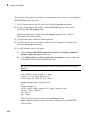
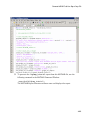
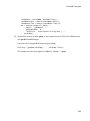
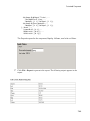
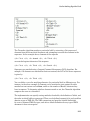
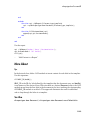
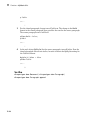
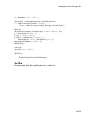
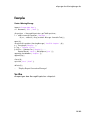
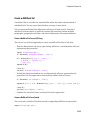
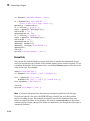
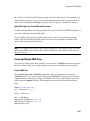
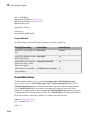
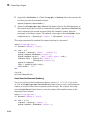
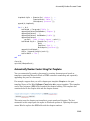
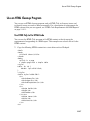
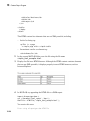
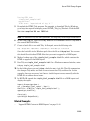
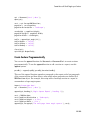
In the Expression to evaluate in the base workspace text box, replace the
existing text with the following MATLAB code.
Tip Copy and paste this text from the HTML documentation into the Report
Explorer.
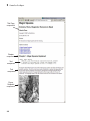
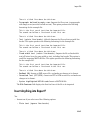
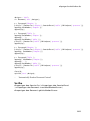
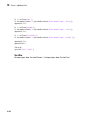
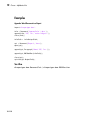
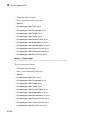
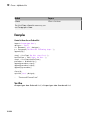
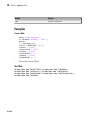
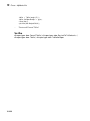
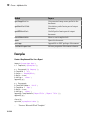
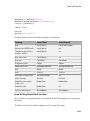
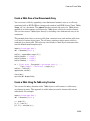
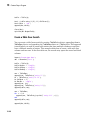
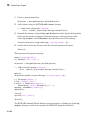
%This loads a self-portrait of Albrecht
%Durer, a German artist. There is a
%magic square in the upper right corner
%of the image.
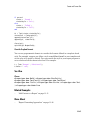
durerData=load('durer.mat','-mat');
figure('Units','Pixels',...
'Position',[200 200 size(durerData.X,2)*.5 size(durerData.X,1)*.5 ]);
image(durerData.X);
colormap(durerData.map);
axis('image');
set(gca,...
'Xtick',[],...
'Ytick',[],...
'Units','normal',...
'Position',[0 0 1 1]);
clear durerData
2-17