1
DIRECTLY PRINTING A FILE IN USB MEMORY
A file in a USB memory device connected to the machine can be printed from the operation panel of the machine without
using the printer driver. When the printer driver of the machine is not installed on your computer, you can copy a file into
a commercially available USB memory device and connect the device to the machine to print the file directly.
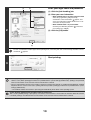
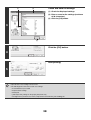
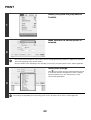
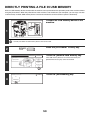
Connect the USB memory device to the
machine.
1
Consult your dealer for USB memory devices that can be used.
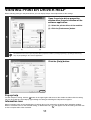
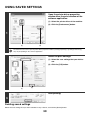
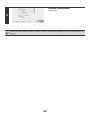
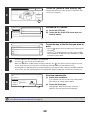
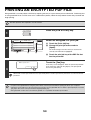
Press the [DOCUMENT FILING] key.
DOCUMENT
FILING
2
HDD Status
File Store
Scan to HDD
3
Search
File Retrieve
File
Folder
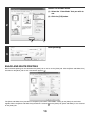
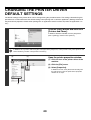
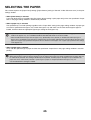
Touch the [External Data Access] key.
If the USB memory device is not connected correctly, the
[External Data Access] key cannot be touched.
Quick File
Folder
External Data
Access
External Data Access
Back
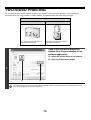
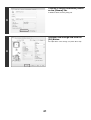
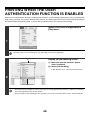
Touch the [USB Memory] key.
FTP
4
USB Memory
50