1
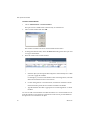
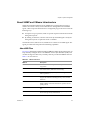
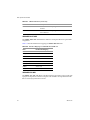
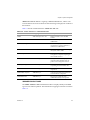
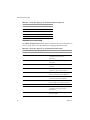
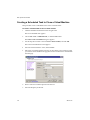
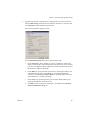
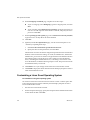
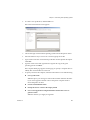
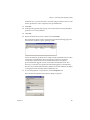
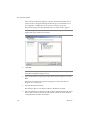
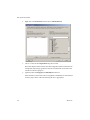
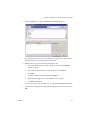
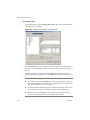
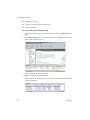
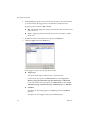
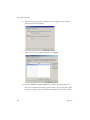
Basic System Administration You can also specify whether the SCSI bus is shared. Depending on the type of sharing, virtual machines can access the same virtual disk simultaneously on the same server or any server. 1 Click the Hardware tab. 2 Click the appropriate SCSI Controller in the Device list. 3 Select the SCSI controller type in the list. CAUTION Changing the SCSI controller type might result in a virtual machine boot failure. 4 5 Select the type of sharing in the SCSI Bus Sharing list: None – Virtual disks cannot be shared by other virtual machines. Virtual – Virtual disks can be shared by virtual machines on same server. Physical – Virtual disks can be shared by virtual machines on any server. Click OK to save your changes and close the dialog box. To change the serial port configuration (SEE UPDATE) 1 Click the Hardware tab. 2 Click the appropriate Serial port in the Hardware list. 3 If you selected Use physical serial port, use the drop‐down menu to choose the port on the host computer that you want to use for this serial connection. 4 If you selected Use output file, browse to the location of the file on the host that you want to use to store the output of the virtual serial port. 5 If you selected Use named pipe, use the default pipe name or enter another pipe name of your choice in the Pipe Name list. For a serial pipe for a virtual machine on an ESX Server host for Linux host, enter /tmp/<socket> or another UNIX socket name of your choice. Then decide whether you are connecting two virtual machines or connecting a virtual machine to an application on the host. 184 VMware, Inc.