1
mx2301_ex_qck.book
2 ページ
2009年8月7日 金曜日 午後4時6分
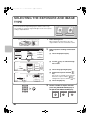
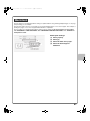
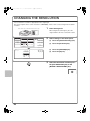
CHECKING THE IP ADDRESS
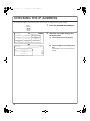
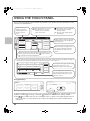
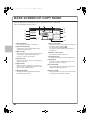
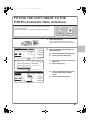
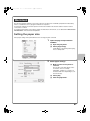
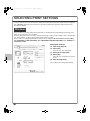
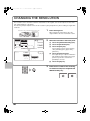
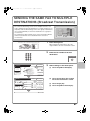
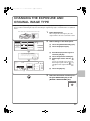
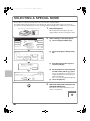
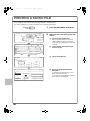
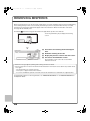
To check the IP address of the machine, print out the all custom setting list in the system settings.
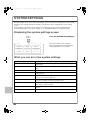
SYSTEM
SETTINGS
System Settings
Admin Password
Total Count
Default Settings
List Print
(User)
Paper Tray
Settings
Address Control
Fax Data
Receive/Forward
Printer Condition
Settings
Document Filing
Control
USB-Device Check
Exit
1/2
(2)
Printer Test Page
Sending Address List
2
2
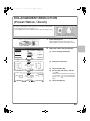
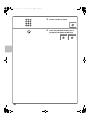
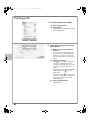
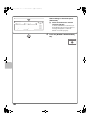
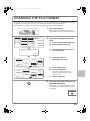
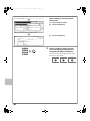
Select the all custom setting list in
the touch panel.
(2) Touch the [All Custom Setting List]
key.
OK
All Custom Setting List
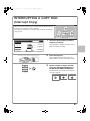
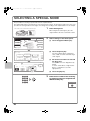
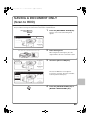
Press the [SYSTEM SETTINGS] key.
(1) Touch the [List Print (User)] key.
(1)
System Settings
List Print (User)
1
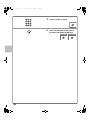
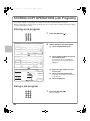
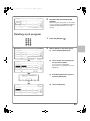
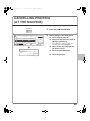
The IP address is shown in the list that is
printed.