1
mx2301_ex_qck.book
94 ページ
2009年8月7日 金曜日 午後4時6分
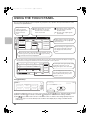
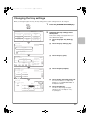
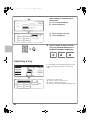
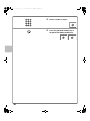
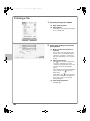
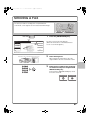
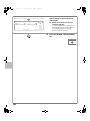
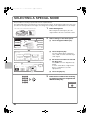
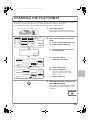
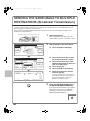
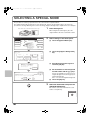
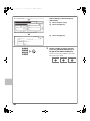
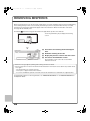
Select settings in the touch panel.
(Continued)
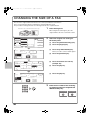
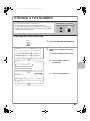
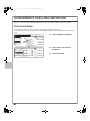
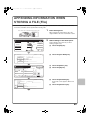
Select the folder.
Main Folder
User 1
(7)
User 6
User 7
User 8
ABCD
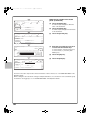
(8) Touch the [OK] key.
User 4
User 5
All Folders
(7) Touch the [User 1] key.
(8) 1/2
User 2
User 3
OK
EFGHI
JKLMN
OPQRST UVWXYZ
Cancel
File Information
Confidential
User Name
Name 1
File Name
file-01
Stored to:
User 1
Password
(9) Touch the [OK] key.
OK
(9)
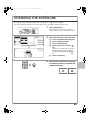
3
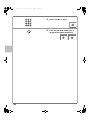
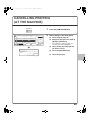
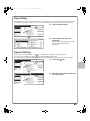
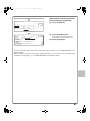
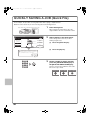
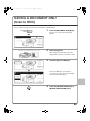
Set the number of copies and then
press the [COLOUR START] key or
the [BLACK & WHITE START] key.
The file is stored on the hard drive at the same
time as the copy is made.
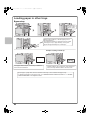
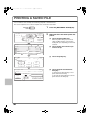
Correct sets
94
Cancel scanning
Cancel copying