1
Software Installation
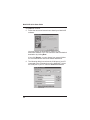
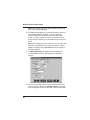
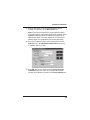
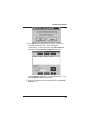
19. The Call Authentication option enables password
protection for outbound and inbound calls on the selected
voice/fax channel. If you enable password protection on
inbound or outbound calls, you need to also enter a
password of up to 14 numeric characters in the Password
box.
20. The Automatic Disconnect option limits call duration to
the number of seconds entered in the Disconnect After
box. The default value of 180 seconds can be changed to
any other value up to 65,535 (roughly 18.2 hours).
If your country/region is not the default USA, click the
Regional tab and proceed to step 21. Otherwise, proceed
to step 22 to begin building your phone directory database.
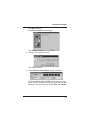
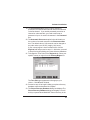
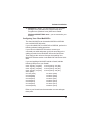
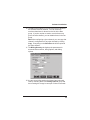
21. To change the Tone Pairs on the Regional tab, select your
specific country or region from the Country/Region list.
The Tone Pairs group parameters change per your
choice. Click OK when finished.
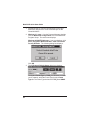
22. Proceed to step 23 to begin building your phone directory
database when the download is complete.
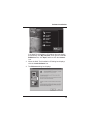
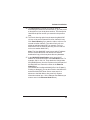
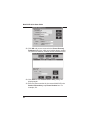
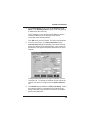
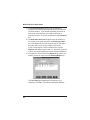
23. The Phone Directory Database dialog box displays.The
Phone Directory Database dialog box displays. You will
build your personalized MultiVOIP Phone Directory in the
21