1
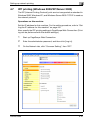
Setting up the PCL driver
6
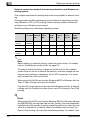
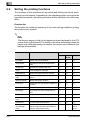
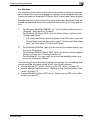
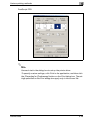
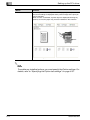
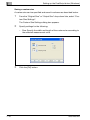
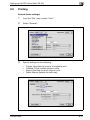
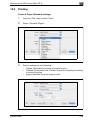
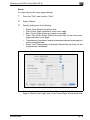
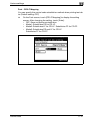
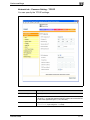
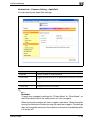
Center binding
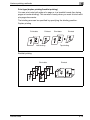
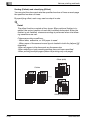
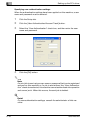
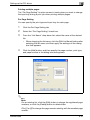
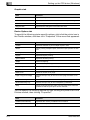
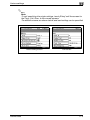
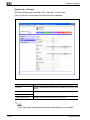
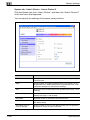
You can fold and staple printouts in half.
%
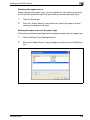
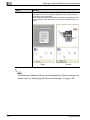
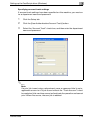
When “Booklet” is specified in “Print Type”, the “Staple” and “HolePunch” settings disappear and the “Center Staple and Fold” setting
appears.
2
Note
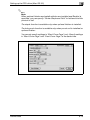
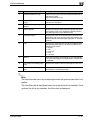
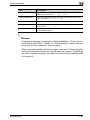
“Center Staple and Fold” is shown when “Booklet” is specified and settings can be specified when optional finisher and saddle stitcher are installed.
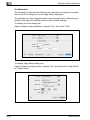
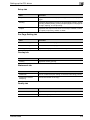
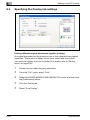
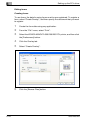
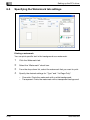
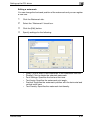
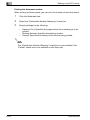
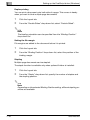
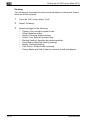
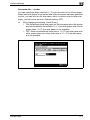
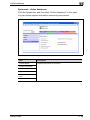
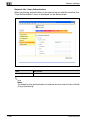
Selecting the output method
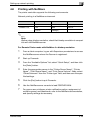
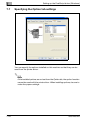
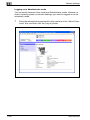
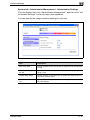
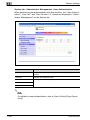
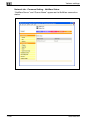
Not only can you print directly, but you can select “Secure Print”, which requires a password to print, or “Save in User Box”, which saves documents
in the document folder.
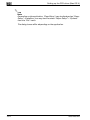
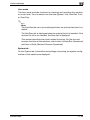
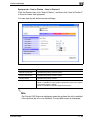
The Save in User Box and Save in User Box and Print functions can only be
used when an optional hard disk is installed.
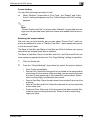
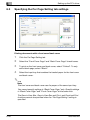
The Save in User Box, Save in User Box and Print, and Proof and Print functions cannot be specified when the “Per Page Setting” setting is specified.
1
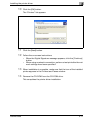
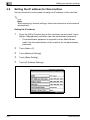
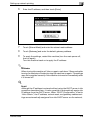
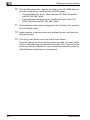
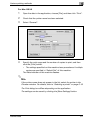
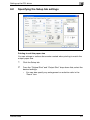
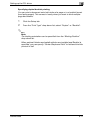
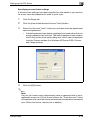
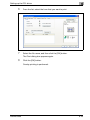
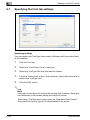
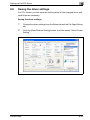
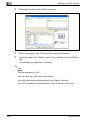
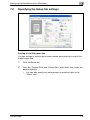
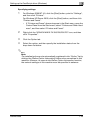
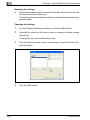
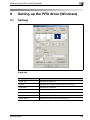
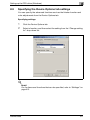
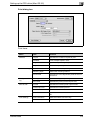
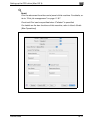
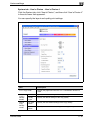
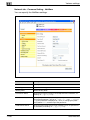
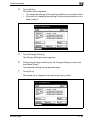
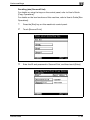
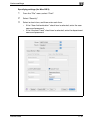
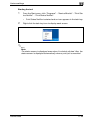
Click the Setup tab.
2
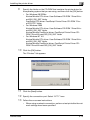
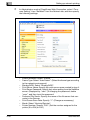
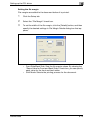
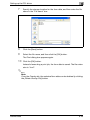
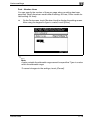
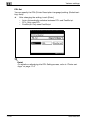
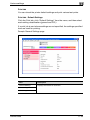
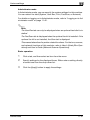
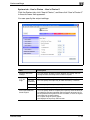
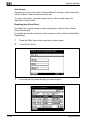
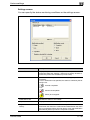
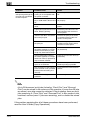
From the “Output Method” drop-down list, select the output method.
–
–
–
–
–
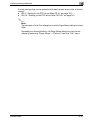
200/250/350
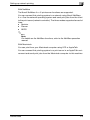
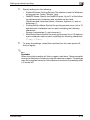
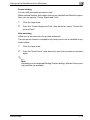
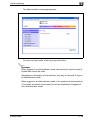
Print: Prints immediately.
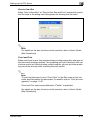
Secure Print: Saves the document to be printed in the secured document box of this machine. When printing, you are required to enter
the user ID and password in this machine’s control panel. Select
when printing highly confidential documents.
Save in User Box: Saves the document to be printed in a box on this
machine.
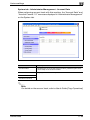
Save in User Box and Print: Saves the document in a box and prints
at the same time.
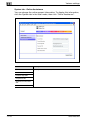
Proof and Print: After part of the document has been printed, this
machine stops printing temporarily. Select to avoid misprinting
large print jobs.
6-15