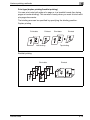
1
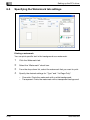
Various settings
4
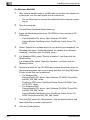
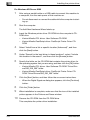
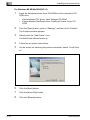
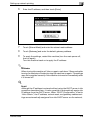
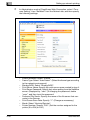
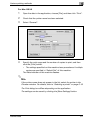
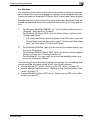
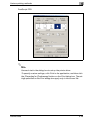
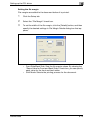
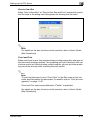
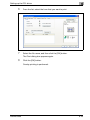
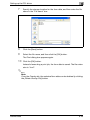
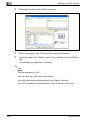
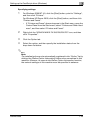
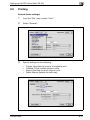
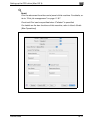
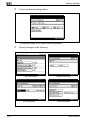
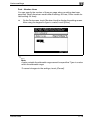
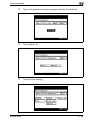
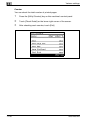
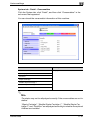
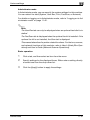
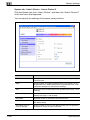
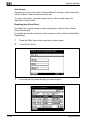
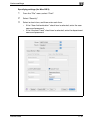
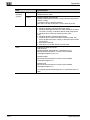
Touch [Action].
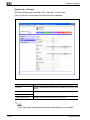
The Action screen appears.
–
–
5
11
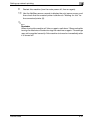
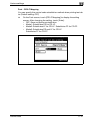
To change the settings of the printing conditions, proceed to step 5.
If you are not changing the settings of the printing conditions, proceed to step 7.
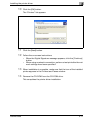
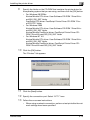
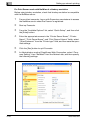
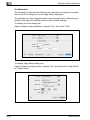
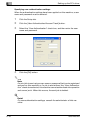
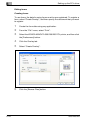
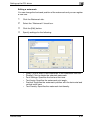
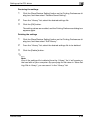
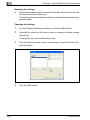
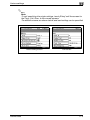
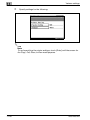
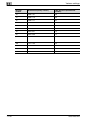
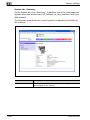
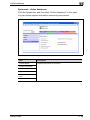
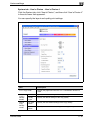
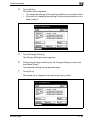
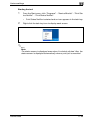
Touch [Change Settings].
The Change Settings screen appears.
6
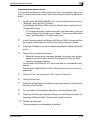
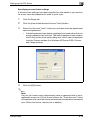
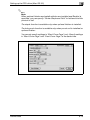
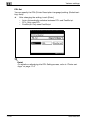
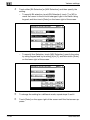
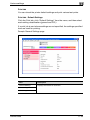
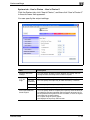
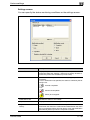
Change the printing conditions on the Change Settings screen, and
then touch [Enter].
The operation setting screen appears again.
7
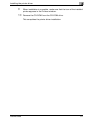
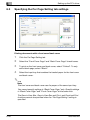
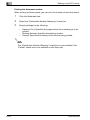
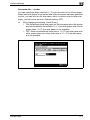
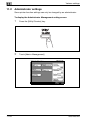
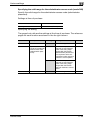
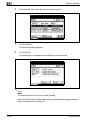
Touch [Print].
The stored job is changed to an active job, then printed.
200/250/350
11-91