1
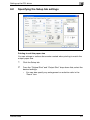
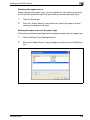
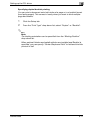
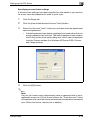
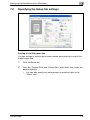
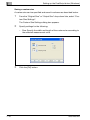
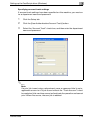
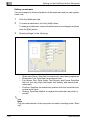
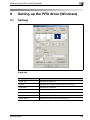
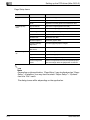
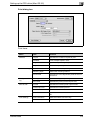
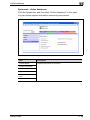
Various settings
11
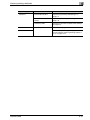
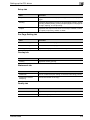
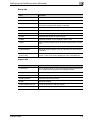
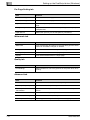
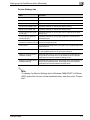
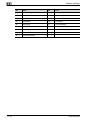
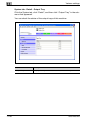
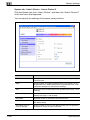
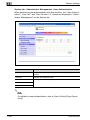
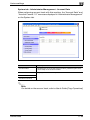
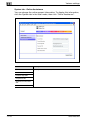
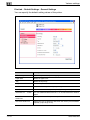
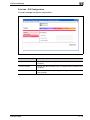
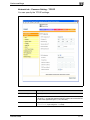
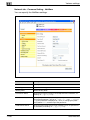
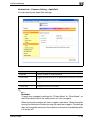
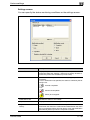
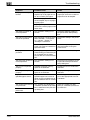
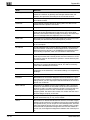
Item
Description
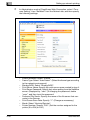
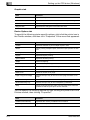
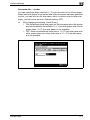
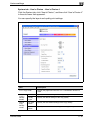
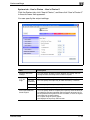
Preferred NDS Context
Enter the preferred NDS context name (up to 191 alphanumeric
characters, excluding / ¥ : ; , * [ ] < > | + = ?).
Preferred NDS Tree
Enter the preferred NDS tree name (up to 63 alphanumeric characters, excluding / ¥ : ; , * [ ] < > | + = ?).
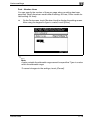
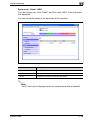
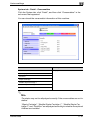
Print Queue Scan Rate
Enter the print queue scan rate (input range: 1-65535 seconds).
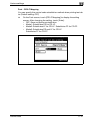
Mode
Select “PServer” or “NPrinter/RPrinter” as the operation mode of the
print server.
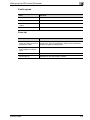
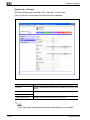
Printer Number
Enter the Nprinter/Rprinter printer number (input range: 0-255, 255
is automatically given).
2
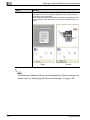
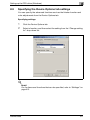
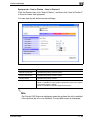
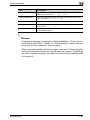
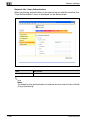
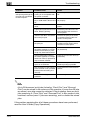
Reminder
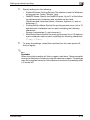
To apply any changes to settings for “Enable NetWare”, “Frame Type”,
“Print Queue Scan Rate”, “Mode”, or “Printer Number”, restart this machine (turn the main power off, then on again).
When turning the machine off, then on again, wait about 10 seconds after
turning the machine off before turning the machine on again. The settings
may not be applied correctly if the machine is turned on immediately after
it is turned off.
200/250/350
11-81