1
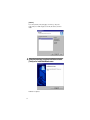
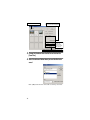
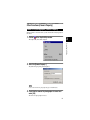
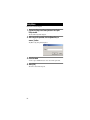
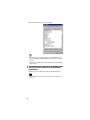
When the confirmation dialog appears, click on [OK].
Note
• Even when deleting the successfully installed driver, delete both [RICOH Camera Port]
under [Ports (COM&LPT)] and [RICOH USB Virtual Com] under [Universal Serial Bus
Controller].
• For Windows 2000, only [RICOH Camera Port] is displayed under [Ports (COM&LPT)] on
the Device Manager.
5
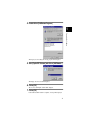
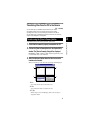
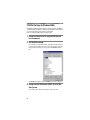
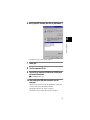
From [Control Panel], double click on the [Add/Remove
Programs] icon.
The Property screen for adding and removing programs will be displayed.
Important
• Perform “Add/Remove Programs” only after deletion from the Device Manager, has been
performed.
26