1
Other Functions (Camera Property)
Name of the photographer (Camera Property)
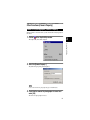
When the camera is connected to the PC, you can enter the name of the photographer in
the camera.
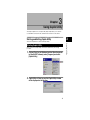
1
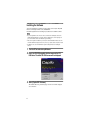
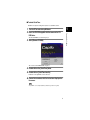
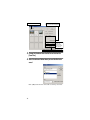
Click on
in the Caplio Utility window.
3
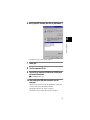
The Caplio Utility menu will be displayed.
Using Caplio Utility
2
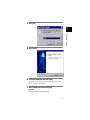
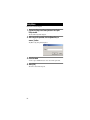
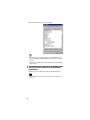
Select the [Camera Property...].
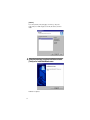
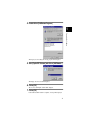
The [Camera Property] dialog will be displayed.
Note
• You can enter the name of the photographer using up to 17 ASCII characters.
3
Check that the name of the photographer is correct and
select [OK].
The name of the photographer is now set.
21