1
2-298
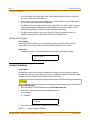
System Reset
Features and Operation
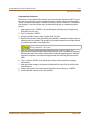
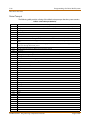
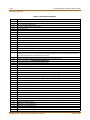
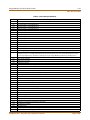
Programming Steps
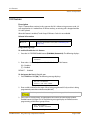
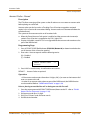
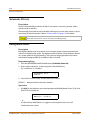
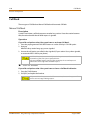
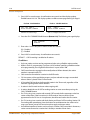
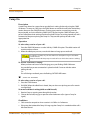
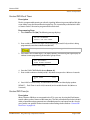
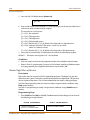
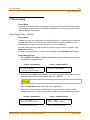
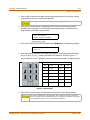
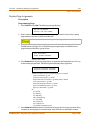
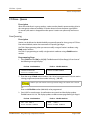
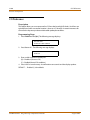
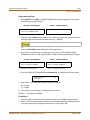
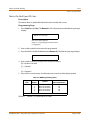
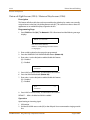
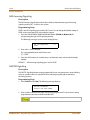
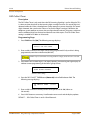
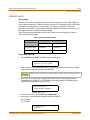
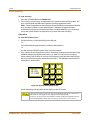
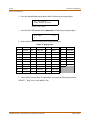
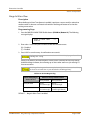
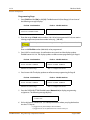
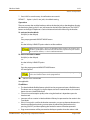
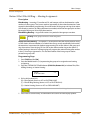
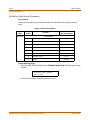
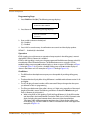
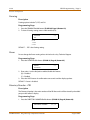
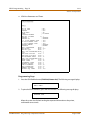
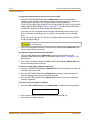
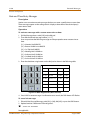
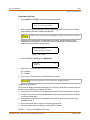
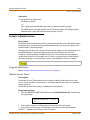
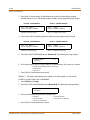
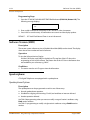
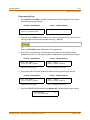
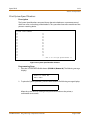
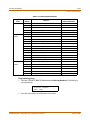
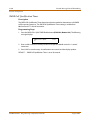
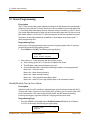
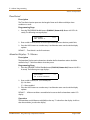
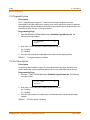
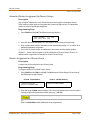
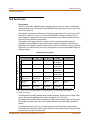
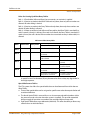
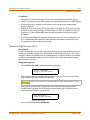
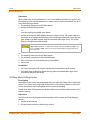
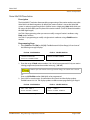
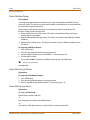
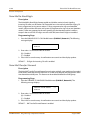
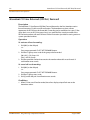
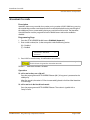
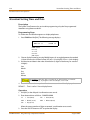
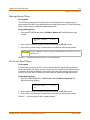
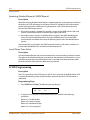
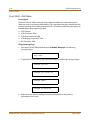
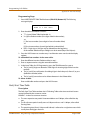
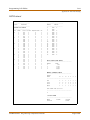
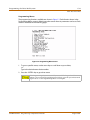
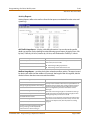
1. Press the SYSTEM PARAMETERS flexible button (FLASH 85, Button #1). The following
message displays:
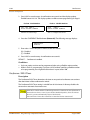
P R I N T S YS PA R A M
P R ES S HOL D
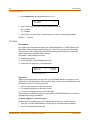
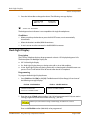
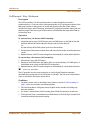
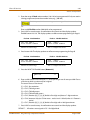
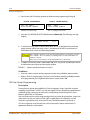
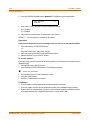
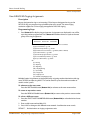
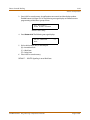
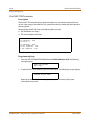
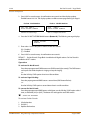
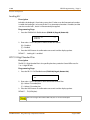
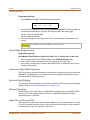
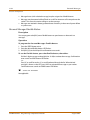
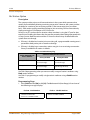
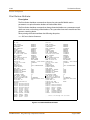
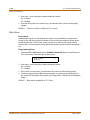
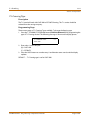
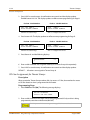
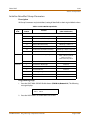
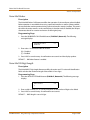
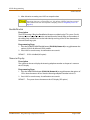
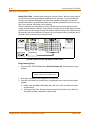
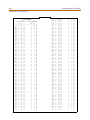
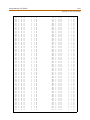
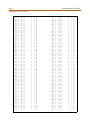
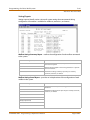
2. To print the System Parameters database, press the HOLD button. The following message
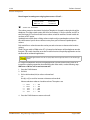
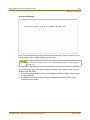
displays:
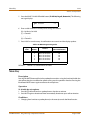
P R I N T S YS PA R A M
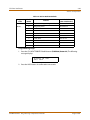
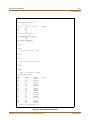
When the system finishes sending the information to the printer, a confirmation tone
sounds.
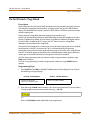
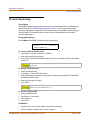
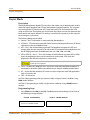
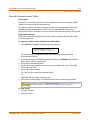
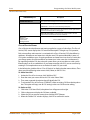
System Reset
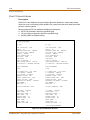
Description
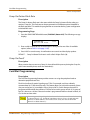
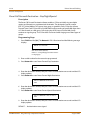
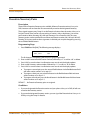
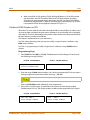
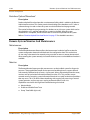
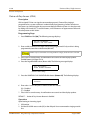
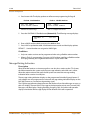
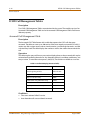
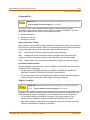
The System Reset feature provides a hard system reset from the keyset instead of the KSU.
This is useful in cases where miscellaneous data errors have occurred and the system needs
to be reset without initializing the entire database.
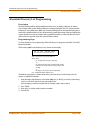
Programming Steps
If the System must be reset but not initialized:
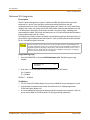
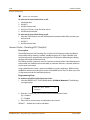
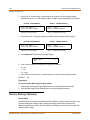
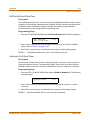
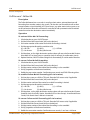
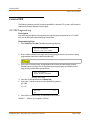
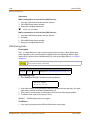
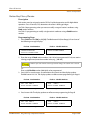
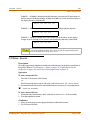
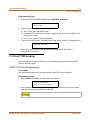
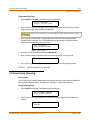
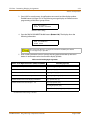
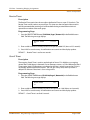
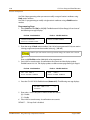
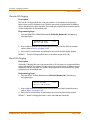
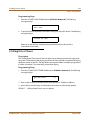
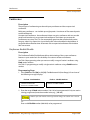
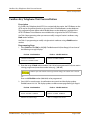
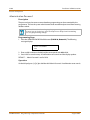
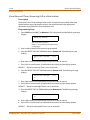
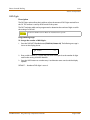
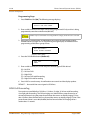
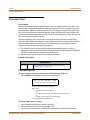
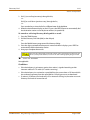
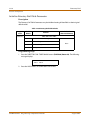
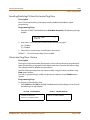
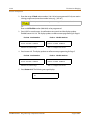
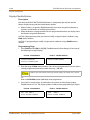
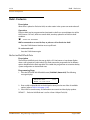
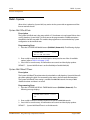
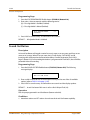
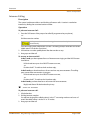
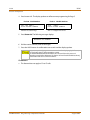
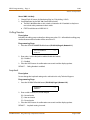
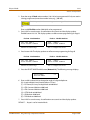
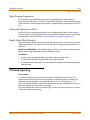
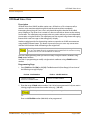
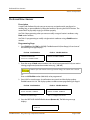
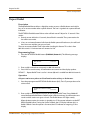
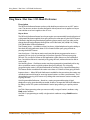
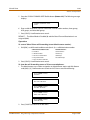
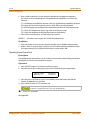
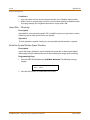
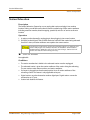
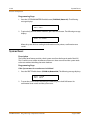
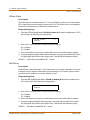
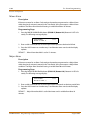
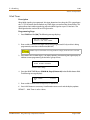
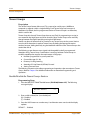
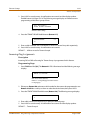
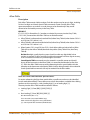
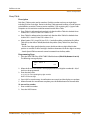
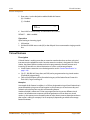
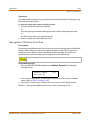
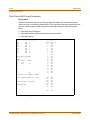
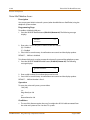
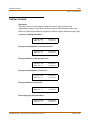
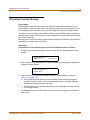
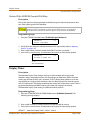
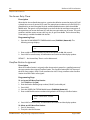
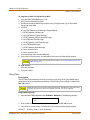
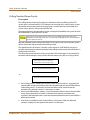
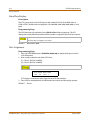
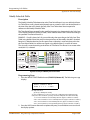
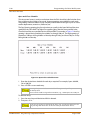
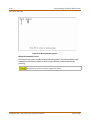
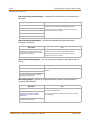
1. Press the RESET flexible button (FLASH 80, Button #20). The following message displays:
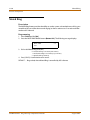
R E S ET S YS T E M
P R ES S H O L D
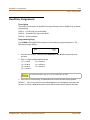
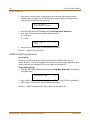
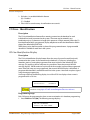
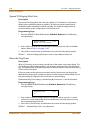
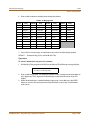
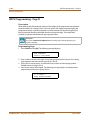
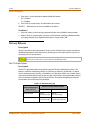
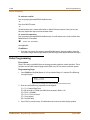
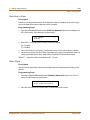
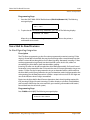
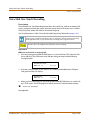
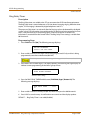
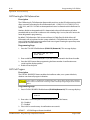
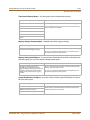
2. To reset the system without initializing the database, press the HOLD button. No
confirmation tone sounds and the system resets.
STARPLUS STSe - Programming & Operations Manual
August 2005