1
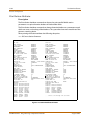
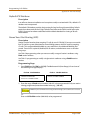
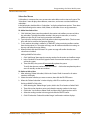
Direct Inward Dialing
2-115
Features and Operation
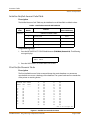
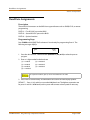
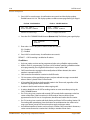
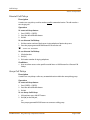
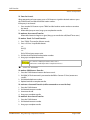
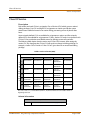
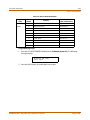
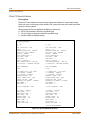
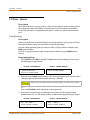
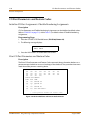
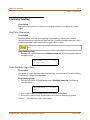
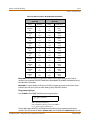
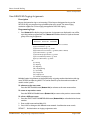
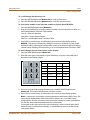
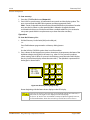
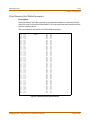
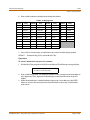
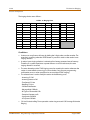
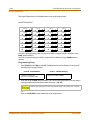
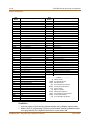
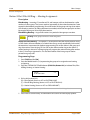
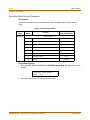
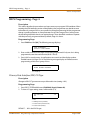
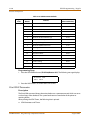
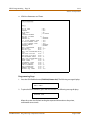
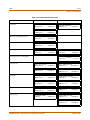
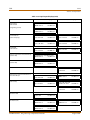
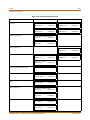
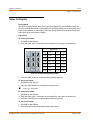
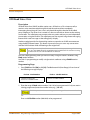
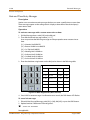
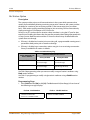
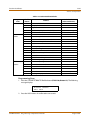
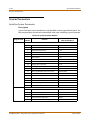
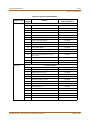
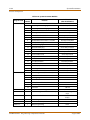
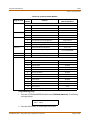
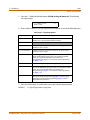
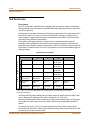
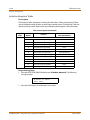
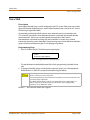
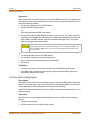
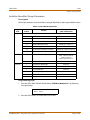
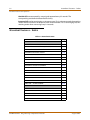
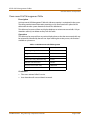
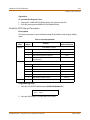
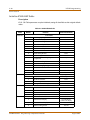
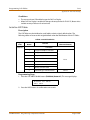
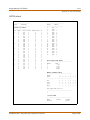
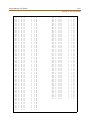
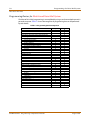
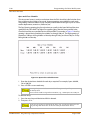
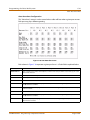
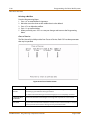
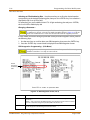
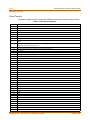
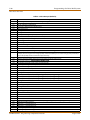
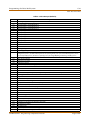
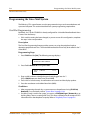
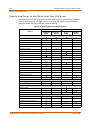
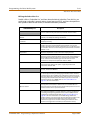
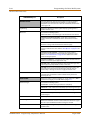
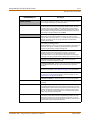
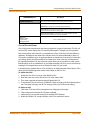
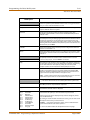
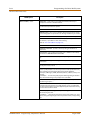
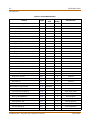
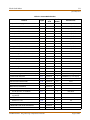
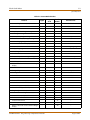
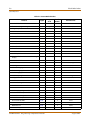
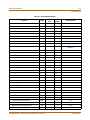
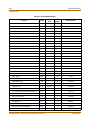
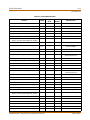
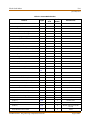
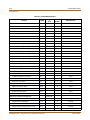
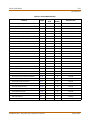
DID Name and Number Codes
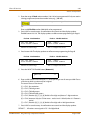
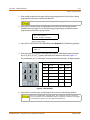
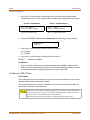
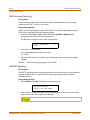
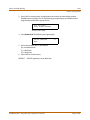
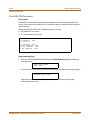
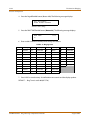
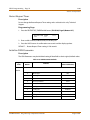
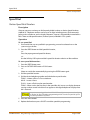
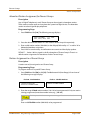
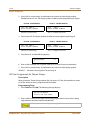
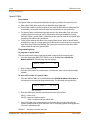
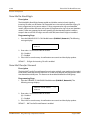
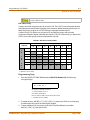
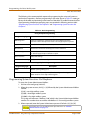
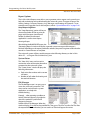
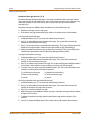
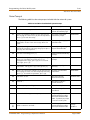
The display shows the DID name or number as it is entered.
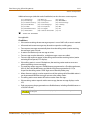
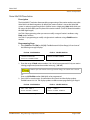
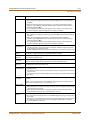
Other Codes
1 = 1#
8 = 8#
“ = 01
* = *#
2 = 2#
9 = 9#
, = 02
( = #1
3 = 3#
0 = 0#
? = 03
) = #2
4 = 4#
Space = 11
/ = 04
+ = #3
5 = 5#
: = 12
! = *1
= = #4
6 = 6#
- = 13
$ = *2
# = ##
7 = 7#
‘ = 14
& = *4
. = 24
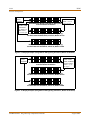
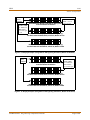
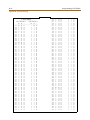
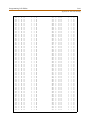
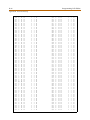
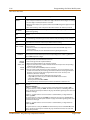
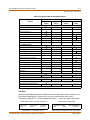
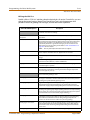
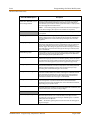
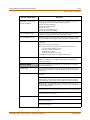
Figure 2-5: DID Name/Number Codes
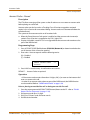
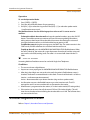
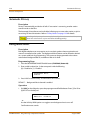
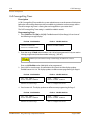
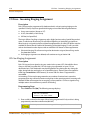
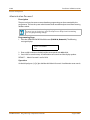
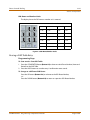
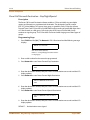
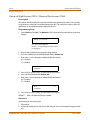
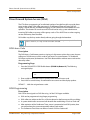
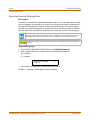
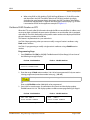
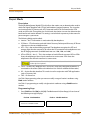
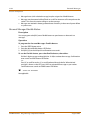
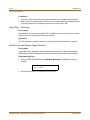
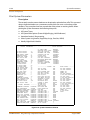
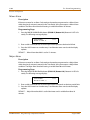
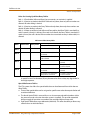
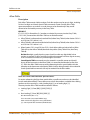
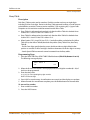
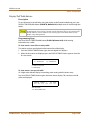
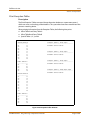
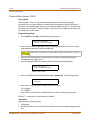
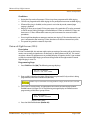
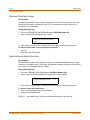
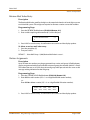
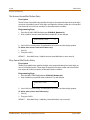
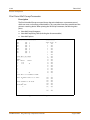
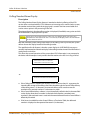
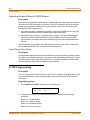
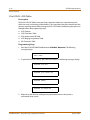
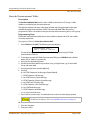
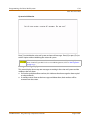
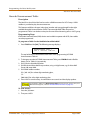
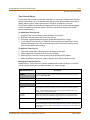
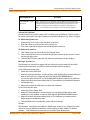
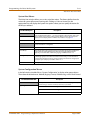
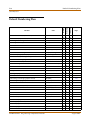
Erasing a DID Table Entry
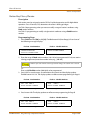
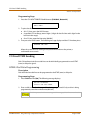
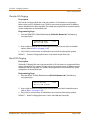
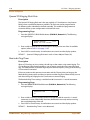
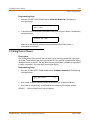
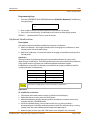
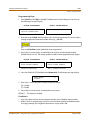
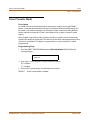
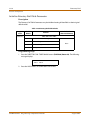
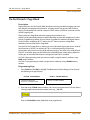
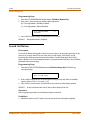
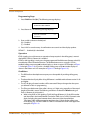
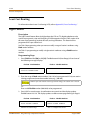
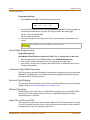
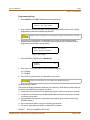
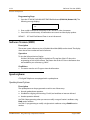
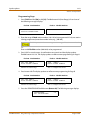
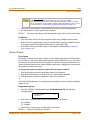
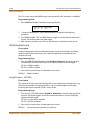
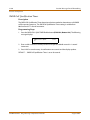
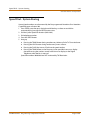
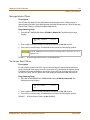
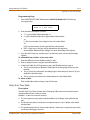
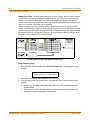
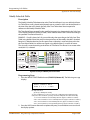
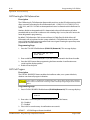
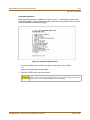
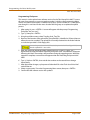
Programming Steps
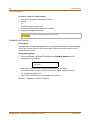
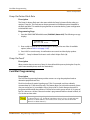
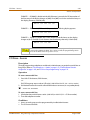
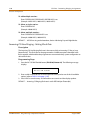
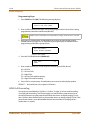
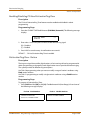
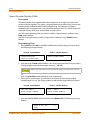
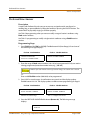
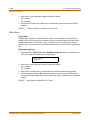
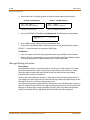
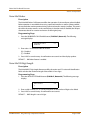
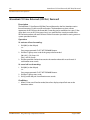
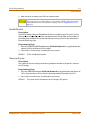
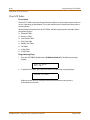
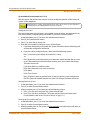
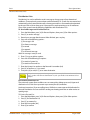
To clear entries from DID Table:
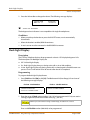
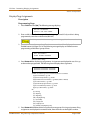
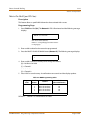
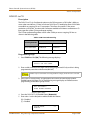
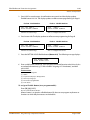
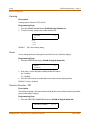
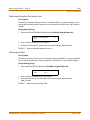
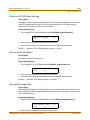
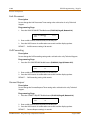
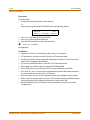
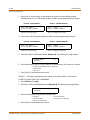
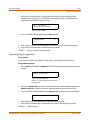
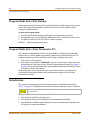
1. Press the CLEAR ENTRY Button (Button #4) to clear an entire Phone Number, Name and
Route from the DID Table.
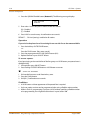
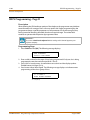
2. Press the HOLD button to save the entry. A confirmation tone sounds.
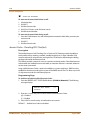
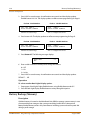
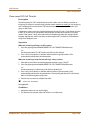
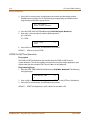
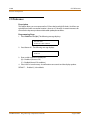
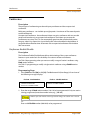
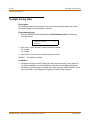
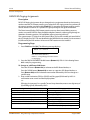
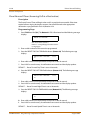
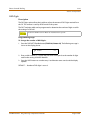
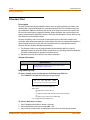
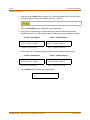
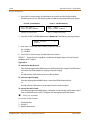
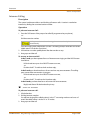
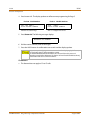
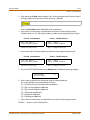
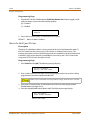
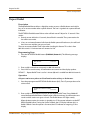
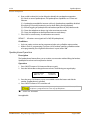
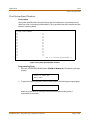
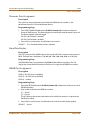
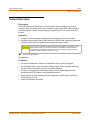
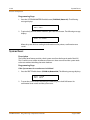
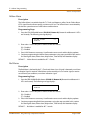
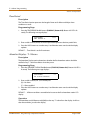
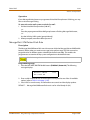
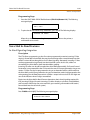
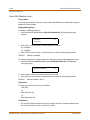
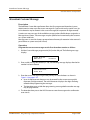
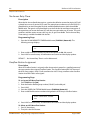
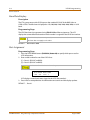
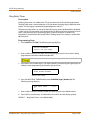
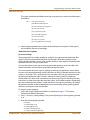
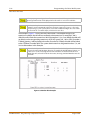
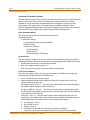
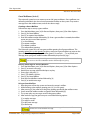
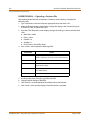
To change to a different DID Route:
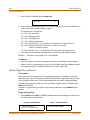
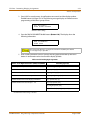
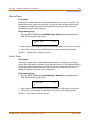
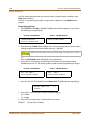
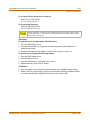
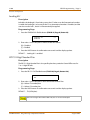
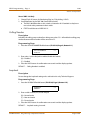
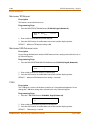
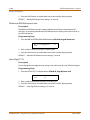
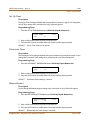
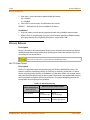
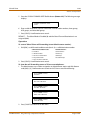
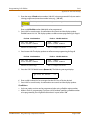
Press the UP button (Button #18) to advance to the DID Route Number,
-orPress the DOWN button (Button #19) to return to a previous DID Route Number.
STARPLUS STSe - Programming & Operations Manual
August 2005