1
2-16
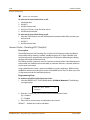
Automatic Privacy
Features and Operation
Automatic Privacy
Description
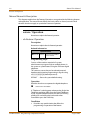
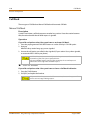
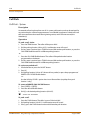
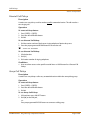
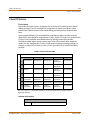
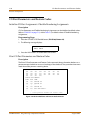
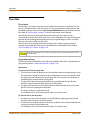
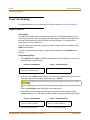
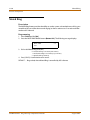
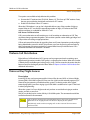
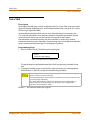
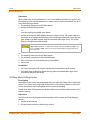
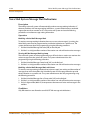
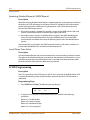
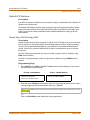
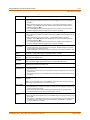
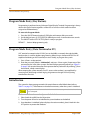
Privacy is automatically provided on all calls. If one station is conversing, another station
cannot intrude on that line.
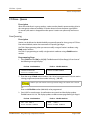
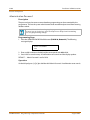
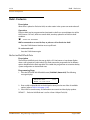
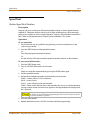
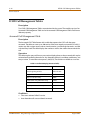
The Automatic Privacy feature can be disabled, allowing up to seven other stations to join in
on existing CO line conversations. Refer to “Privacy Release” on page 2-254 for details.
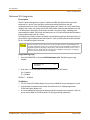
Disabling of the privacy feature may be limited by federal, state or local law, so
check the relevant laws in your area before disabling privacy.
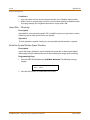
Background Music
Description
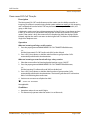
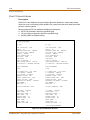
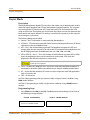
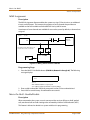
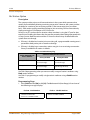
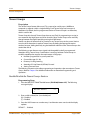
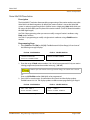
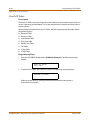
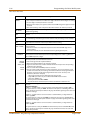
Each digital telephone user may receive music over their speaker when an optional music
source is connected to the system. The Background Music feature can be allowed or denied
on a system-wide basis by programming. The system can be programmed to let stations
activate their Background Music, in addition to Music-On-Hold.
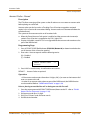
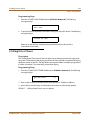
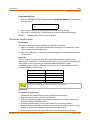
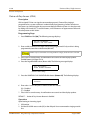
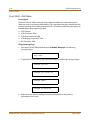
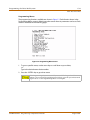
Programming Steps
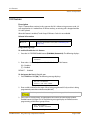
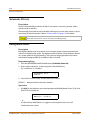
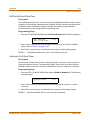
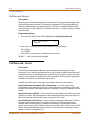
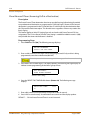
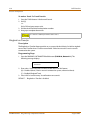
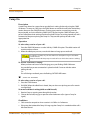
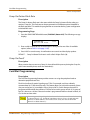
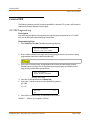
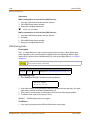
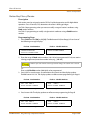
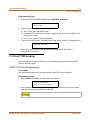
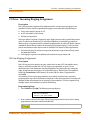
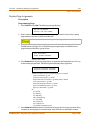
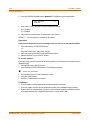
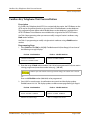
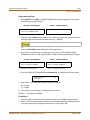
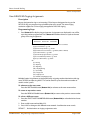
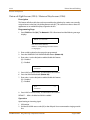
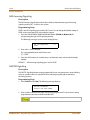
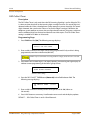
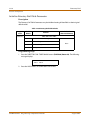
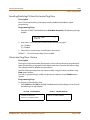
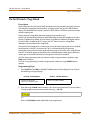
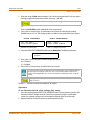
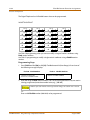
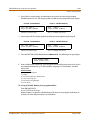
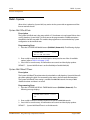
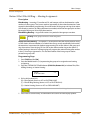
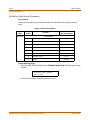
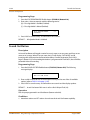
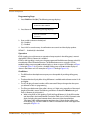
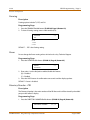
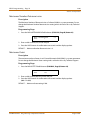
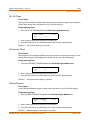
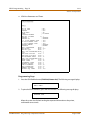
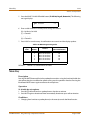
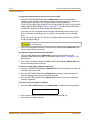
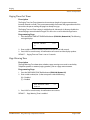
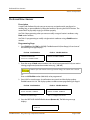
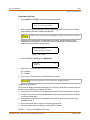
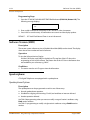
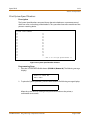
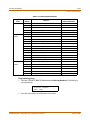
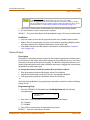
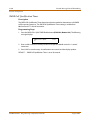
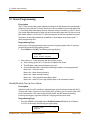
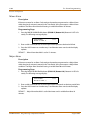
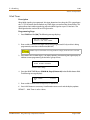
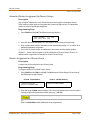
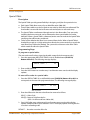
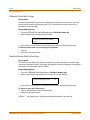
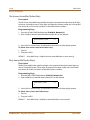
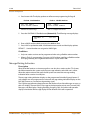
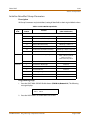
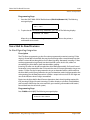
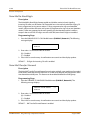
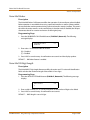
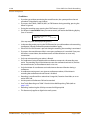
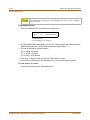
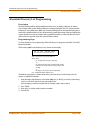
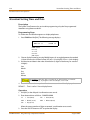
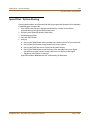
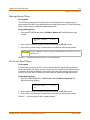
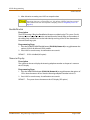
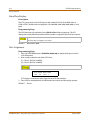
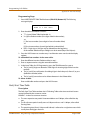
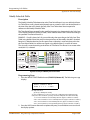
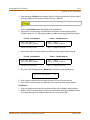
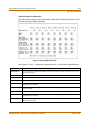
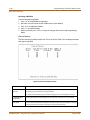
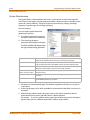
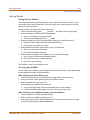
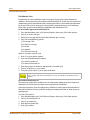
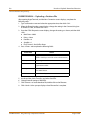
1. Press the BACKGROUND MUSIC flexible button (FLASH 05, Button #6).
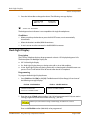
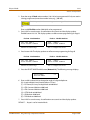
2. Enter a valid number (0 or 1) that corresponds with the following:
[0] = Disabled or [1] = Enabled
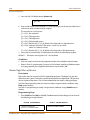
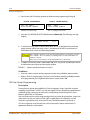
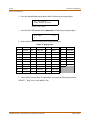
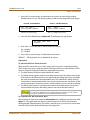
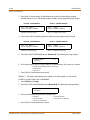
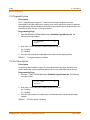
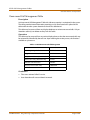
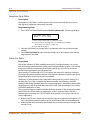
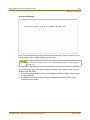
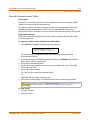
BACKGRO UND MUSIC
E N AB LE D
0-1
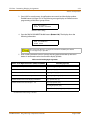
3. Press HOLD to save the entry. A confirmation tone sounds.
DEFAULT … Background Music channel is enabled.
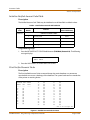
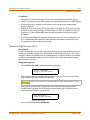
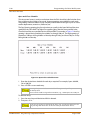
Operation
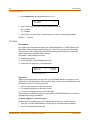
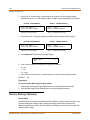
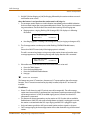
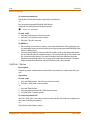
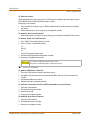
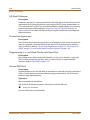
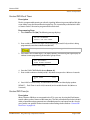
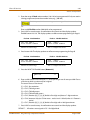
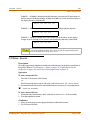
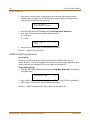
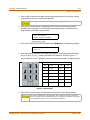
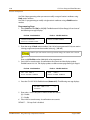
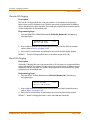
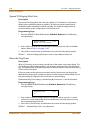
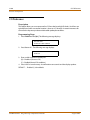
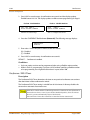
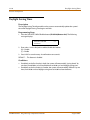
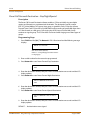
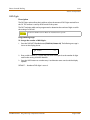
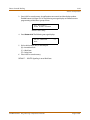
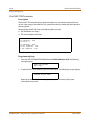
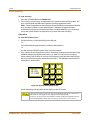
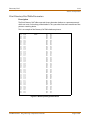
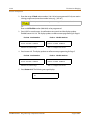
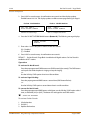
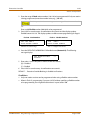
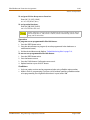
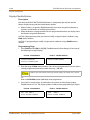
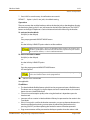
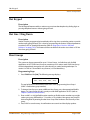
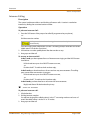
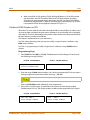
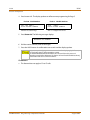
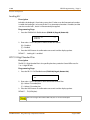
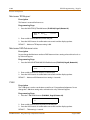
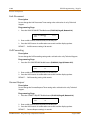
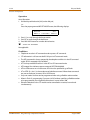
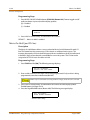
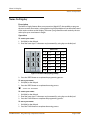
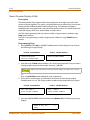
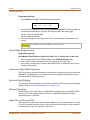
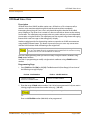
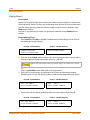
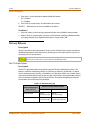
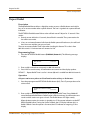
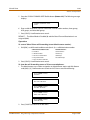
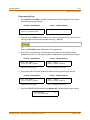
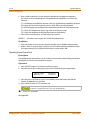
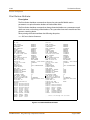
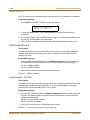
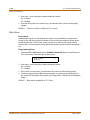
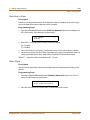
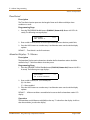
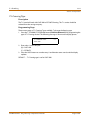
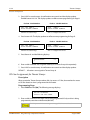
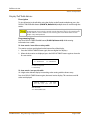
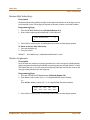
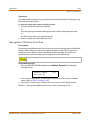
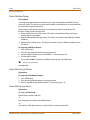
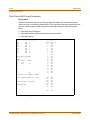
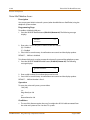
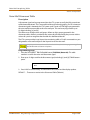
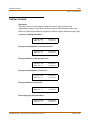
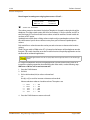
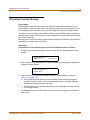
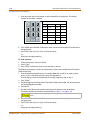
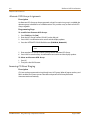
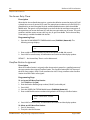
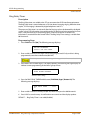
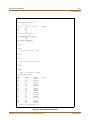
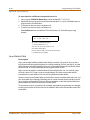
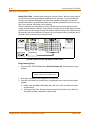
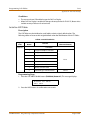
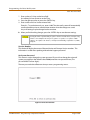
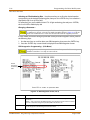
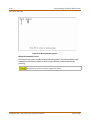
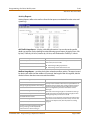
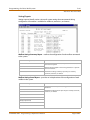
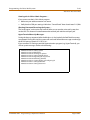
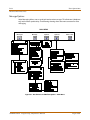
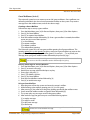
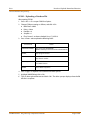
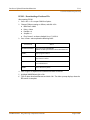
1. Dial [632] on the dial pad or press the preprogrammed flexible button. Enter [1] for ON or
[0] for OFF on the dial pad.
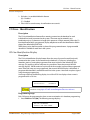
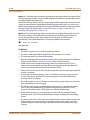
0:OFF
M MM D D Y Y
1 :CH-1
H H: M M a m
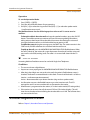
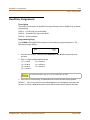
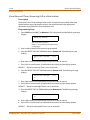
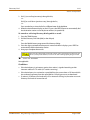
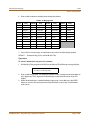
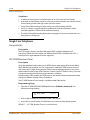
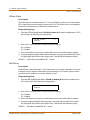
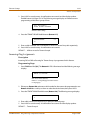
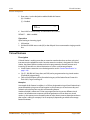
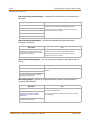
-orUse the Soft Key’s BGM option as a toggle to turn background music on or off.
Confirmation tone sounds.
STARPLUS STSe - Programming & Operations Manual
August 2005