1
6-21
Chapter 6: Supervising a Contact Center Queue
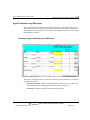
Managing agents’ status
Managing agents’ status
With supervisor permissions, agents can directly control the status of other agents in the queue
in the following ways:
•
Signing agents in or out of a queue
•
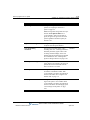
Changing an agent’s personal status
Signing agents in or out of a queue
An agent who is signed in to a queue receives calls from that queue when ready. When signed
out, the agent is still a member of the queue, but does not receive queue calls. An agent who is
signed out can still view queue calls in the Call Monitor folder and answer them if necessary by
using the Take Call command.
Supervisors with the Sign In/Out other agents permission can use sign other agents in or out of
a queue. You can use this feature to move agents among queues without having to delete them
from one queue and add them to another. For example, if Kim works as an agent in the Sales
queue in the morning and in the Support queue in the afternoon, a supervisor can sign Kim out
for the Sales queue at midday and sign her in for the Support queue.
Note: Agents with the Queue Sign In/Out permission can sign themselves in and out of the
queue. See “Signing in and out of a queue” on page 5-5.
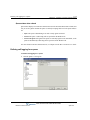
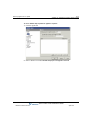
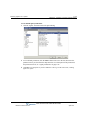
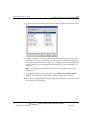
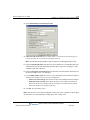
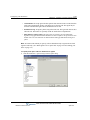
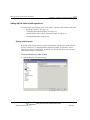
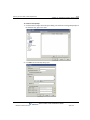
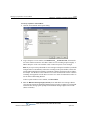
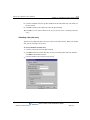
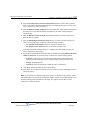
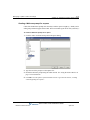
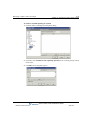
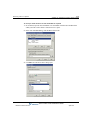
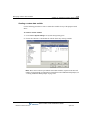
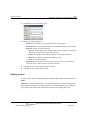
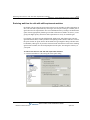
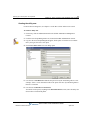
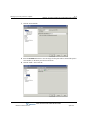
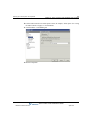
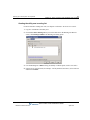
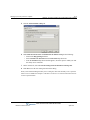
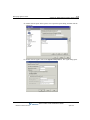
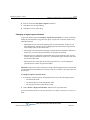
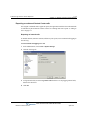
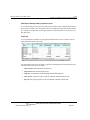
You can sign agents in or out via ViewPoint or the User/Group Management applet in the Global
Administrator Management Console.
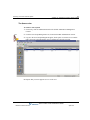
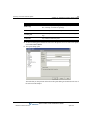
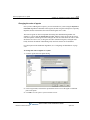
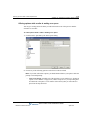
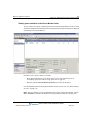
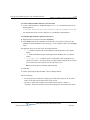
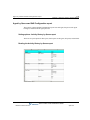
Signing agents in or out via ViewPoint
Note: To perform the following steps, you must have the agent permission Sign In/Out other
agents (see “Agent permissions” on page 2-24) and the general Wave permission Access
Queues folder. (See Chapter 11 in the Wave Global Administrator Guide for more information
about setting general Wave permissions.)
Wave Contact Center Administrator Guide
Release 2.0 Service Pack 1
April 2011