1
Queue Performance Summary by Agent report
7-68
Chapter 7: Running Contact Center Reports
Queue Performance Summary by Agent report
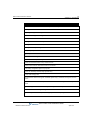
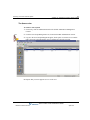
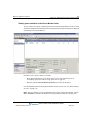
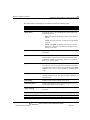
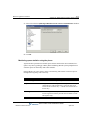
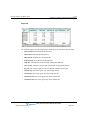
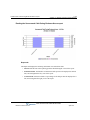
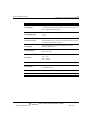
The Queue Performance Summary by Agent report lists performance information for each agent
in a queue, including inbound, outbound, and internal call statistics, as well as the percentage of
time spent in each agent state.
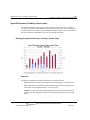
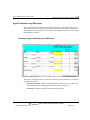
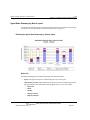
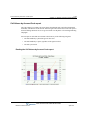
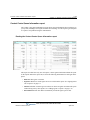
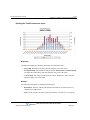
Reading the Queue Performance Summary by Agent report
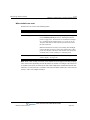
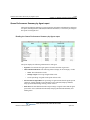
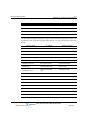
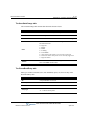
The report displays the following information for each agent:
•
Signed In. The total time the agent spent in all states other than “signed out.”
•
Inbound/Outbound/Internal. The following statistics display for each category of calls:
•
•
Count. The total number of calls.
•
Average Length. The average length of those calls.
•
%. The percentage of signed-in time spent on those calls.
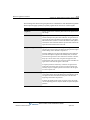
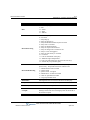
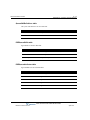
Percent Time Per Agent State. The percentage of signed-in time that the agent spent in
each state—Ready, Standby, Active Inbound, Active Outbound, Wrap-up Inbound,
Wrap-up Outbound, Dialing, Offering, and No Answer.
•
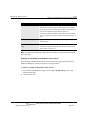
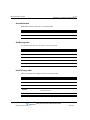
Work Time. The total duration and the total percentage of signed-in time that the agent
spent in the Active (inbound and outbound), Wrap-up (inbound and outbound), and
Dialing states.
Wave Contact Center Administrator Guide
Release 2.0 Service Pack 1
April 2011