1
7-45
Chapter 7: Running Contact Center Reports
Call Trends report
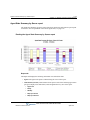
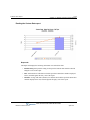
Reading the Call Trends report
Report tab
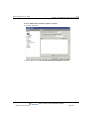
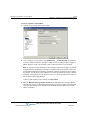
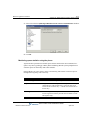
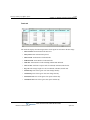
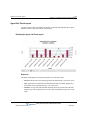
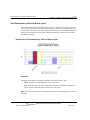
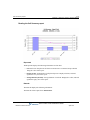
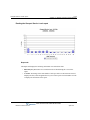
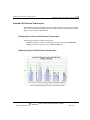
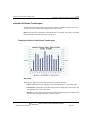
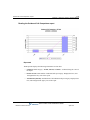
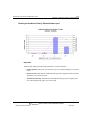
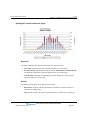
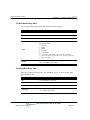
The Report tab displays the following information in a stacked bar chart:
•
Interval. Each interval in the reporting period is labeled along the x-axis of the report.
•
Calls. Total number of Inbound Calls and Outbound Calls per interval. Displayed as
stacked bars, and read against the left y-axis of the report.
•
Talk Time. Average Talk Time Inbound (min) and Average Talk Time Outbound (mins)
per interval. Displayed as two lines, and read against the right y-axis of the report.
Note: The entire call length is included in Talk Time, regardless of when during the call the
account code was entered.
Wave Contact Center Administrator Guide
Release 2.0 Service Pack 1
April 2011