1
Tray Paper Settings
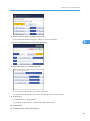
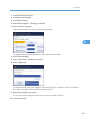
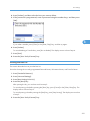
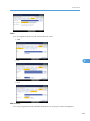
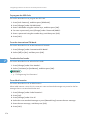
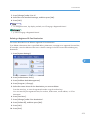
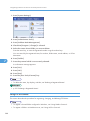
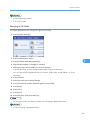
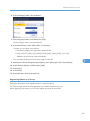
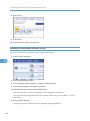
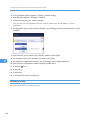
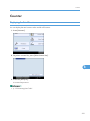
Designation Sheet 1 Tray / Designation Sheet 2 Tray
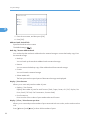
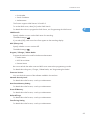
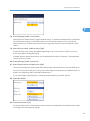
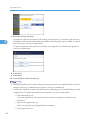
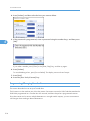
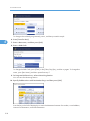
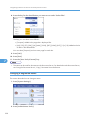
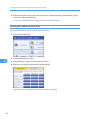
You can specify and display the paper tray that is used for setting designation sheets.
You can also specify the display timing and copy method for two-sided copying.
The default setting is Off.
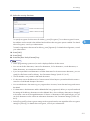
When [At Mode Selected] is selected, slip sheet tray settings only appear when the cover function or
slip sheet function is selected.
When [Full Time] is selected, the slip sheet tray is always displayed.
2
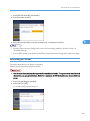
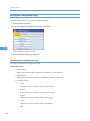
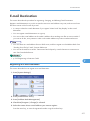
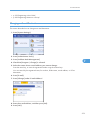
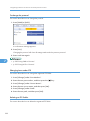
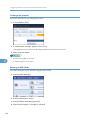
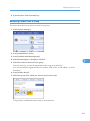
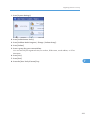
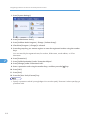
Separation Sheet Tray
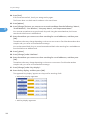
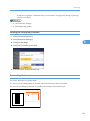
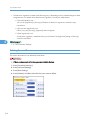
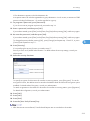
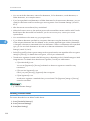
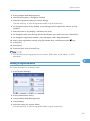
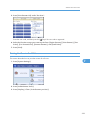
You can specify and display the paper tray that is used for setting separation sheets.
You can also specify the display timing and copy method for two-sided copying.
The default setting is Off.
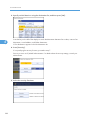
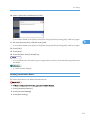
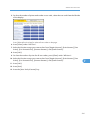
When [At Mode Selected] is selected, separation sheet tray settings only appear when the cover
function or slip sheet function is selected.
When [Full Time] is selected, the slip sheet tray is always displayed.
69