1
2. System Settings
2
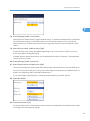
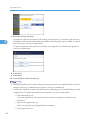
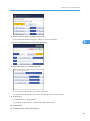
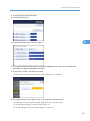
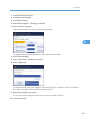
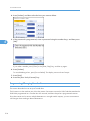
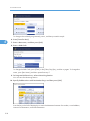
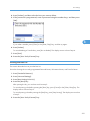
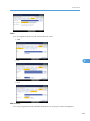
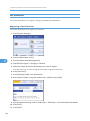
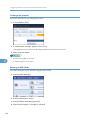
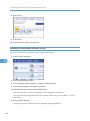
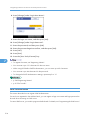
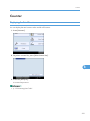
5. Enter the new name, and then press [OK].
6. Press [OK].
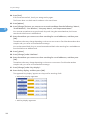
Address Book: Switch Title
Specifies the title to select a name.
The default setting is Title 1.
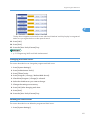
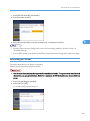
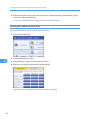
Back Up / Restore Address Book
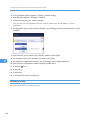
You can back up the machine's address book to external storage or restore the backup copy from
the external storage.
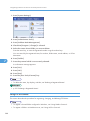
• Back Up
You can back up the machine's address book to external storage.
• Restore
You can restore the backup copy of the address book from external storage.
• Format
You can format the external storage.
• Obtain Media Info
The free space and occupied space of the external storage are displayed.
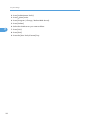
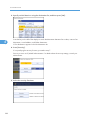
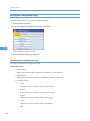
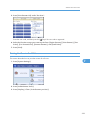
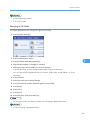
Display / Print Counter
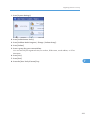
Allows you to view and print the number of prints.
• Display / Print Counter
Displays the number of prints for each function (Total, Copier, Printer, A3 / DLT, Duplex, Fax
Prints, Send / TX Total, Fax Transmission, Scanner Send).
• Print Counter List
Prints out a list of the number of prints made under each function.
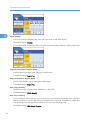
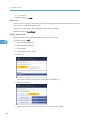
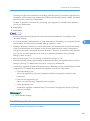
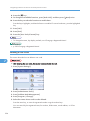
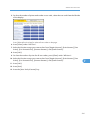
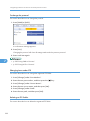
Display / Clear / Print Counter per User
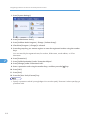
Allows you to view and print the numbers of prints accessed with user codes, and to set those values
to 0.
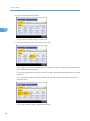
Press [ Previous] and [ Next] to show all the numbers of prints.
92