1
Delivering Scan Files
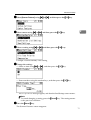
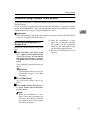
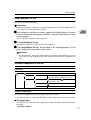
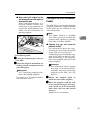
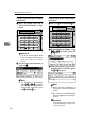
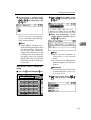
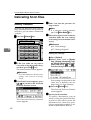
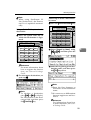
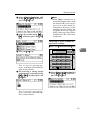
C Enter a 3-digit registration
number that has been assigned
to a destination using the number keys, and then press the
{OK}
} key.
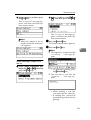
C Enter the beginning of the
comment, and then press the
{OK}
} key twice.
D Press the {OK}
} key.
E To select more destinations, repeat steps A to D.
Note
❒ To deselect a destination,
press {U} or {T} to display
the destination in the Destination field, and then press
the {Clear/Stop}
} key.
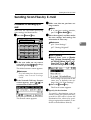
Searching to select a destination
by comment
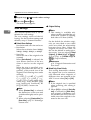
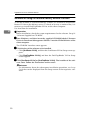
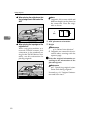
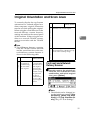
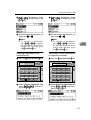
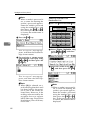
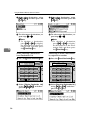
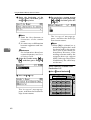
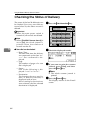
A Press the {Search Destination}
} key.
Search
Check
Job
Destination Destination Information
01
ABC
05
MNO
09
YZ
13
Shift
02
DEF
06
PQR
10
@. ___
@.
14
Space
03
GHI
07
STU
11
5
Note
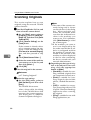
❒ Enter the first character or
characters of the comment.
❒ It is necessary to differentiate
between uppercase and lowercase.
Reference
For information about how
to enter characters, see General Settings Guide.
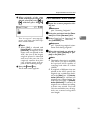
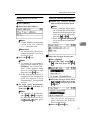
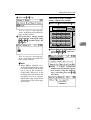
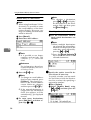
D Select the destination using
{U} or {T}, and then press the
{OK}
} key.
Scanner
On Hook Dial
04
JKL
08
VWX
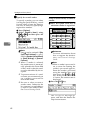
E To select more destinations, repeat steps A toD
D.
12
-&
15
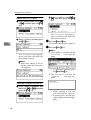
B Select [Search by Comment] using {U} or {T}, and then press
the {OK}
} key.
16
Symbols
AAH030S
Note
❒ To deselect a destination,
press {U} or {T} to display
the destination in the Destination field, and then press
the {Clear/Stop}
} key.
57