1
Delivering Scan Files
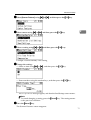
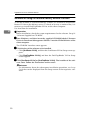
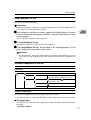
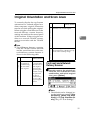
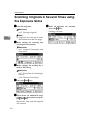
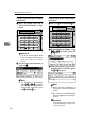
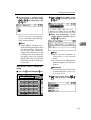
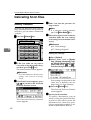
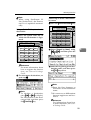
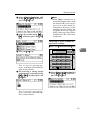
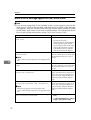
B Enter a subject, and then press
the {OK}
} key.
The “ Accepted” message appears, and then the Send Options screen returns.
Note
❒ When the subject to be entered exceeds 64 characters,
“U” appears.
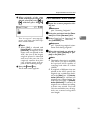
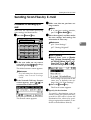
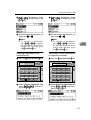
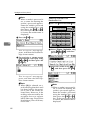
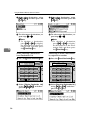
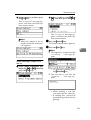
B Select a subject using {U} or
{T}, and then press the {OK}
}
key.
The “Accepted ” message appears, and then the Send Options screen returns.
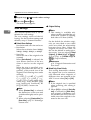
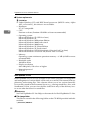
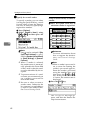
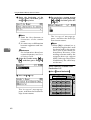
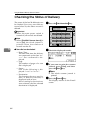
I Press the {Cancel}} key.
The initial scanner screen appears.
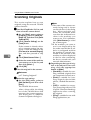
J Press the {Start}} key.
5
Note
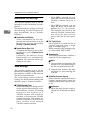
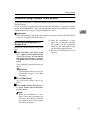
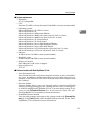
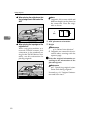
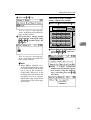
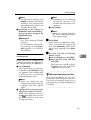
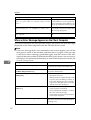
❒ The originals is scanned and the
“ Scanning... ” message appears.
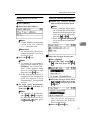
When selecting a subject from
the list
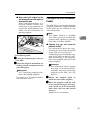
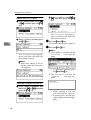
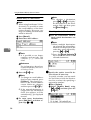
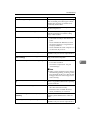
A Select [Select Programmed Subject] using {U} or {T}, and then
press the {OK}
} key.
• To interrupt scanning, press
the {Clear/Stop}
} key.
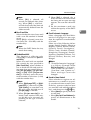
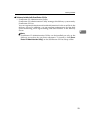
❒ The scan file is sent and the
“ Sending... ” message appears.
• While sending a scan file,
you cannot do any other job.
• If sending fails, start the all
procedure again from the beginning.
63