1
BASIC EXTENSION PROGRAMMING TASKS
DX-120 Programming Manual
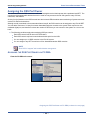
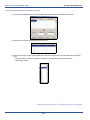
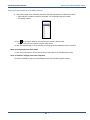
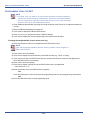
Assigning a User Password, Password Length,
and/or Name to Extensions
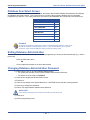
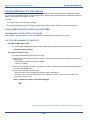
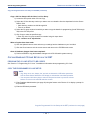
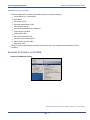
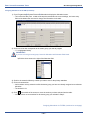
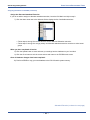
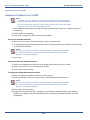
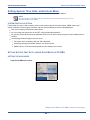
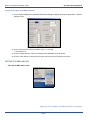
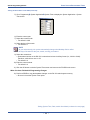
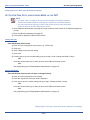
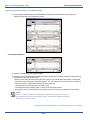
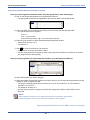
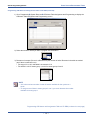
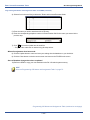
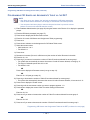
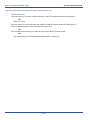
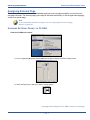
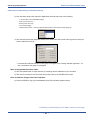
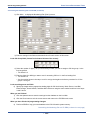
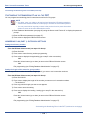
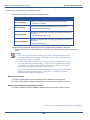
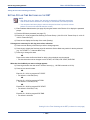
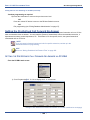
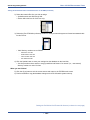
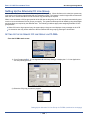
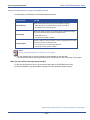
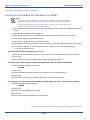
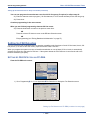
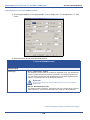
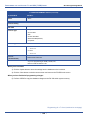
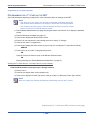
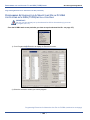
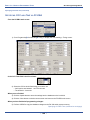
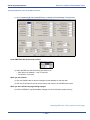
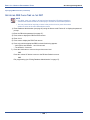
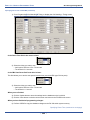
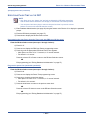
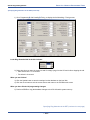
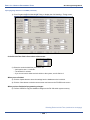
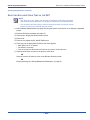
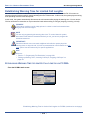
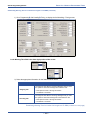
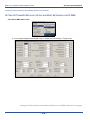
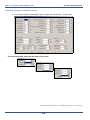
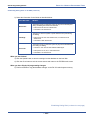
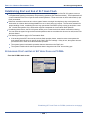
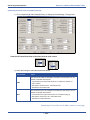
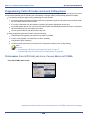
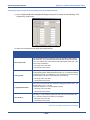
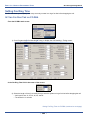
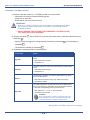
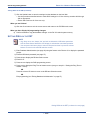
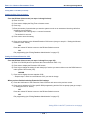
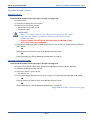
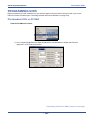
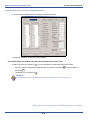
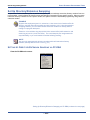
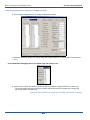
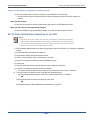
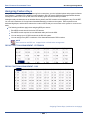
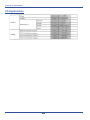
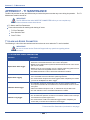
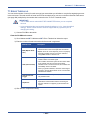
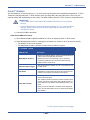
You can easily assign a password and/or user name to each extension in the system by following the instructions as
provided for each below.
• Extension Passwords
-
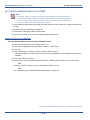
All extensions of the DX-120 system have an associated user password.
-
Passwords are required in order to use Phone Lock, Call Forward Remote, and Attendant features.
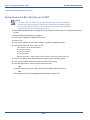
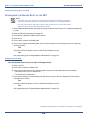
NOTE
Extension passwords can be changed at the extension only by using the Phone Lock
feature.
-
Passwords can be from four to eight characters in length.
-
You may want to program the overall system password length before programming individual extension
passwords.
.
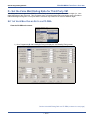
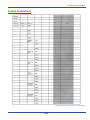
• Extension User Names
-
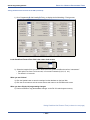
You can assign an alphanumeric, seven-character title to each extension in the system.
-
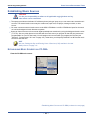
The system then displays this title on the DET Speakerphone in place of the standard "EXT" message.
-
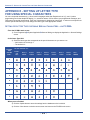
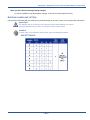
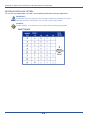
User names may consist of upper and lower case letters and numbers, and various "special" characters as
provided by the enhanced lettering scheme.
-
The system displays the user name whenever intercom calls are made for one extension to another.
-
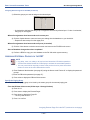
The system displays the characters “EXT” whenever there is no extension user name programmed. If a user
name has been programmed, the system displays the name instead of EXT.
-
Names may be seven or fewer characters.
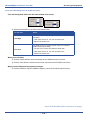
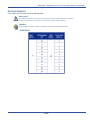
• User Password Lengths
-
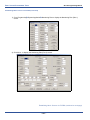
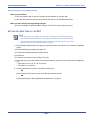
You can set the password length from four to eight characters.
-
Extension passwords can be changed at the extension only by using the phone lock feature.
-
Changes to the length of the user password affect existing passwords - the system adds or subtracts one
default character to the end of the password.
That is, if you extend the length of the password, the system increases all passwords by adding a 0 in the
right-most position.
-
If you reduce the length of the password, the system truncates all passwords by one character in the rightmost position.
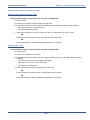
NOTE
The default password for Extension 101 is "9999." Thus, changing the password
length will add or subtract 9s on this password only (e.g., changing the length to 5
makes the password change to "99999”).
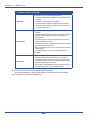
Assigning a User Password, Password Length,and/or Name to Extensions (continued on next page)
- 387 -