1
BASIC CALL HANDLING PROGRAMMING TASKS
DX-120 Programming Manual
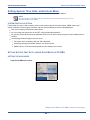
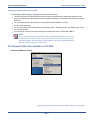
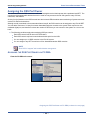
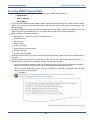
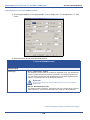
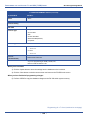
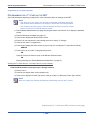
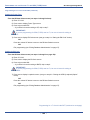
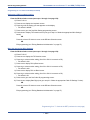
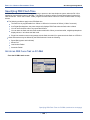
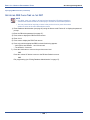
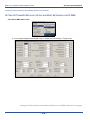
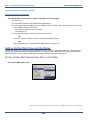
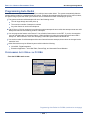
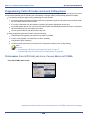
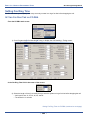
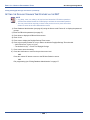
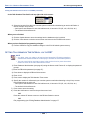
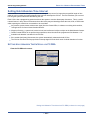
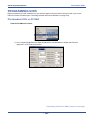
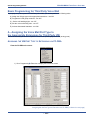
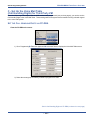
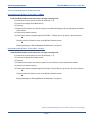
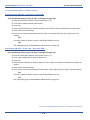
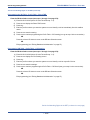
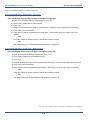
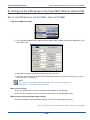
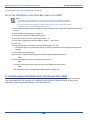
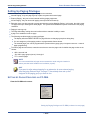
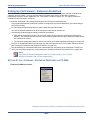
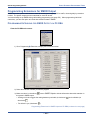
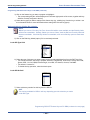
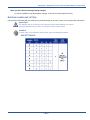
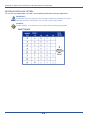
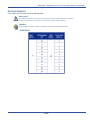
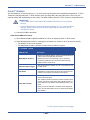
Programming Automated Attendant via PC-DBA (continued)
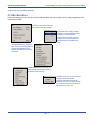
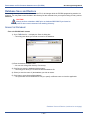
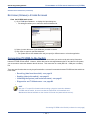
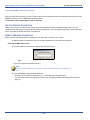
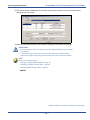
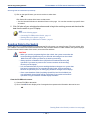
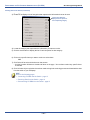
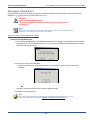
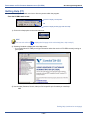
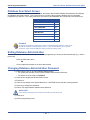
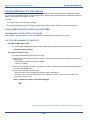
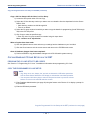
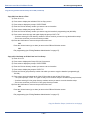
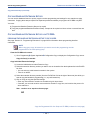
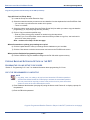
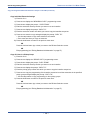
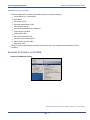
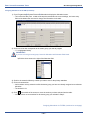
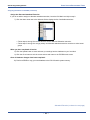
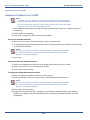
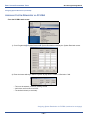
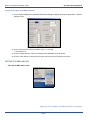
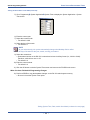
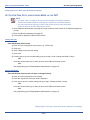
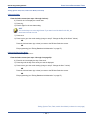
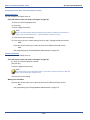
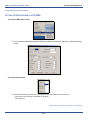
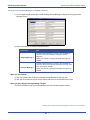
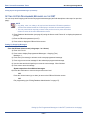
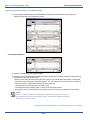
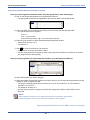
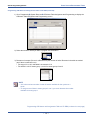
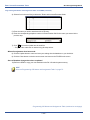
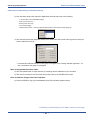
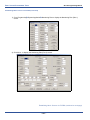
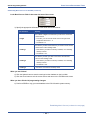
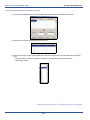
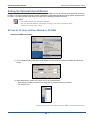
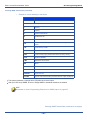
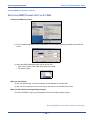
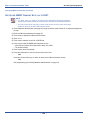
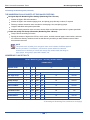
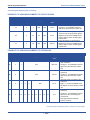
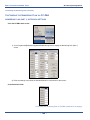
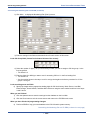
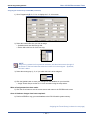
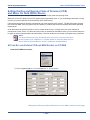
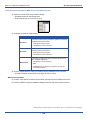
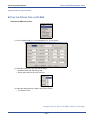
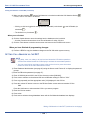
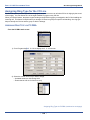
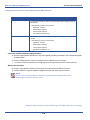
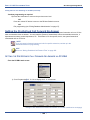
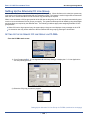
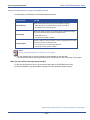
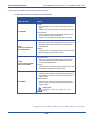
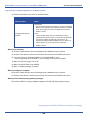
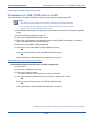
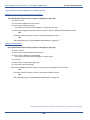
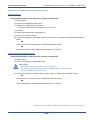
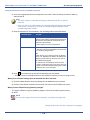
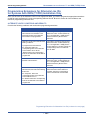
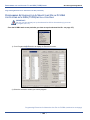
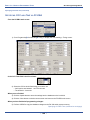
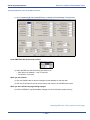
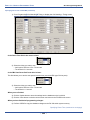
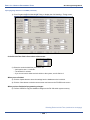
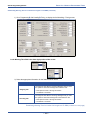
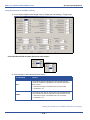
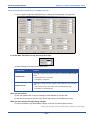
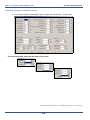
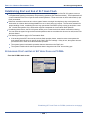
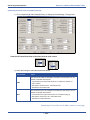
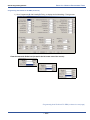
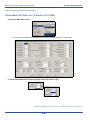
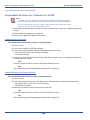
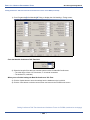
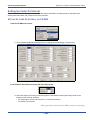
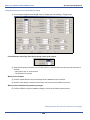
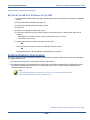
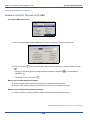
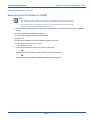
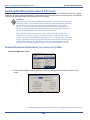
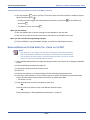
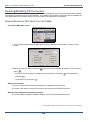
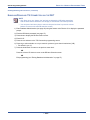
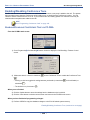
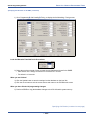
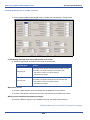
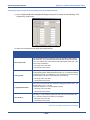
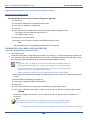
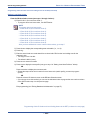
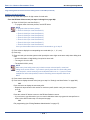
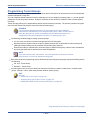
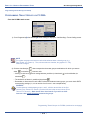
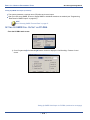
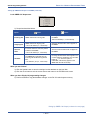
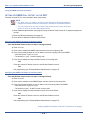
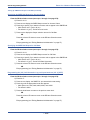
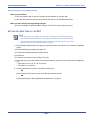
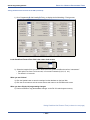
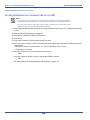
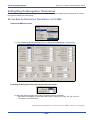
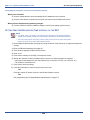
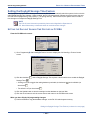
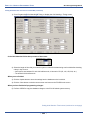
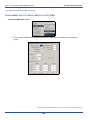
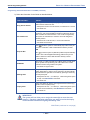
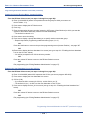
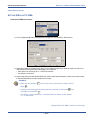
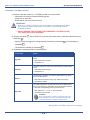
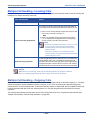
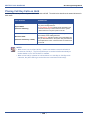
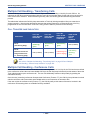
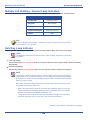
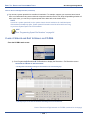
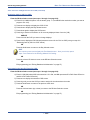
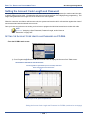
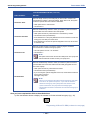
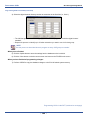
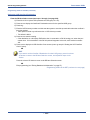
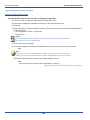
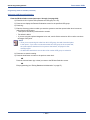
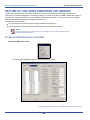
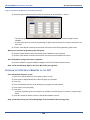
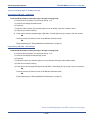
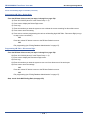
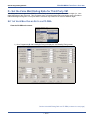
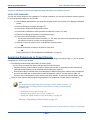
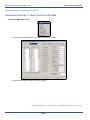
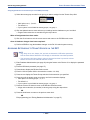
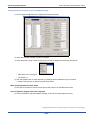
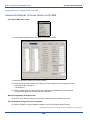
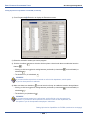
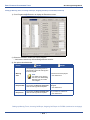
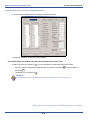
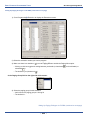
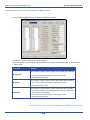
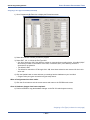
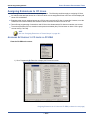
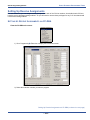
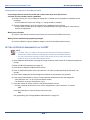
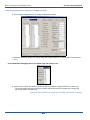
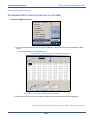
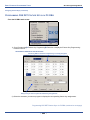
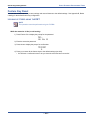
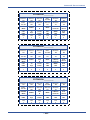
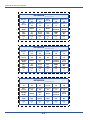
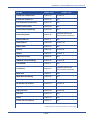
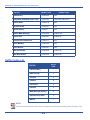
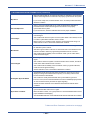
2) Select the information for the fields as described below.
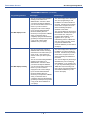
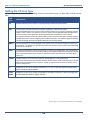
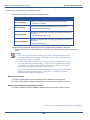
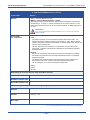
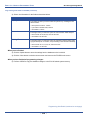
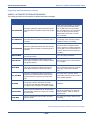
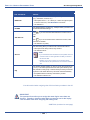
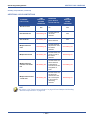
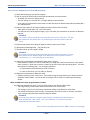
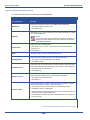
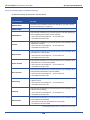
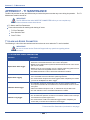
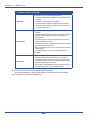
AUTOMATED ATTENDANT FIELDS
FOR THIS FIELD...
SELECT...
The length of time that the system plays a ring-back tone to callers
before the AA answers the line.
Ring Time to Answer
• Valid options are from 0 to 20 seconds, in increments of 1 second.
• The default is 0.
No Answer Time
The length of time that a call rings the AA (when all auto attendant
ports are in use and unavailable to handle the call) before the system considers the call unanswered. Once a call is recognized by
the system as unanswered, it routes the call to the designated
answer position.
• Valid times are 10-90 seconds, in 10 second increments.
• The default is 20 seconds.
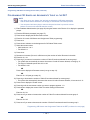
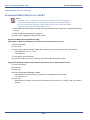
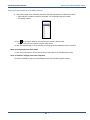
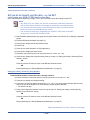
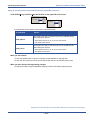
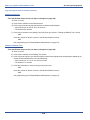
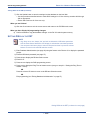
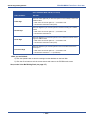
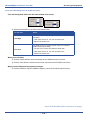
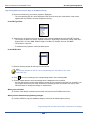
Yes (
) to tell the system to automatically drop callers if they do
not make a selection or dial a valid extension directory number.
OR
Drop No Dial
No (
) to tell the system to (NOT drop callers and) automatically
route callers to the designated answering position if they do not
make a selection or dial a valid extension directory number.
• The default is no.
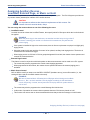
XFR Mode
The mode, (i.e., RBT: ring-back tone or MOH: music on hold) used
by the system when processing calls after callers have made a
selection and are being routed in the system.
• The default is ring-back tone.
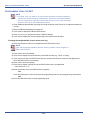
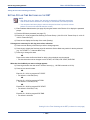
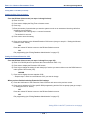
Waiting Code
A key callers can press when waiting for a busy extension. Such an
option allows them to wait for a busy extension, and automatically
try that extension again after 10 seconds by pressing a certain key
on their phone pad.
• Valid options are 0-9, *, #, or None (i.e., callers don't get the option
to wait). See IMPORTANT! note below.
• The default is #.
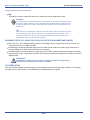
A key that callers can press to hear a general announcement (e.g.,
press 2 to hear company hours)
Inquiry Code
• Valid options are 0-9, *, #, or None (i.e., callers don't get the option
to hear an announcement). See IMPORTANT! note below.
• The default is *.
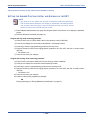
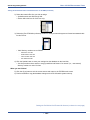
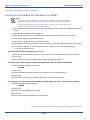
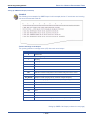
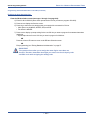
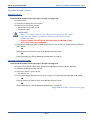
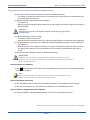
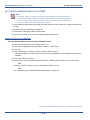
IMPORTANT!
The system will not allow you to assign the same digit to more than one
function. Therefore, determine what digits you want to use for the inquiry
code and DISA code when assigning the waiting code.
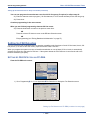
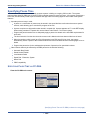
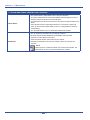
AAM Fields (continued on next page)
- 301 -