1
BASIC CALL HANDLING PROGRAMMING TASKS
DX-120 Programming Manual
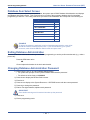
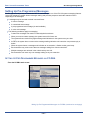
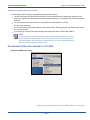
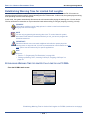
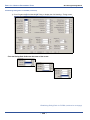
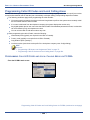
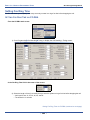
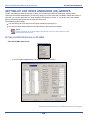
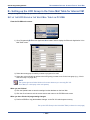
Programming Automated Attendant via the DET (continued)
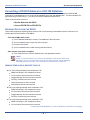
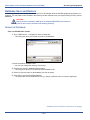
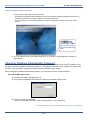
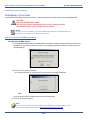
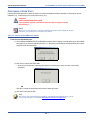
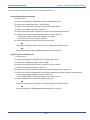
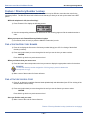
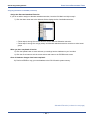
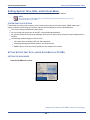
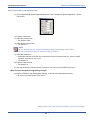
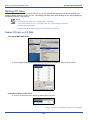
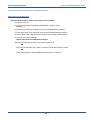
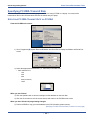
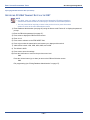
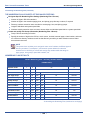
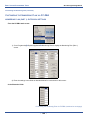
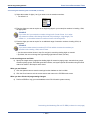
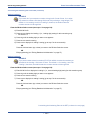
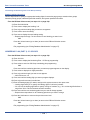
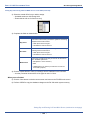
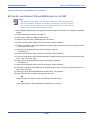
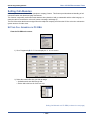
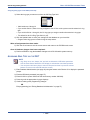
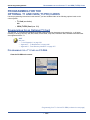
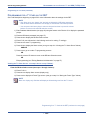
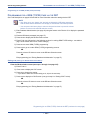
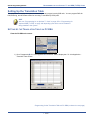
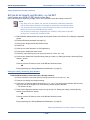
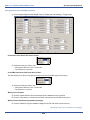
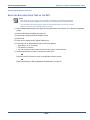
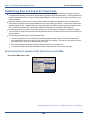
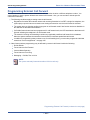
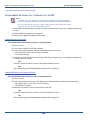
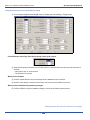
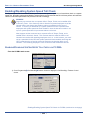
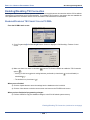
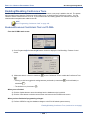
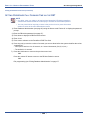
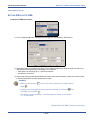
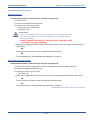
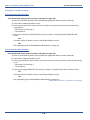
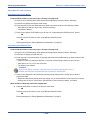
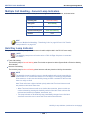
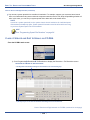
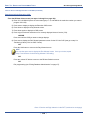
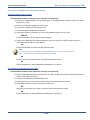
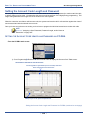
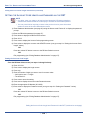
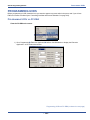
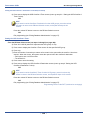
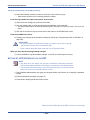
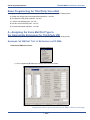
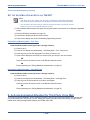
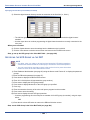
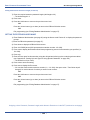
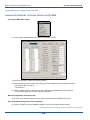
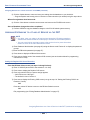
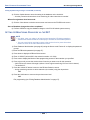
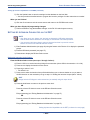
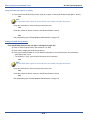
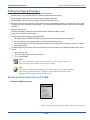
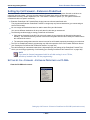
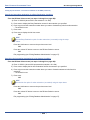
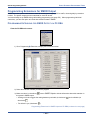
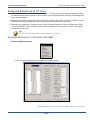
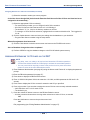
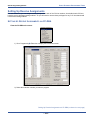
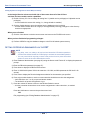
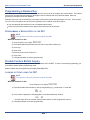
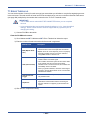
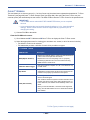
Enabling the Auto Attendant line:
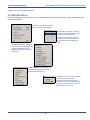
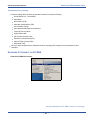
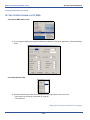
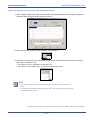
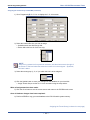
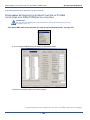
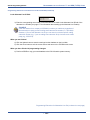
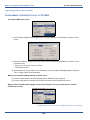
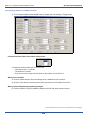
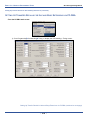
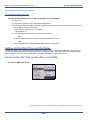
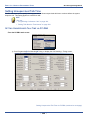
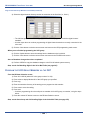
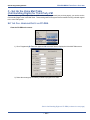
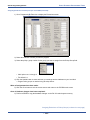
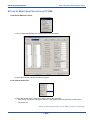
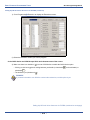
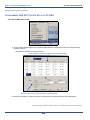
From the DB Item Select screen (see steps 1 through 3 on page 303):
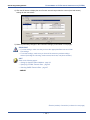
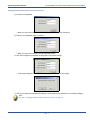
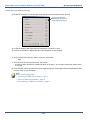
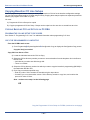
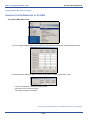
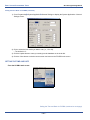
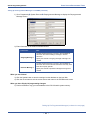
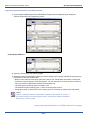
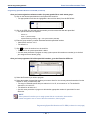
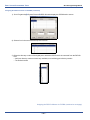
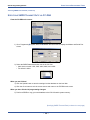
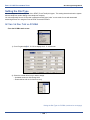
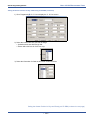
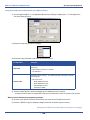
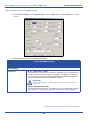
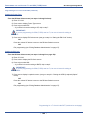
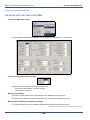
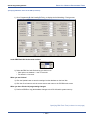
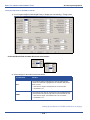
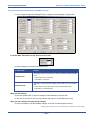
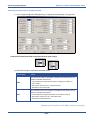
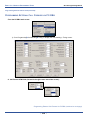
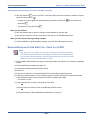
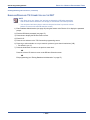
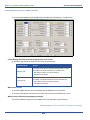
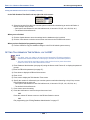
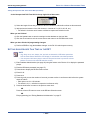
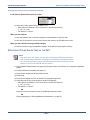
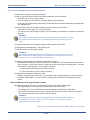
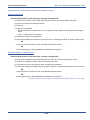
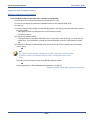
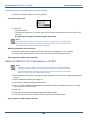
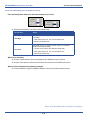
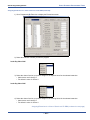
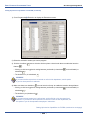
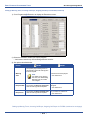
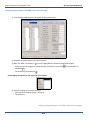
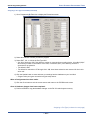
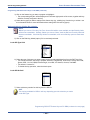
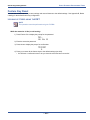
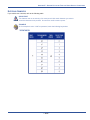
4) Enter 03-46-09-XXX-02 (where XXX represents the CO line you want to program: 800~839).
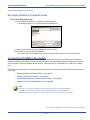
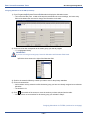
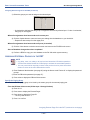
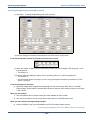
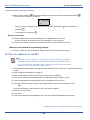
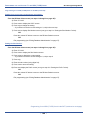
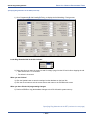
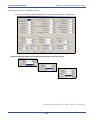
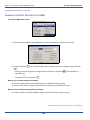
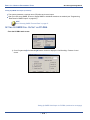
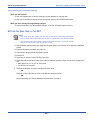
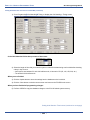
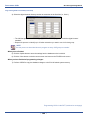
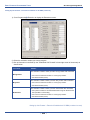
5) Press save to display the Service screen.
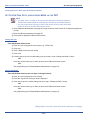
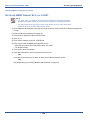
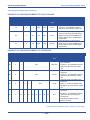
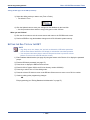
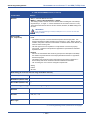
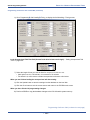
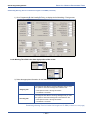
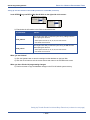
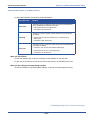
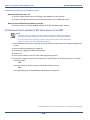
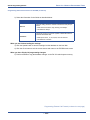
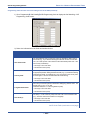
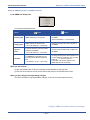
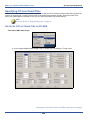
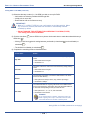
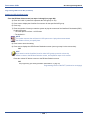
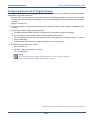
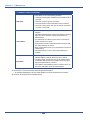
6) Press chg to select the time during which you want the AA to answer this CO line.
• Valid options are ALWAYS, NEVER, DAY, and EVE.
• The default is NEVER.
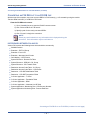
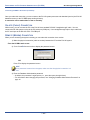
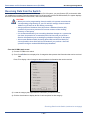
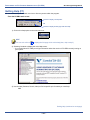
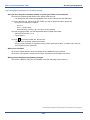
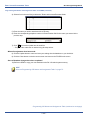
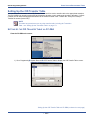
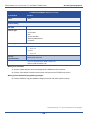
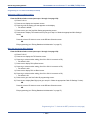
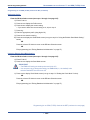
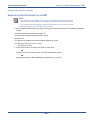
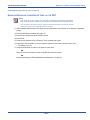
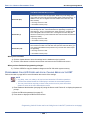
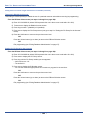
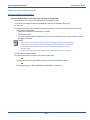
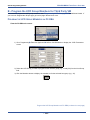
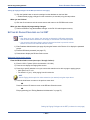
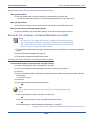
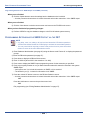
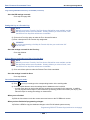
7) Press next to display a prompt asking for the next CO line you want to program for automated attendant
answering.
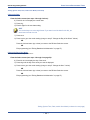
• Repeat steps above for each CO line you want to program for AAM use.
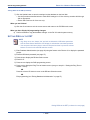
OR
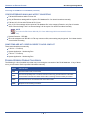
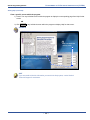
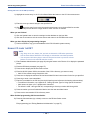
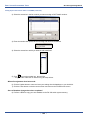
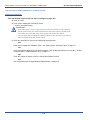
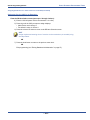
Press the volume UP button to return to the DB Item Selection screen.
OR
Exit programming (see “Exiting Database Administration” on page 27.
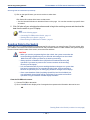
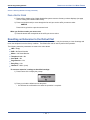
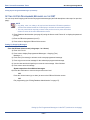
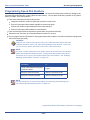
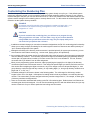
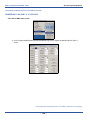
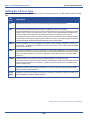
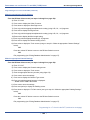
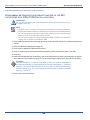
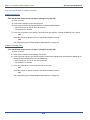
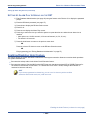
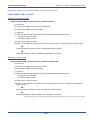
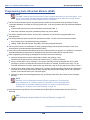
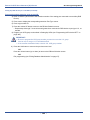
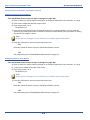
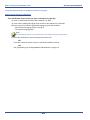
IMPORTANT!
The system will not allow you to assign the same digit to more than one
function. Therefore, determine what digits you want to use for the inquiry code
and DISA code when assigning the waiting code.
- 311 -