1
BASIC CALL HANDLING PROGRAMMING TASKS
DX-120 Programming Manual
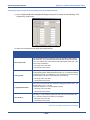
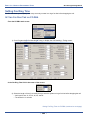
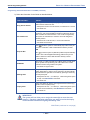
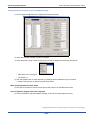
CALLER ID CODE FIELDS (continued)
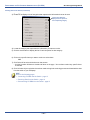
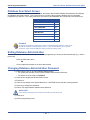
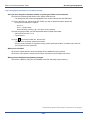
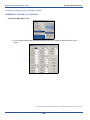
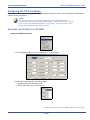
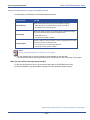
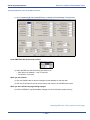
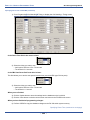
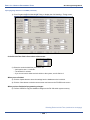
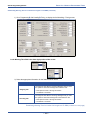
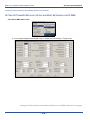
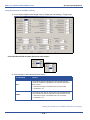
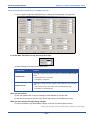
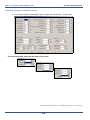
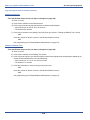
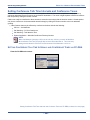
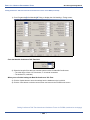
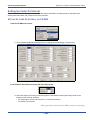
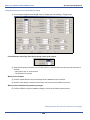
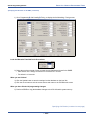
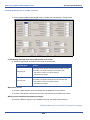
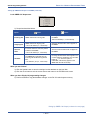
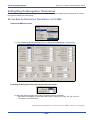
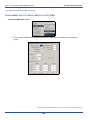
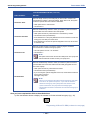
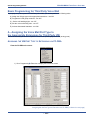
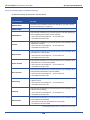
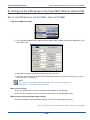
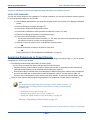
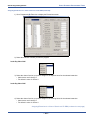
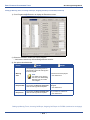
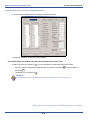
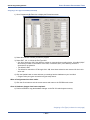
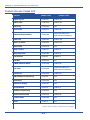
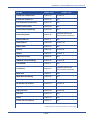
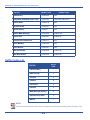
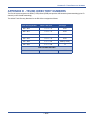
Area Code (2-8)
Additional local area codes as appropriate. While many local calling areas
only include one area code, some local calling areas contain several (e.g., in
addition to 310, the Los Angeles area also includes area codes 213, 323,
562, and 818).
• The range is from 0 to 999.
• The default is blank (none).
The first (most commonly dialed) code you want the system to dial (if any)
when dialing local calls. Use this field when 10 digit dialing is required on
local calls (e.g., in the Los Angeles area, callers must use a 10 digit number
when calling within the 310 area code - meaning that each time they dial
within the 310 area, they must include that area code as well as the individual
telephone number).
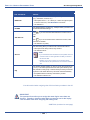
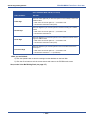
Area Prefix (1)
• The range is from 0 to 999.
• The default is blank (none).
Area Prefix (2-8)
Additional area prefixes as appropriate. Depending upon whether or not you
have entered more than one local area code (see Area Code 2-8 above), you
may need to add additional area prefixes if any of those area codes require
10 digit dialing.
• The range is from 0 to 999.
• The default is blank (none).
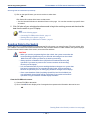
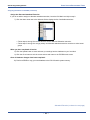
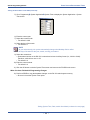
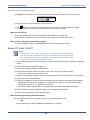
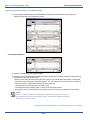
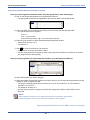
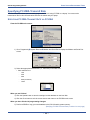
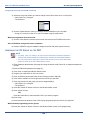
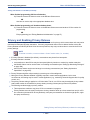
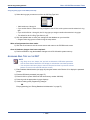
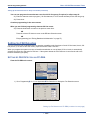
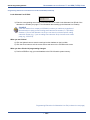
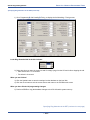
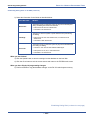
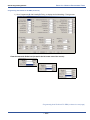
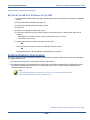
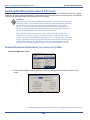
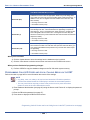
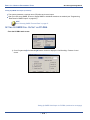
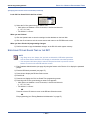
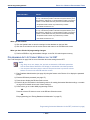
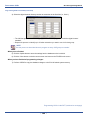
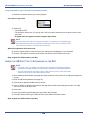
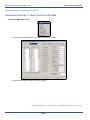
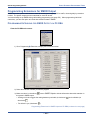
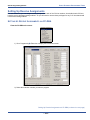
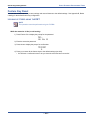
When you are finished:
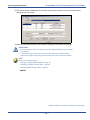
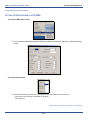
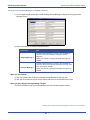
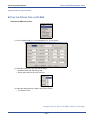
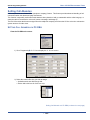
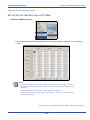
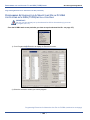
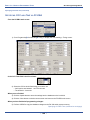
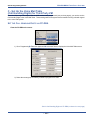
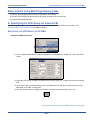
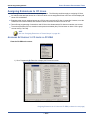
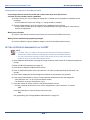
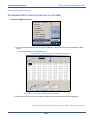
3) Click the Update button to store the settings into the database on the local disk.
4) Click the Close button to exit the current screen and return to the PC-DBA main screen.
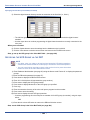
When you have finished all programming changes:
5) Perform a SEND to copy the database changes to the DX-120 switch system memory.
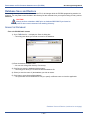
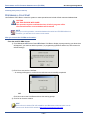
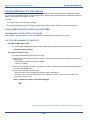
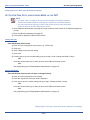
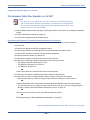
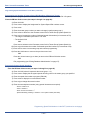
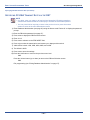
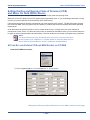
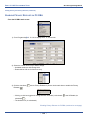
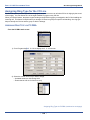
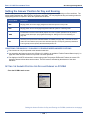
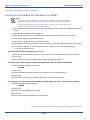
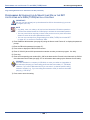
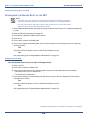
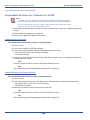
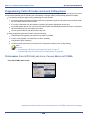
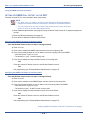
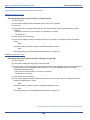
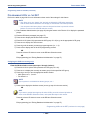
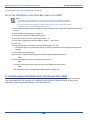
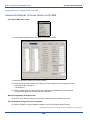
PROGRAMMING CALLER ID CODES AND LOCAL CALLING AREAS VIA THE DET
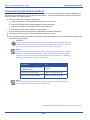
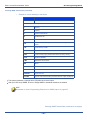
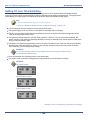
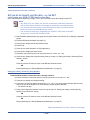
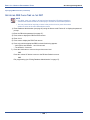
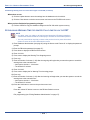
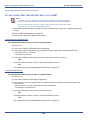
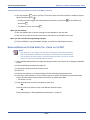
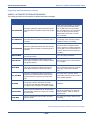
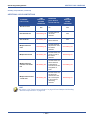
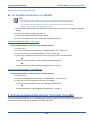
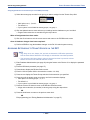
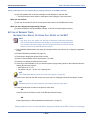
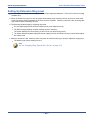
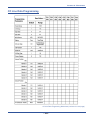
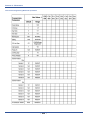
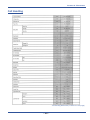
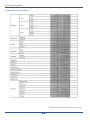
Refer to the table on page 265 for more information about each of the settings.
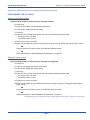
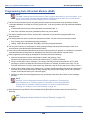
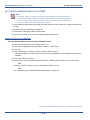
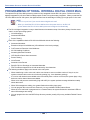
NOTE
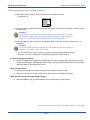
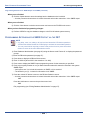
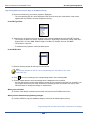
• chg, bksp, save, one, always, del, and ack are interactive LCD button operations.
Use the three buttons below the LCD display to activate the associated operation.
• You can press Hold at any time to return to the previous level or press the volume
buttons to return to the main DB selection screen.
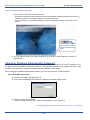
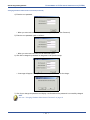
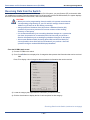
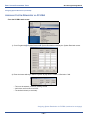
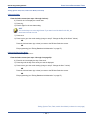
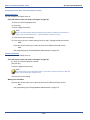
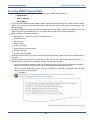
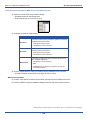
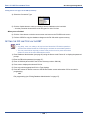
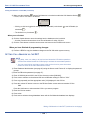
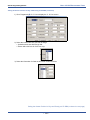
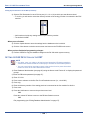
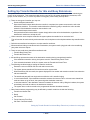
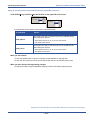
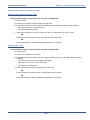
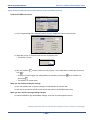
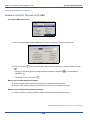
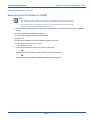
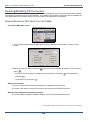
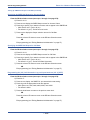
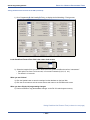
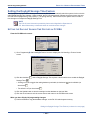
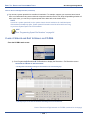
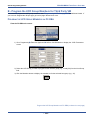
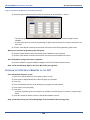
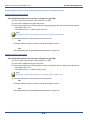
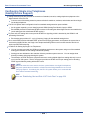
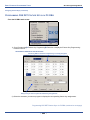
1) Enter Database Administration (see page 26) using the feature code Feature # * to display the password
prompt.
2) Enter the DB Admin password (see page 27).
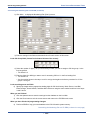
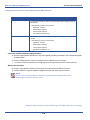
3) Press show to display the DB Item Select screen.
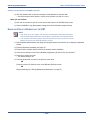
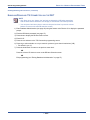
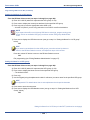
Programming Caller ID Codes and Local Calling Areas via the DET (continued on next page)
- 266 -