1
BASIC SYSTEM PROGRAMMING TASKS
DX-120 Programming Manual
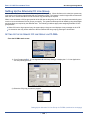
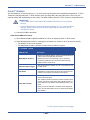
Programming Speed Dial Numbers (continued)
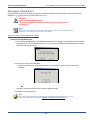
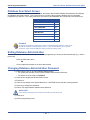
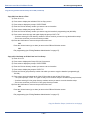
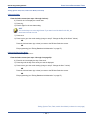
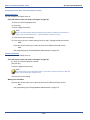
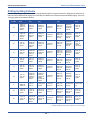
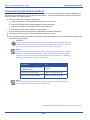
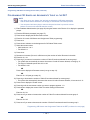
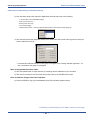
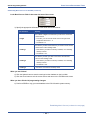
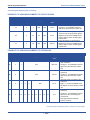
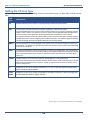
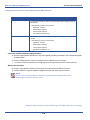
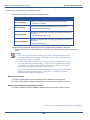
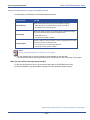
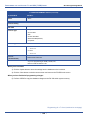
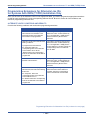
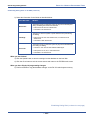
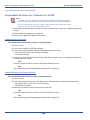
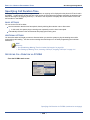
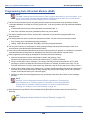
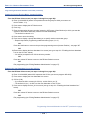
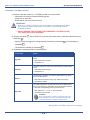
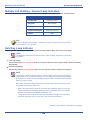
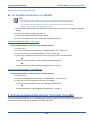
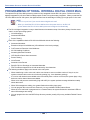
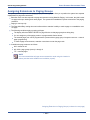
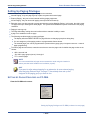
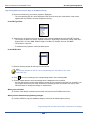
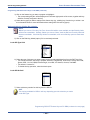
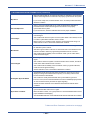
• The following conditions apply to assigning system speed dial numbers:
-
The DX-120 system has 1000 speed dial number memory locations that are dynamically allocated to the
system use (extensions individually via extension speed dial locations, or all extensions via system speed dial
locations).
-
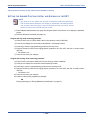
You can program system speed dial bins, using Attendant Administration on a DET.
-
You can chain speed bins.
-
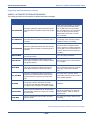
You can store pauses and flashes within the speed dial number. Chaining, pauses, and flashes each occupy
one character position.
-
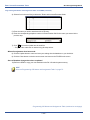
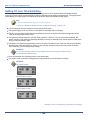
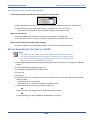
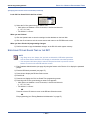
If you access an empty bin the system displays a message that reads: "SPEED NO. EMPTY."
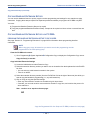
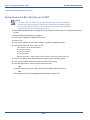
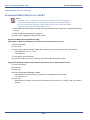
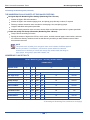
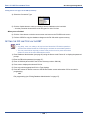
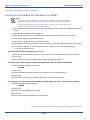
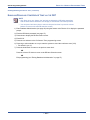
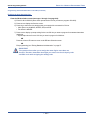
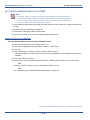
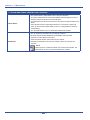
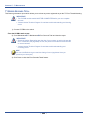
NOTE
You can program individual speed dial numbers at the individual extension, or across
several extensions using PC-DBA. If you use the DET to set up your speed dials, you
will have to program the speed dials at each extension; you cannot program individual
speed dial numbers globally using the DET.
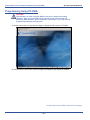
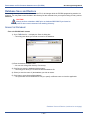
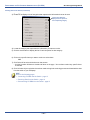
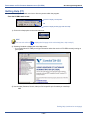
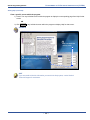
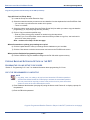
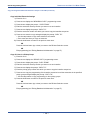
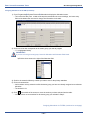
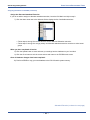
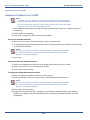
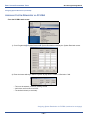
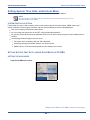
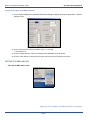
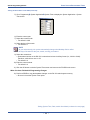
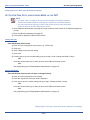
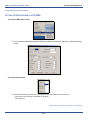
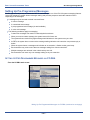
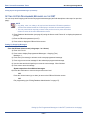
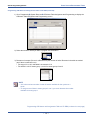
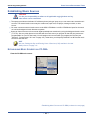
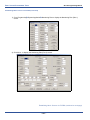
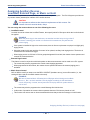
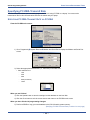
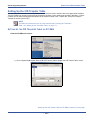
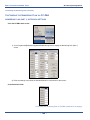
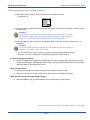
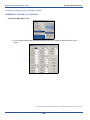
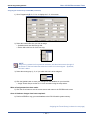
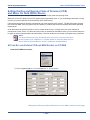
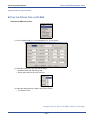
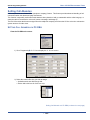
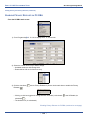
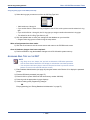
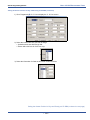
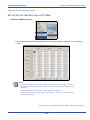
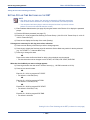
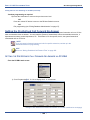
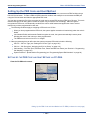
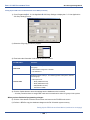
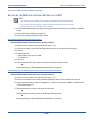
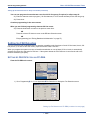
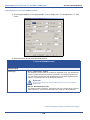
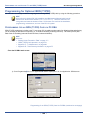
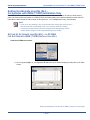
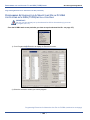
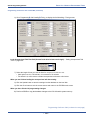
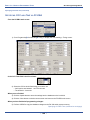
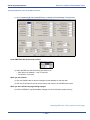
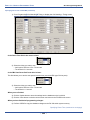
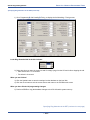
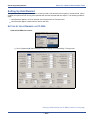
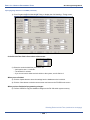
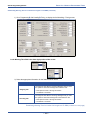
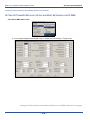
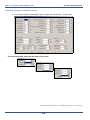
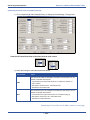
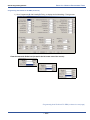
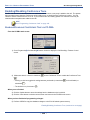
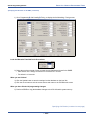
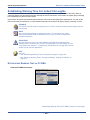
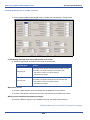
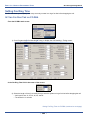
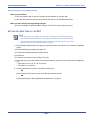
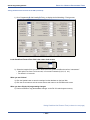
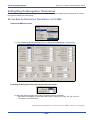
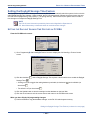
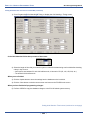
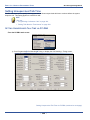
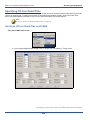
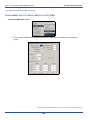
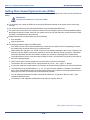
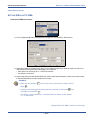
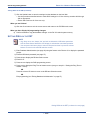
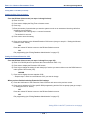
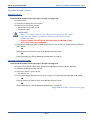
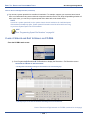
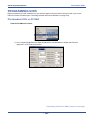
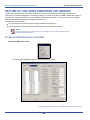
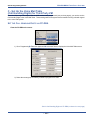
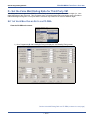
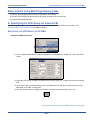
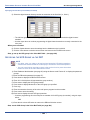
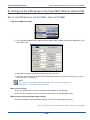
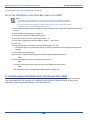
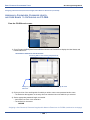
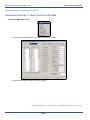
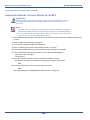
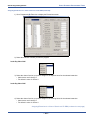
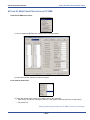
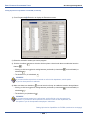
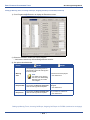
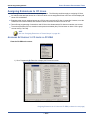
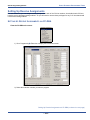
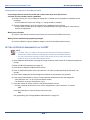
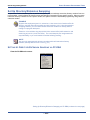
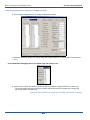
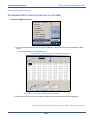
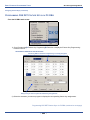
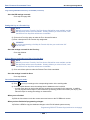
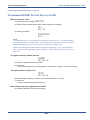
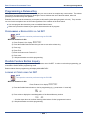
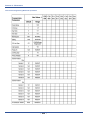
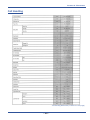
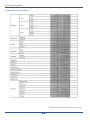
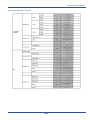
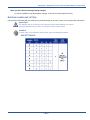
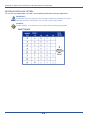
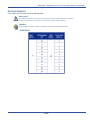
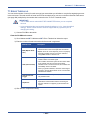
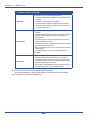
PROGRAMMING SPEED DIAL NUMBERS VIA PC-DBA
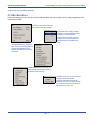
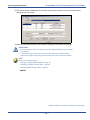
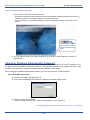
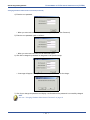
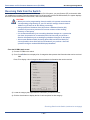
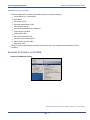
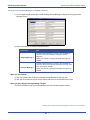
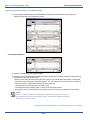
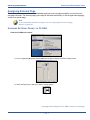
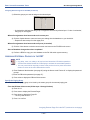
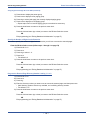
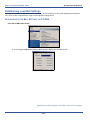
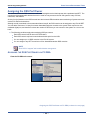
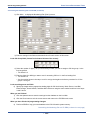
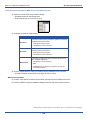
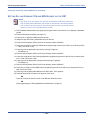
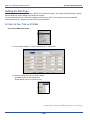
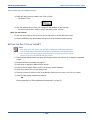
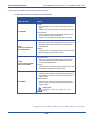
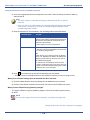
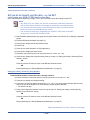
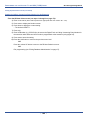
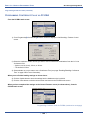
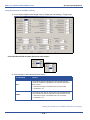
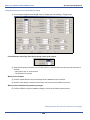
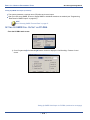
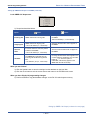
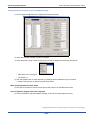
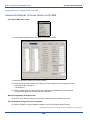
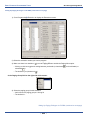
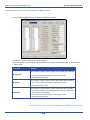
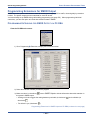
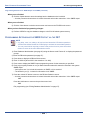
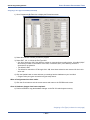
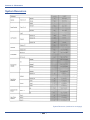
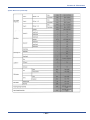
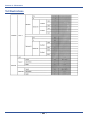
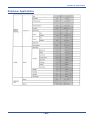
From the PC-DBA main screen:
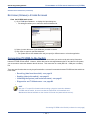
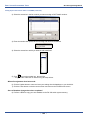
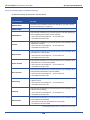
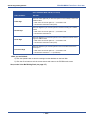
Programming Speed Dial Numbers via PC-DBA (continued on next page)
- 65 -