1
BASIC EXTENSION PROGRAMMING TASKS
DX-120 Programming Manual
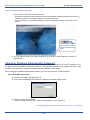
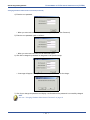
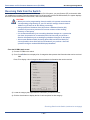
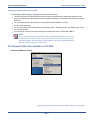
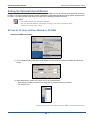
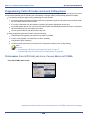
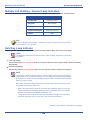
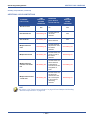
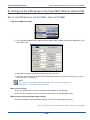
Setting Up Off Hook Voice Announce via PC-DBA (continued)
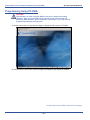
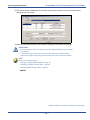
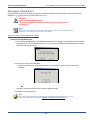
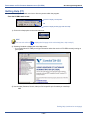
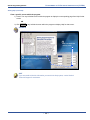
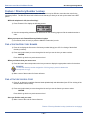
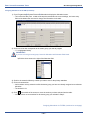
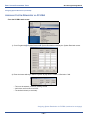
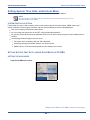
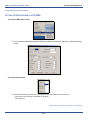
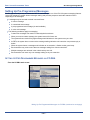
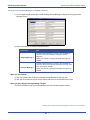
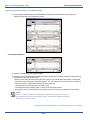
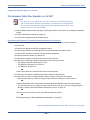
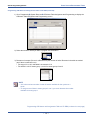
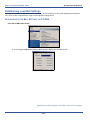
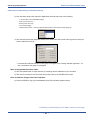
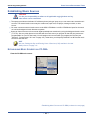
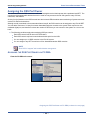
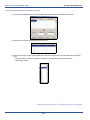
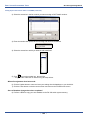
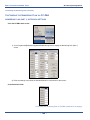
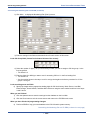
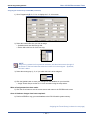
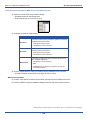
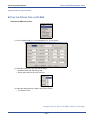
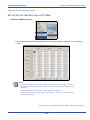
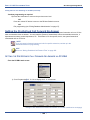
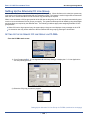
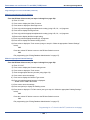
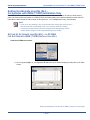
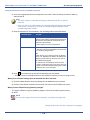
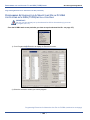
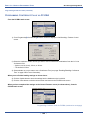
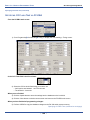
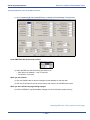
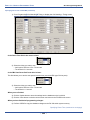
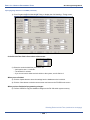
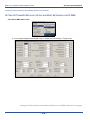
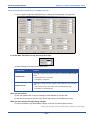
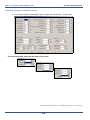
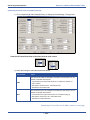
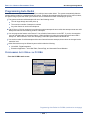
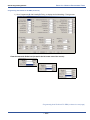
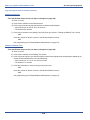
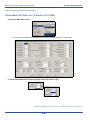
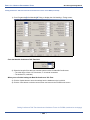
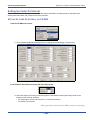
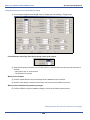
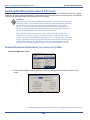
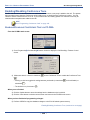
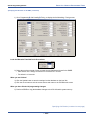
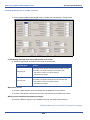
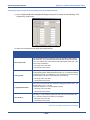
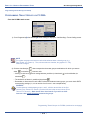
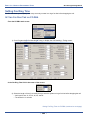
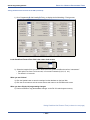
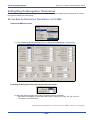
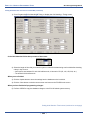
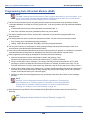
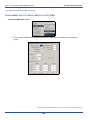
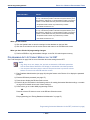
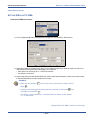
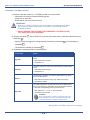
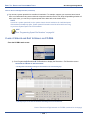
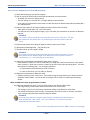
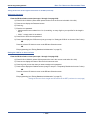
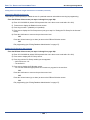
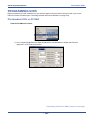
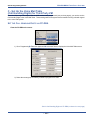
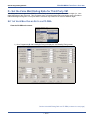
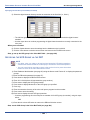
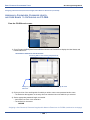
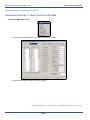
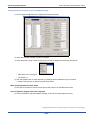
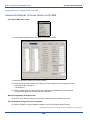
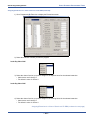
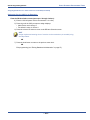
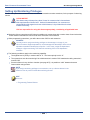
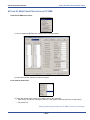
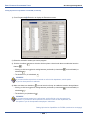
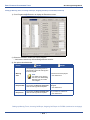
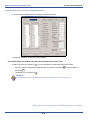
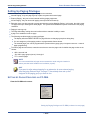
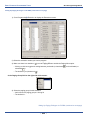
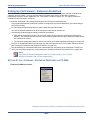
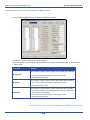
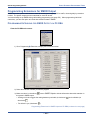
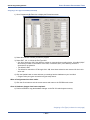
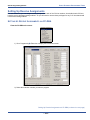
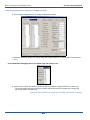
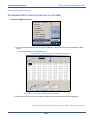
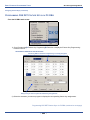
1) Go to ProgrammingXExtension to display the Extensions screen.
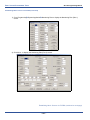
2) Select the extension number you want to program.
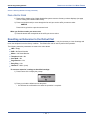
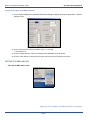
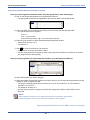
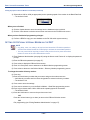
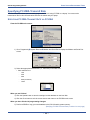
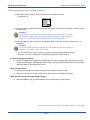
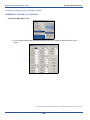
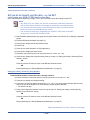
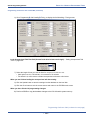
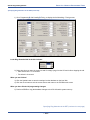
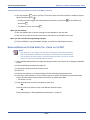
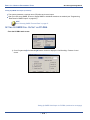
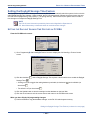
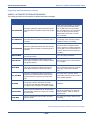
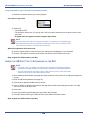
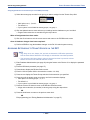
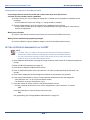
In the OHVA Active and OHVA Accept fields at the bottom center of the screen:
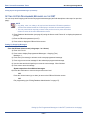
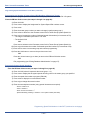
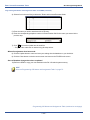
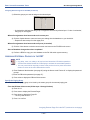
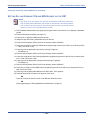
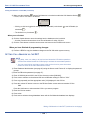
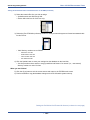
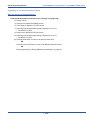
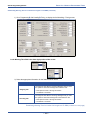
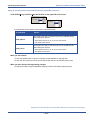
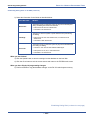
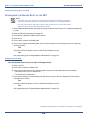
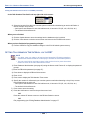
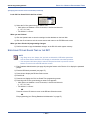
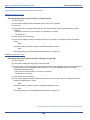
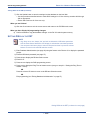
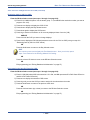
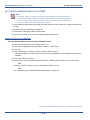
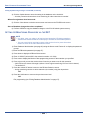
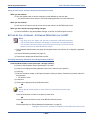
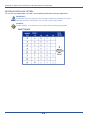
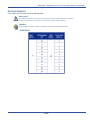
3) Make sure there is a checkbox (
) next to OHVA Active to enable the OHVA Active option.
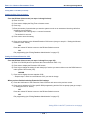
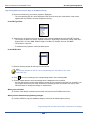
• Clicking on this box toggles the setting between yes/enable (a checkmark
checkmark
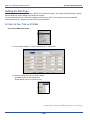
) and no/disable (no
).
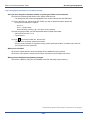
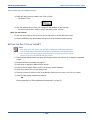
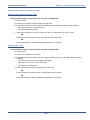
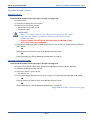
• The default is yes (checkmark
)
EXAMPLE
If you want to be able to use OHVA to contact other extensions, set this option to yes.
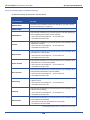
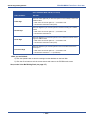
Setting Up Off Hook Voice Announce via PC-DBA (continued on next page)
- 416 -