1
Feature Operation
3-39
Automated Attendant Operation
❐
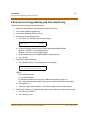
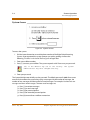
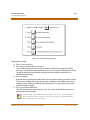
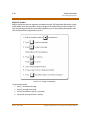
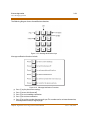
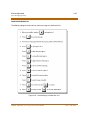
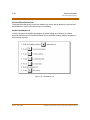
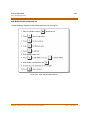
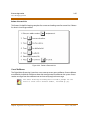
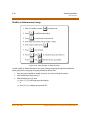
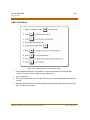
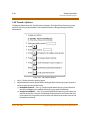
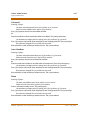
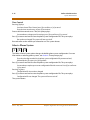
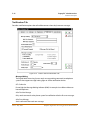
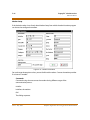
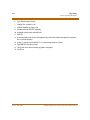
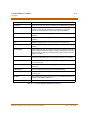
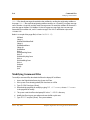
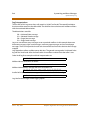
Supervised — Press [3] and the Digital Voice Processing System monitors the transfer.
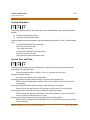
If the call is unanswered, it is forwarded. If the System Administrator enables the Call
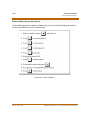
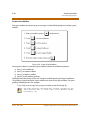
Screening or Call Holding functions, the extension can be set with these options:
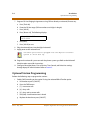
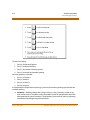
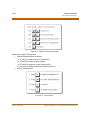
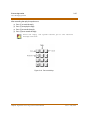
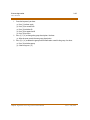
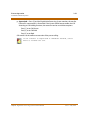
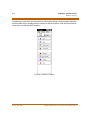
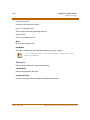
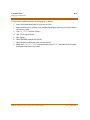
Press [1] to set Call Screen
Press [2] to set Call Hold
Press [3] to set Both
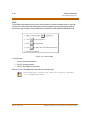
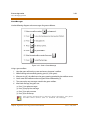
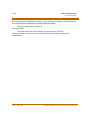
Call transfers to the mailbox or extension of the person calling.
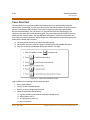
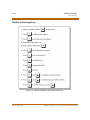
If the transfer is Supervised or Immediate Forward, select
where to forward the call.
NOTES
Talkpath - Digital Voice Processing System Technical Manual
Issue 2 - May, 2004