1
TIS-Office
Installation Guide
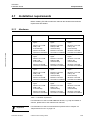
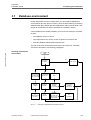
6 Startup
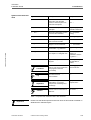
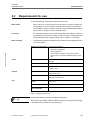
Module
Function
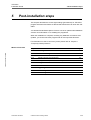
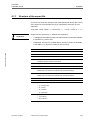
System settings
Scanner
Infringement
Settings
TIS-Office • Edition 07/2007
Infringement
reports
6.2
•
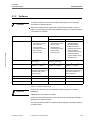
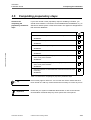
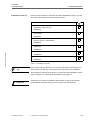
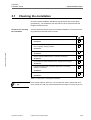
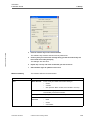
Create users and modify their data.
•
Create user roles and edit permissions.
•
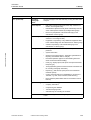
Scan tachograph charts
•
Edit scanner settings
•
Determine thresholds for tachograph chart data recorded by
different tachograph types
•
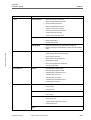
Infringement report options
•
Driver Letter texts
•
Driver Fault and Infringement Graph
•
Driver Infringement Report
•
Driver Letter
•
Driver Overspeeding Protocol
•
Vehicle Overspeeding Protocol
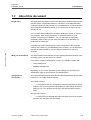
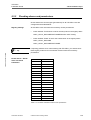
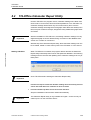
Installing language files
You can select the user interface language for each user that has access to
TIS-Office. To do so, you must add the corresponding language file if
necessary, and then assign the language to the user.
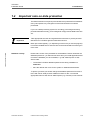
By default, the English language file is installed together with TIS-Office. If you
select another language during installation, e.g. German, this language file will
be installed too.
Important
6.2.1
Adding a language
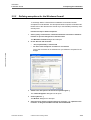
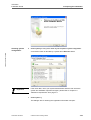
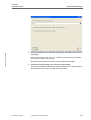
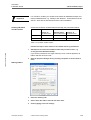
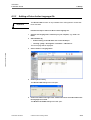
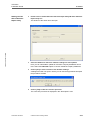
Follow these steps to add a new language file:
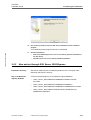
1
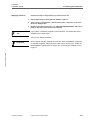
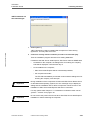
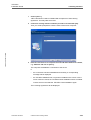
Save the new language file in a directory on your computer, e.g. "C:\NL" for
Dutch.
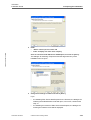
2
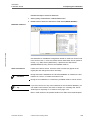
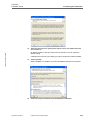
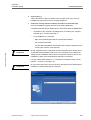
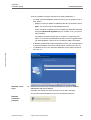
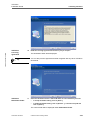
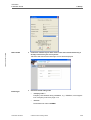
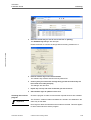
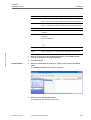
Start TIS-Office by
–
double-clicking on the TIS-Office icon on the desktop or
–
selecting "[start] > All Programs > TIS-Office > -TIS-Office 2".
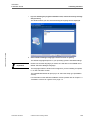
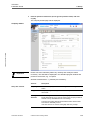
The Home page will be displayed.
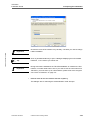
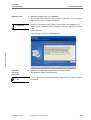
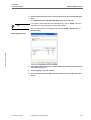
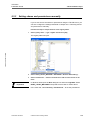
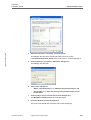
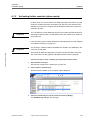
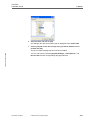
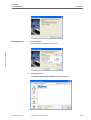
3
TU00-0881-0154502
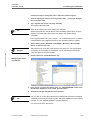
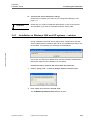
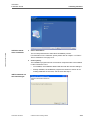
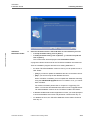
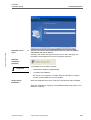
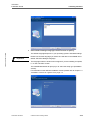
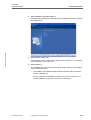
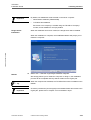
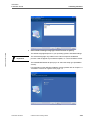
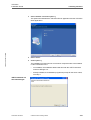
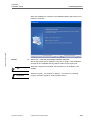
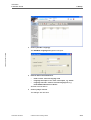
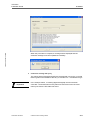
Select "Utilities > Language Files".
© Siemens VDO Trading GmbH
6-11