1
TIS-Office
Installation Guide
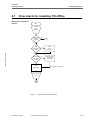
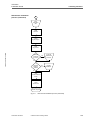
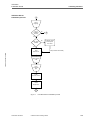
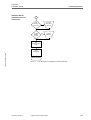
4 Installing TIS-Office
TIS-Office • Edition 07/2007
3
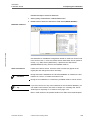
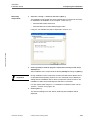
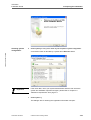
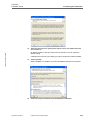
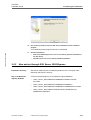
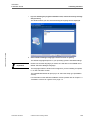
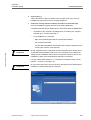
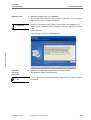
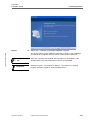
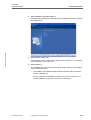
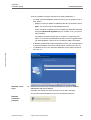
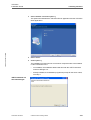
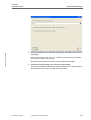
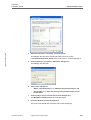
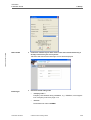
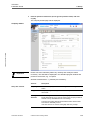
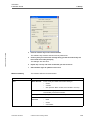
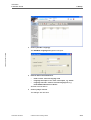
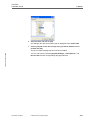
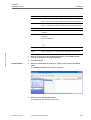
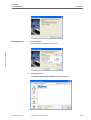
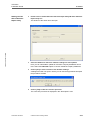
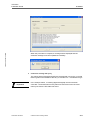
Select a different dialogue language if desired and click on [Next >].
The default language depends on your operating system's standard settings.
Important
Please note that the language you select here will also be the ADMIN user's
default TIS-Office dialogue language.
The language selection window will not appear if you are installing an update,
i.e. a new TIS-Office version.
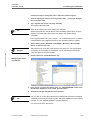
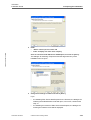
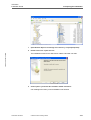
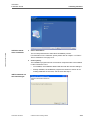
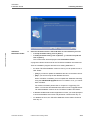
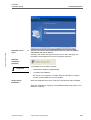
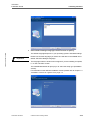
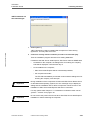
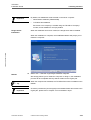
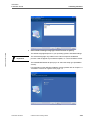
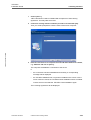
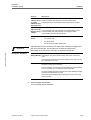
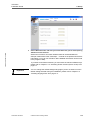
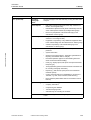
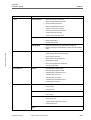
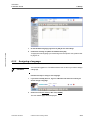
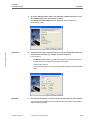
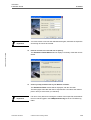
The InstallShield Wizard will prompt you to select the setup type (installation
version).
For information on the different installation versions please refer to Chapter 1.2
"Installation versions at a glance" from page 1-4.
TU00-0881-0154502
© Siemens VDO Trading GmbH
4-18