1
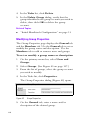
“Manage Windows and UNIX Shares” on page
121
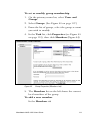
“Manage Macintosh and NetWare Shares” on
page 133
Manage Folders
To manage folders
1. From the Folders and Shares page, select
Folders to open the Volumes on Server
Appliance page.
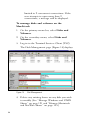
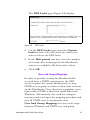
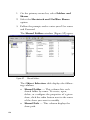
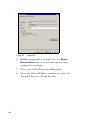
The Volumes on Server Appliance dialog
(Figure 45) opens.
Figure 45
114
Volumes on Server Appliance
The Volumes on Server Appliance page
allows you to create, open, delete, or configure a
number of network volumes. The Object
Selection table on this page has the following
parts:
Name — This column lists each volume by
name. To create, open, delete, or configure the
properties of a given volume, click the radio
button next to the name of the volume you want
to modify.