1
Installing the printer driver
2
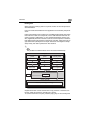
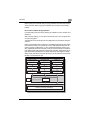
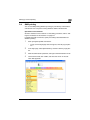
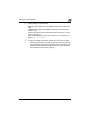
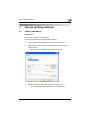
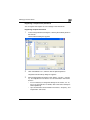
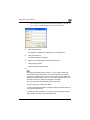
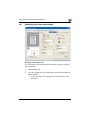
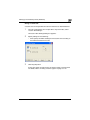
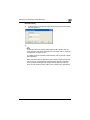
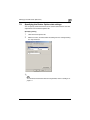
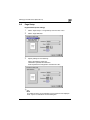
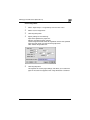
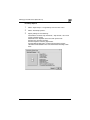
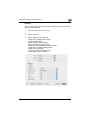
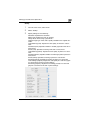
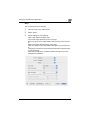
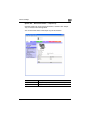
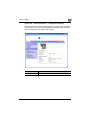
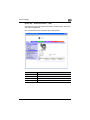
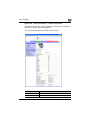
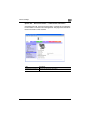
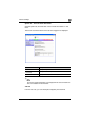
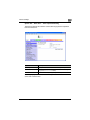
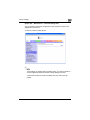
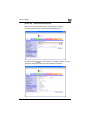
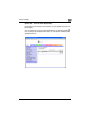
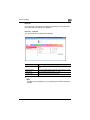
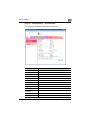
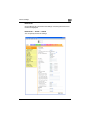
Automatic installation using the installer
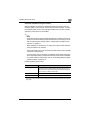
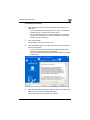
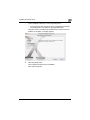
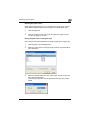
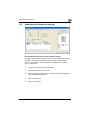
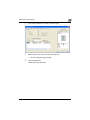
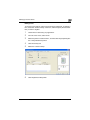
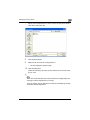
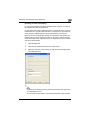
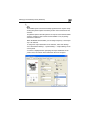
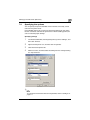
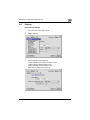
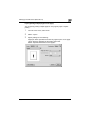
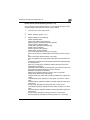
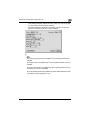
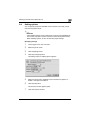
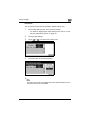
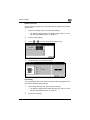
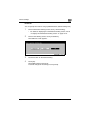
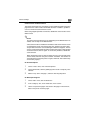
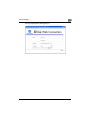
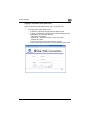
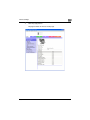
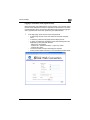
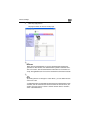
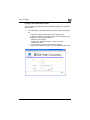
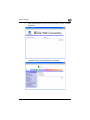
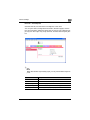
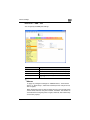
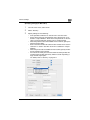
With the installer, this machine is detected to determine whether it is connected by USB or is on the same TCP/IP network as the computer, and then
the required printer driver is automatically installed. You can also manually
specify the printer driver to be installed.
2
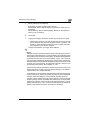
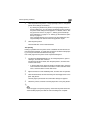
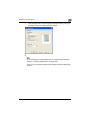
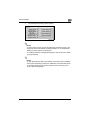
Note
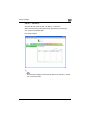
Since this machine is automatically detected with a network connection,
be sure to set the IP address of this machine before connecting it. For details on specifying the settings, refer to “Setting the IP address for this
machine” on page 3-5.
When installing on Windows NT 4.0, 2000, XP, or Server 2003, administrator permissions are required.
If the wizard starts up in order to add new hardware with a USB or parallel
connection, click [Cancel].
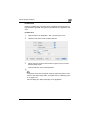
For IPP printing, it is not necessary to install the printer driver at this time
since IPP printing setup is performed when the printer driver is installed.
For further details on IPP printing, refer to “IPP printing (Windows 2000/
XP/Server 2003)” on page 3-16.
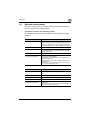
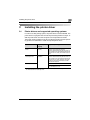
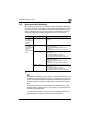
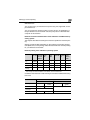
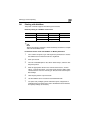
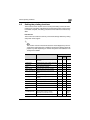
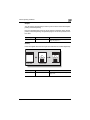
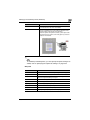
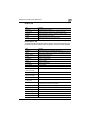
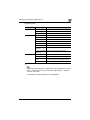
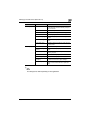
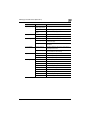
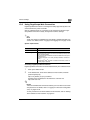
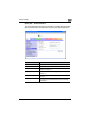
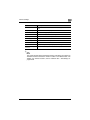
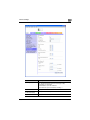
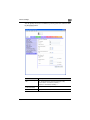
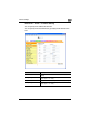
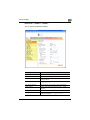
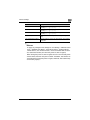
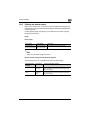
Installer operating environment
Item
Operating environment
Operating System
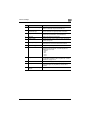
Windows 98 Second Edition, Windows Me, Windows NT 4.0 (Service Pack 6a or later)*, Windows 2000 Professional (Service Pack 4 or
later), Windows XP Home Edition/Windows XP Professional (Service
Pack 2 or later), or Windows Server 2003
Processor
Pentium 300 MHz or higher recommended
Memory
64 MB or more (128 MB or more recommended)
* With Windows NT 4.0, in order to install a machine that is connected directly to a network using
the TCP/IP protocol, Windows TCP/IP Printing Services must first be installed on the computer
being used.
C300
2-3

































































































![User's Guide [Print Operations]](http://vs1.manualzilla.com/store/data/006865851_1-707f03be75ff1c81e6e96aa922adf3d2-150x150.png)