1
Configuring the RibbonMinder
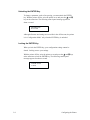
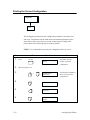
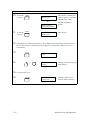
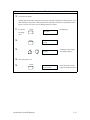
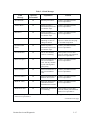
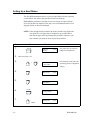
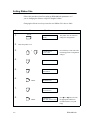
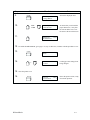
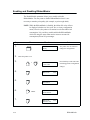
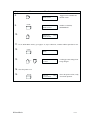
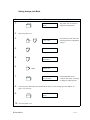
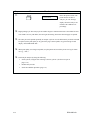
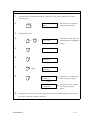
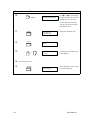
The following procedures explain how to set each RibbonMinder parameter
and either exit the configuration menu or continue to the next parameter.
Parameters are presented in the order in which they are usually configured
the first time.
NOTE: When you make changes to RibbonMinder parameters, your
changes are saved automatically in NVRAM (Non–Volatile Random
Access Memory).
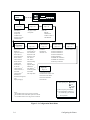
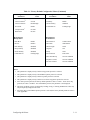
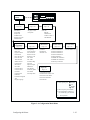
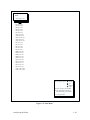
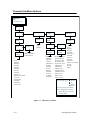
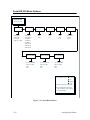
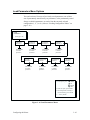
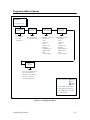
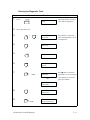
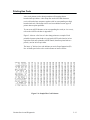
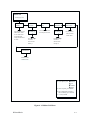
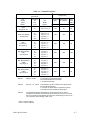
As you perform the following steps, refer to the RibbonMinder Menu
Diagram shown in Figure 6–1.
6–4
RibbonMinder