1
SINAUT TD7 software package for the CPU
2.1 Overview
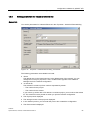
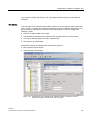
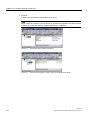
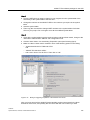
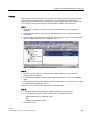
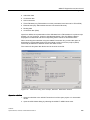
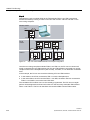
Step 1
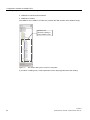
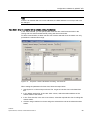
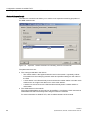
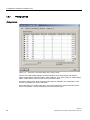
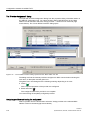
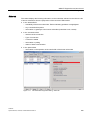
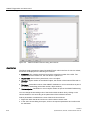
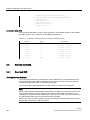
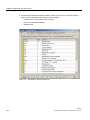
Copy the rows from the symbol table of the SINAUT TD7 library with the SINAUT blocks you
still require to the symbol table of the CPU. If necessary, change the numbers of these
blocks in the symbol table of the CPU.
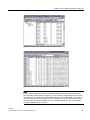
If you want to add the same blocks to further CPUs, the most efficient method is to copy the
new entries from the symbol table of the first CPU to the symbol tables of the other CPUs,
particularly if you have assigned different numbers to the new blocks. Changes to the
numbers of these blocks are then adopted directly on the other CPUs.
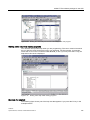
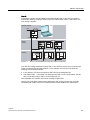
Step 2
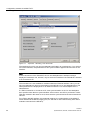
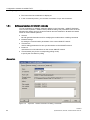
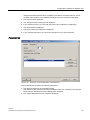
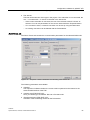
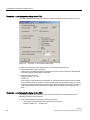
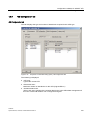
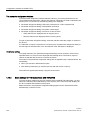
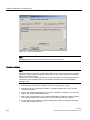
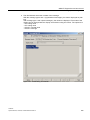
Change to the 'Subscriber Administration' SINAUT configuration tool and save again as
explained in Step 3.
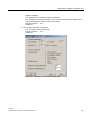
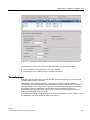
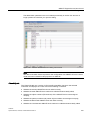
When the save is complete, the blocks newly added to the symbol table are stored in the
block directory of the CPU, if applicable with new block numbers. They have also been
recompiled and therefore adapted to their local SINAUT environment; in other words
internally, they call the SINAUT auxiliary blocks under their new numbers.
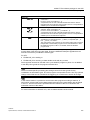
Note
If a SINAUT block that you have added already exists on one of the other CPUs of the
project, and if the same number changes have been made for the SINAUT auxiliary blocks,
the block can also be copied from the program of the relevant CPU. In this case, however,
no new entry is made in the symbol table of the target CPU as is the case when copying
from the TD7 library *). You should therefore modify the symbol name manually to avoid
errors during subsequent compilations.
*)This applies only to versions older than STEP 7 Version 5.1
2.1.4
Copying programs
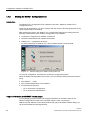
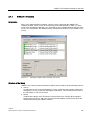
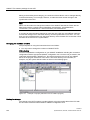
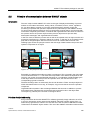
Introduction
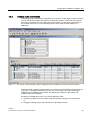
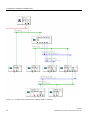
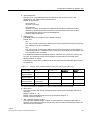
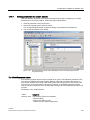
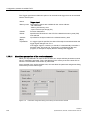
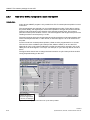
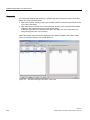
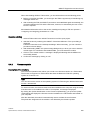
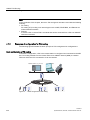
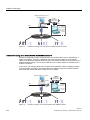
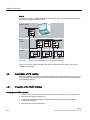
If several stations of a SINAUT project require the same or almost the same programme, the
most efficient method used to complete the program first for one of the stations. Following
this, the program can be copied to all other stations and adapted to the local situation. A safe
method for copying programs in SINAUT projects is described below.
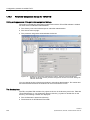
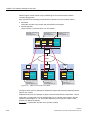
Initial situation
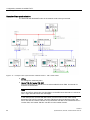
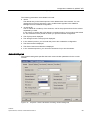
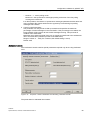
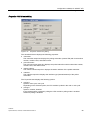
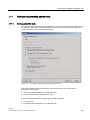
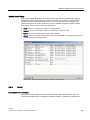
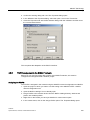
You have configured your SINAUT installation as already described in the section
'Configuration software for SINAUT ST7'; in other words, you have completed the connection
configuration with the appropriate SINAUT configuration tool and have started to save in the
'Subscriber Administration' SINAUT tool. The result is that all the necessary SINAUT blocks
already exist in all the program directories of the CPU in addition to the SDB directory and
OB1. You have completed the program for one of the CPUs want to copy this to other CPUs.
194
Software
System Manual, 07/2009, C79000-G8976-C222-07