1
AXIS Camera Station
Logs Workspace
Logs Workspace
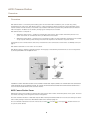
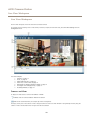
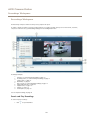
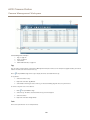
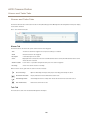
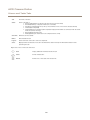
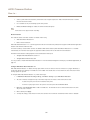
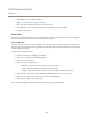
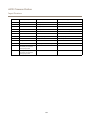
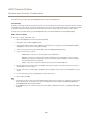
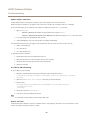
The Logs workspace contains the following logs:
Alarms
System alarms, alarms generated by event configuration rules and, if enabled, motion detection alarms. Listed are
the date and time of the alarm, the alarm title and an alarm description. For information about how to set up
rules, see Event Configuration, on page 49.
Events
Displays camera and server events, for example recordings, triggers, alarms, errors and system messages. Listed are
the date and time of the event, the event category and an event message.
Audit
Displays all user actions, for example manual recordings, video streaming started or stopped and event configuration.
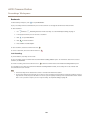
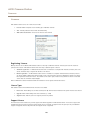
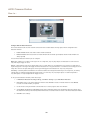
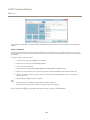
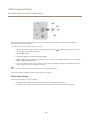
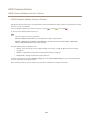
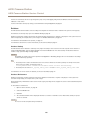
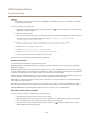
To search for logs, follow these steps:
1. Click
to expand Log Search.
2. Select Search.
3. Select a date from the calendar. To select a range of dates, keep the SHIFT key pressed while selecting the dates.
4. Select the Start time and End time from the drop-down lists.
5. Click Search.
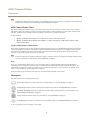
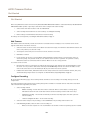
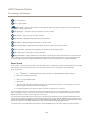
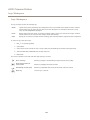
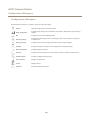
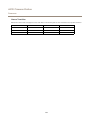
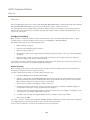
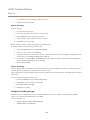
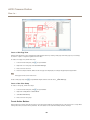
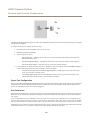
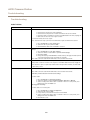
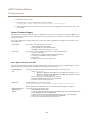
The tools are available in the toolbar and when right-clicking on an alarm:
Go to recordings
(Alarms log only) Go to the Recordings workspace and play the recording.
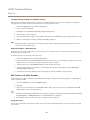
Show alarm procedure for
selected alarm
(Alarms log only) Open the alarm procedure.
Acknowledge selected alarms
(Alarms log only) Notify other clients that the alarms have been noticed.
Export log
Save the log as a text file.
24