1
AXIS Camera Station
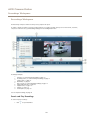
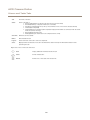
Input Devices
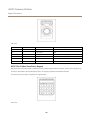
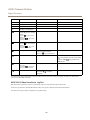
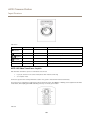
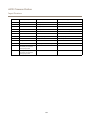
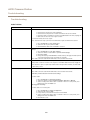
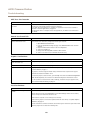
Button
Function (Global)
Function (Live View)
Function (Recordings)
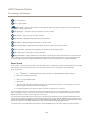
F1
Go to preset 1
Play/Pause
F2
Go to preset 2
Stop
F3
Go to preset 3
Jump to previous recording start
F4
Go to preset 4
Jump to next recording start
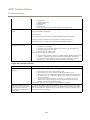
F7
Show split/single view
Show split/single view
F8
Toggle full screen
Take a snapshot
F5
Left mouse button
F6
Right mouse button
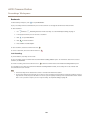
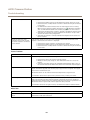
F9
Navigate back
F10
Start/Stop manual recording
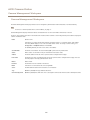
F11
Increase joystick speed. Keep
the button pressed while
moving the joystick.
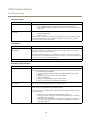
F12
Reduce joystick speed. Keep
the button pressed while
moving the joystick.
59