1
AXIS Camera Station
How to...
Create a Map
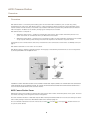
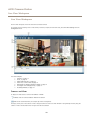
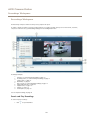
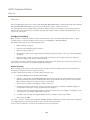
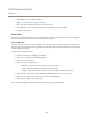
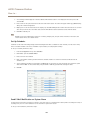
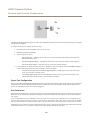
A map is an imported image on which camera views, split views, sequences, web pages and other maps can be placed. The map gives
a visual overview and makes it easy to quickly locate and access individual cameras. To open a camera or view from a map, click on
the corresponding icon. Action buttons from Event Configuration can also be used with maps.
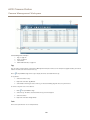
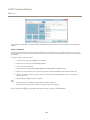
To create a map, follow these steps:
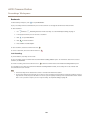
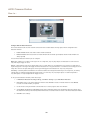
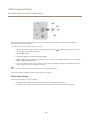
1. In the Live View workspace, click
to expand Views.
2. Right-click on a view group and select New Map.
3. Enter a name for the map.
4. Click Import Map and browse to locate the file.
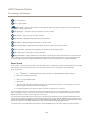
5. Drag desired views from the tabs Cameras, My Views and Shared Views to the map.
6. When satisfied, click OK to create the map.
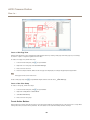
To remove a view from the map, select the view and click Delete View.
To edit a map, click
to expand Views. Right-click the map and select
39
Edit Map.