1
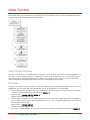
Selecting a Keypad to Modify
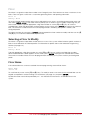
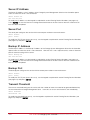
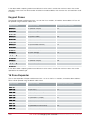
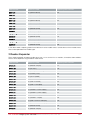
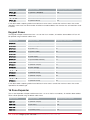
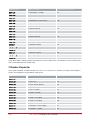
Each keypad is assigned a unique address from 001 to 250. Programming the address of the LCD Keypad
Module (PRT-KLCD) is covered in the installation instructions included with your PRT-KLCD LCD Keypad
Module.
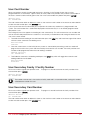
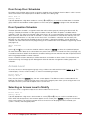
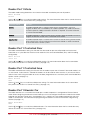
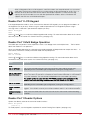
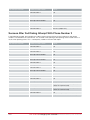
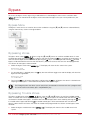
LCD Keypad to
modify: KP001
Type the appropriate 3-digit LCD Keypad address or use the [Ð] and [Ï] keys. When the desired address
appears on the screen, press [ENTER] to program the selected LCD Keypad. The maximum number of
keypads that can be programmed is limited by your system's memory and configured profile.
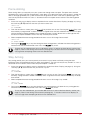
Displaying Selected Keypad Information
It is possible to show the current keypad details (registration, online and version information) from the keypad
selection display.
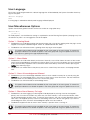
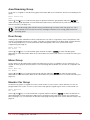
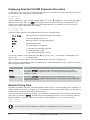
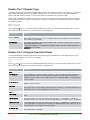
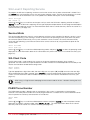
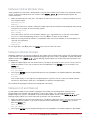
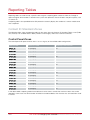
LCD Keypad to
modify: KP001
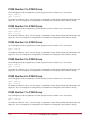
Type the appropriate 3-digit LCD Keypad address or use the [Ð] and [Ï] keys. When the desired address
appears on the screen, press [ARM] key display information on the selected LCD Keypad. The screen will now
display information about the keypad that you have selected. Press any other key to return to the keypad
selection window.
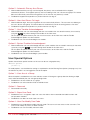
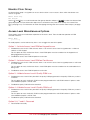
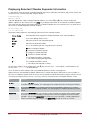
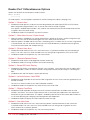
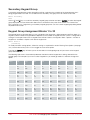
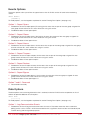
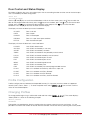
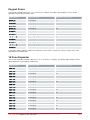
DE-34-5C-77 [4B]
V 1.15 0622
RO
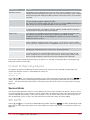
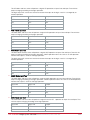
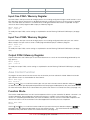
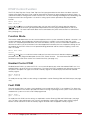
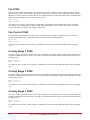
The display above represents the following information for the selected keypad:
DE-34-5C-77
Serial Number of the registered keypad at this address.
[4B]
The current polling timeout value.
V 1.15
Software version of the registered keypad.
0622
Software build number.
R
The keypad is registered (* will indicate no keypad registered)
O
The keypad is online (* will indicate the keypad is offline)
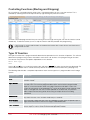
To view the IP address of the module press the [Ï] key from this view.
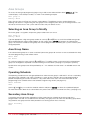
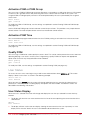
RS-485 LAN "---.---.---.---" will be displayed.
If the module is connected over the
To list all offline or online modules refer to the section Module Network Functions (see page 201).
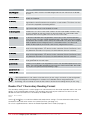
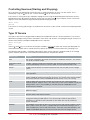
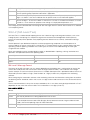
Special functions are provided to update and update reset a module individually by using a shortcut key directly
from the keypad selection screen.
Key
Function
[STAY]
Pressing the [STAY] key will update the keypad number that is currently displayed in the
module selection window. This will program the module WITHOUT resetting the module.
[FORCE]
Pressing the [FORCE] key will update and the keypad number that is currently displayed
in the module selection window. This will program the module and then restart the
module.
PRT-CTRL-SE Protege System Controller Reference Manual | PRT-CTRL-SE
53