Download Casio E-105 Specifications
Transcript
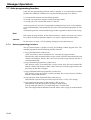
Manager Operation
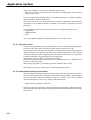
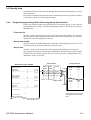
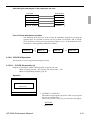
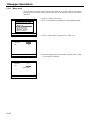
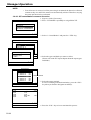
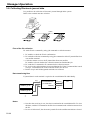
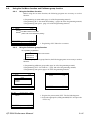
The procedure of Data Backup to the CF card
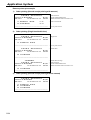
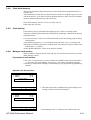
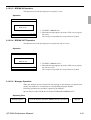
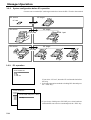
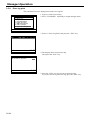
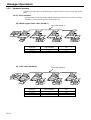
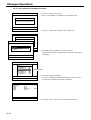
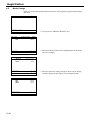
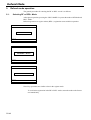
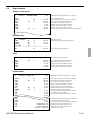
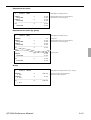
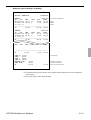
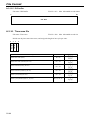
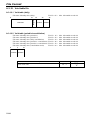
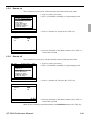
1. Sign on a clerk (if necessary)
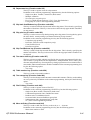
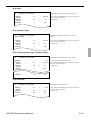
X/Z C01
10-10-01 12:34
000000
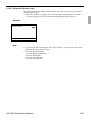
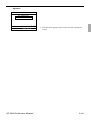
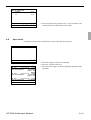
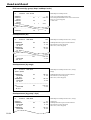
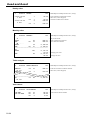
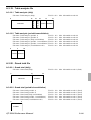
2. Press the <X/Z Mode> key repeatedly to assign “CF card.”
CF Card
1.Data Backup
2.Data Restore
3.Backup File List
4.CF Card Format
0.00
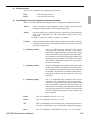
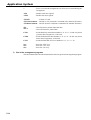
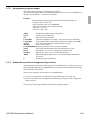
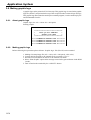
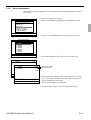
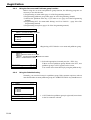
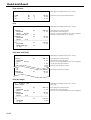
3. Select the appropriate menu you want by following the
guidance. Insert the CF card to the slot securely.
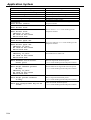
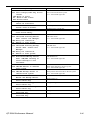
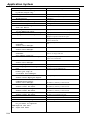
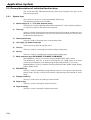
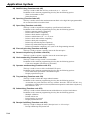
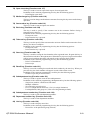
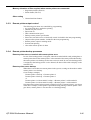
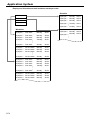
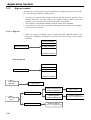
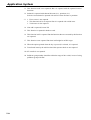
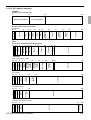
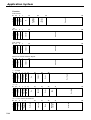
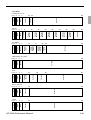
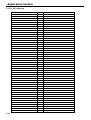
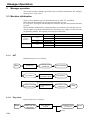
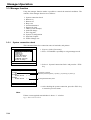
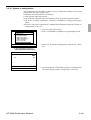
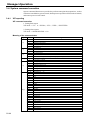
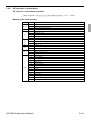
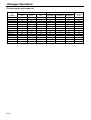
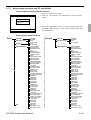
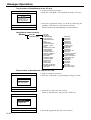
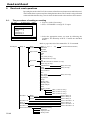
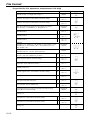
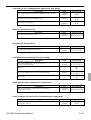
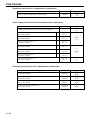
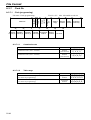
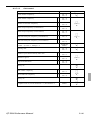
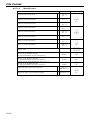
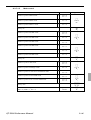
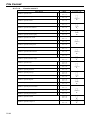
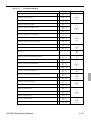
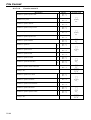
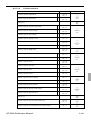
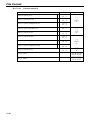
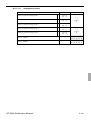
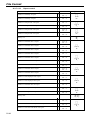
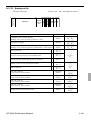
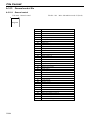
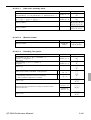
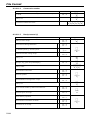
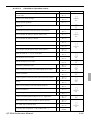
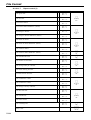
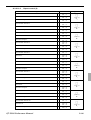
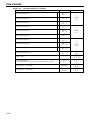
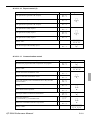
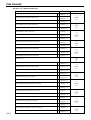
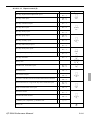
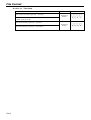
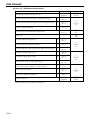
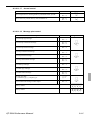
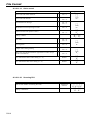
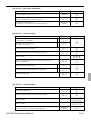
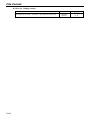
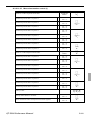
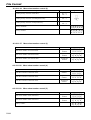
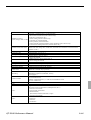
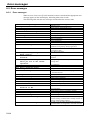
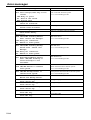
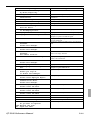
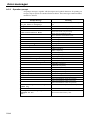
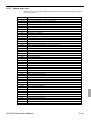
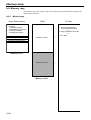
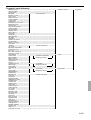
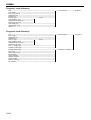
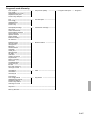
The hierarchy of the Data Backup is described below.
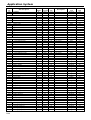
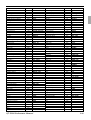
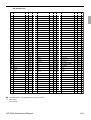
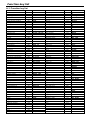
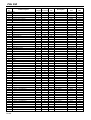
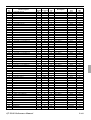
Data Backup menu hierarchy
Backup
Copy All
Individual Files
All Data
All PGM
Fixed Totalizer
Free Function
Sub Department
PLU
Department
Group Character
Cashier / Clerk
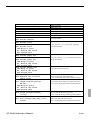
Void
Scanning PLU link
Table Analysis
GT Character
General Feature
Special Character
Report Header
Tax Table
Pulldown Group
Set Menu Table
Clerk Key ID
Batch X / Z
Clerk Detail
Receipt / SLIP Msg
Endorse Message
ARG GP1
ARG GP2
ARG GP3
ARG GP4
ARG GP5
Text Recall
Check Print
Graphic Logo
PLU 2nd@
Shift PLU
Scheduler
Order Char Link
Keyboard
System Connection
I / O Parameter
Printer Connection
Hourly/tem Link
Time Zone
Employee
Job Code
Schedule
IDC Link
Euro (Sub Curr)
Auto Pgm control
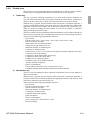
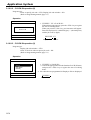
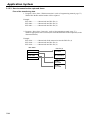
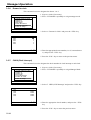
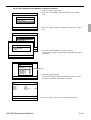
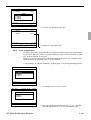
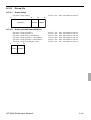
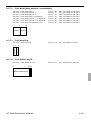
The procedure of Data Restore from the CF card
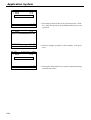
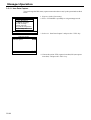
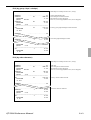
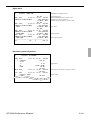
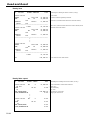
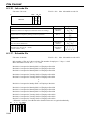
1. Sign on a clerk (if necessary)
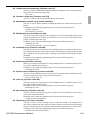
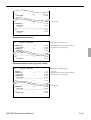
X/Z C01
10-10-01 12:34
000000
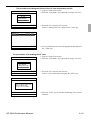
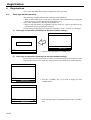
2. Press the <X/Z Mode> key repeatedly to assign “CF card.”
CF Card
1.Data Backup
2.Data Restore
3.Backup File List
4.CF Card Format
0.00
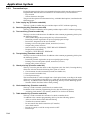
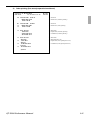
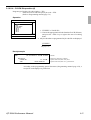
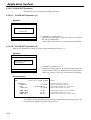
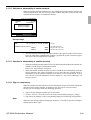
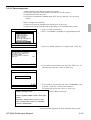
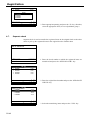
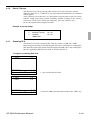
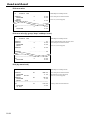
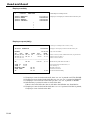
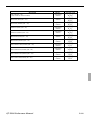
3. Insert the CF card to the slot securely.
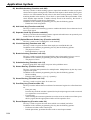
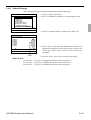
Select “2. Data Restore” and press the <YES> key.
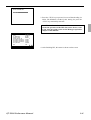
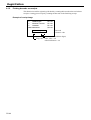
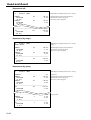
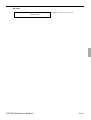
CF Card
Data Restore
1.FILE004P.004
2.FILE090P.090
3.FILE028P.028
0.00
4. Select the appropriate file you want to restore.
R-126